Issues found with Beta
-

Folks,
I was able to give the Navigation Next Beta a test run last week. I DID NOT use the beta that just was released a few days ago. Here is what I found:
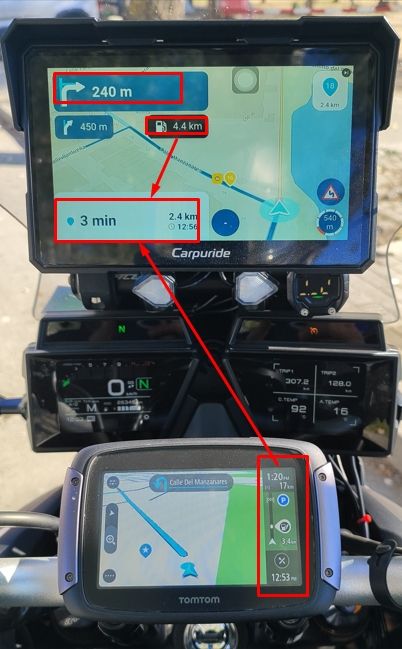
- The route map, arrow traveling along your route as you ride did not initially work. I had the location set to "Allow only when using the app". When I set location to "Always", the route map started to track my position and center on the screen. Which is correct.
- When listening to "turn-by-turn" directions, the voice correctly announces the distance in "imperial". The distance is also correct on the map. When you get under a mile to a waypoint, the voice is correct, but the map displays the distance in meters.
- During my ride, I had a detour and missed a waypoint. The app constantly tried to re-route me to the missed waypoint. I allowed it to do this up until I pasted an additional 3 waypoints. It never re-routed me. I had to stop using the app.
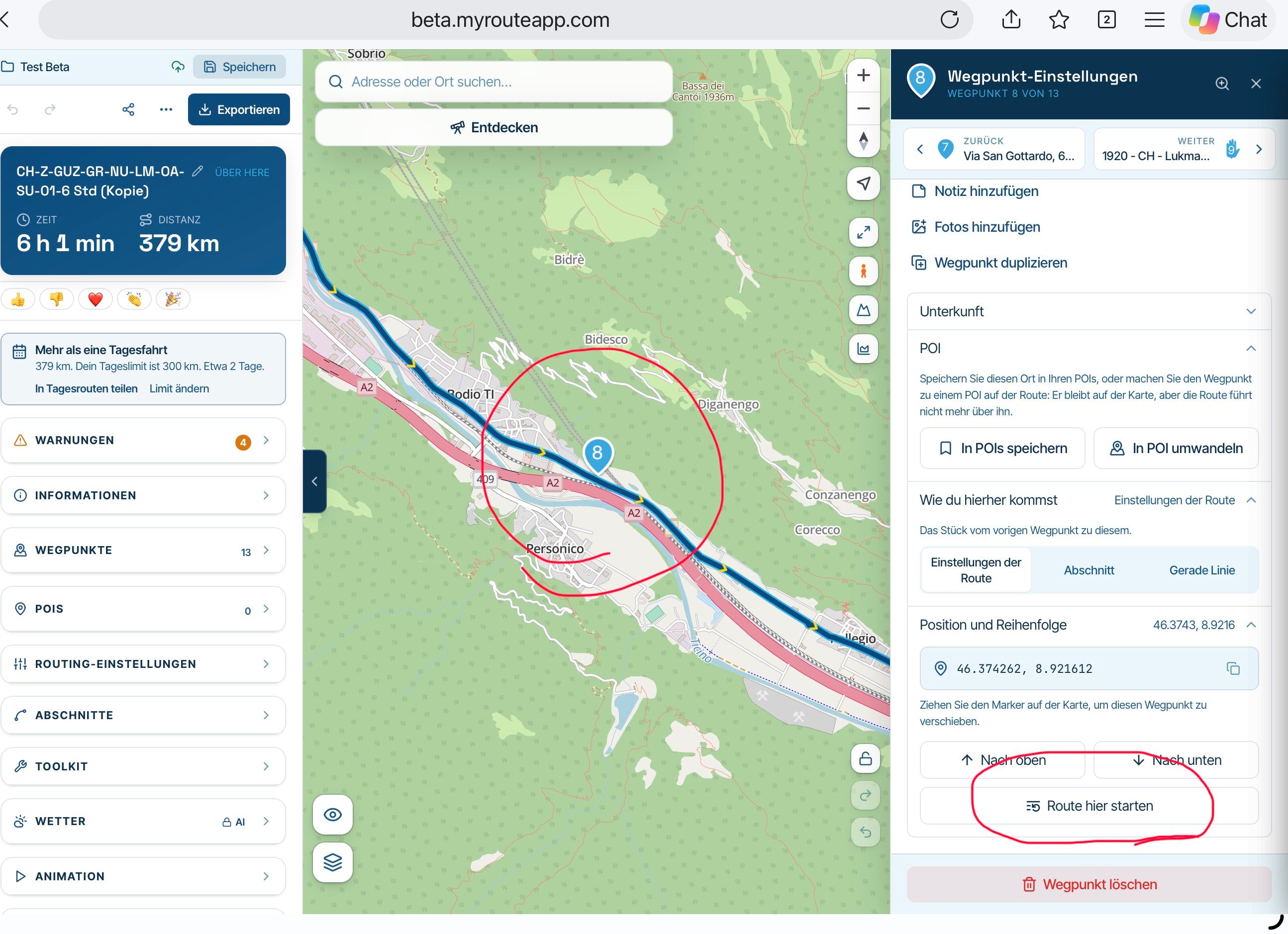
- One big issue I have with this app is how it selects the map to use. I design my routes using your website. I typically use Tom-Tom since it is the most up-to-date map for my area. We have new roads that are not on Here or OpenStreets. I really would like the app to use the same map that I design my route and select it automatically. I design in Tom-Tom, Navigation Next knows I designed in Tom-Tom and navigates in Tom-Tom. This have caused me huge usage problems since other maps will re-route me without any notification.
Thanks for the great work!
Joe -
Folks,
I was able to give the Navigation Next Beta a test run last week. I DID NOT use the beta that just was released a few days ago. Here is what I found:
- The route map, arrow traveling along your route as you ride did not initially work. I had the location set to "Allow only when using the app". When I set location to "Always", the route map started to track my position and center on the screen. Which is correct.
- When listening to "turn-by-turn" directions, the voice correctly announces the distance in "imperial". The distance is also correct on the map. When you get under a mile to a waypoint, the voice is correct, but the map displays the distance in meters.
- During my ride, I had a detour and missed a waypoint. The app constantly tried to re-route me to the missed waypoint. I allowed it to do this up until I pasted an additional 3 waypoints. It never re-routed me. I had to stop using the app.
- One big issue I have with this app is how it selects the map to use. I design my routes using your website. I typically use Tom-Tom since it is the most up-to-date map for my area. We have new roads that are not on Here or OpenStreets. I really would like the app to use the same map that I design my route and select it automatically. I design in Tom-Tom, Navigation Next knows I designed in Tom-Tom and navigates in Tom-Tom. This have caused me huge usage problems since other maps will re-route me without any notification.
Thanks for the great work!
Joe
@Joe-Rebele Hi Joe, thanks for your feedback!
1: I do not completely understand what you are saying but I think you mean that the camera was not following your location. If you click the compass icon, it will again!

2: Are you using 3.2.5? Version 3.2.4 did not use yards, 3.2.5 should. Please check this.
3: The app won't automatically skip any waypoint. This will be added in a later version. You can skip a waypoint by clicking on the waypoint shown top right of your screen / opening the menu and clicking skip / long press the waypoint on the map you want tot navigate to.
4: The Navigation app will work with HERE only. So if you want to make sure it is identical to your route made in the website, create it using the HERE map. Disclaimer: due to different HERE versions, there is a slight chance the web version converges from the app versionCheers!
Hello! It looks like you're interested in this conversation, but you don't have an account yet.
Getting fed up of having to scroll through the same posts each visit? When you register for an account, you'll always come back to exactly where you were before, and choose to be notified of new replies (either via email, or push notification). You'll also be able to save bookmarks and upvote posts to show your appreciation to other community members.
With your input, this post could be even better 💗
Register Login-
 1011108
-
 2463.0k
-
 5251.1k
-
011287
-
 0542
-
 0534
-
 0532
-
0443