Waypoint Widget missing on iOS
-
Hi
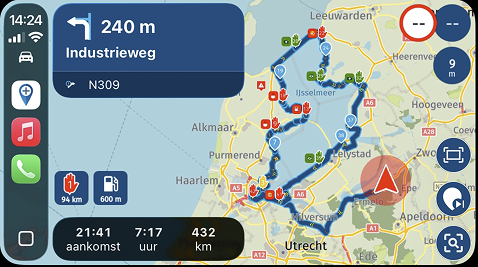
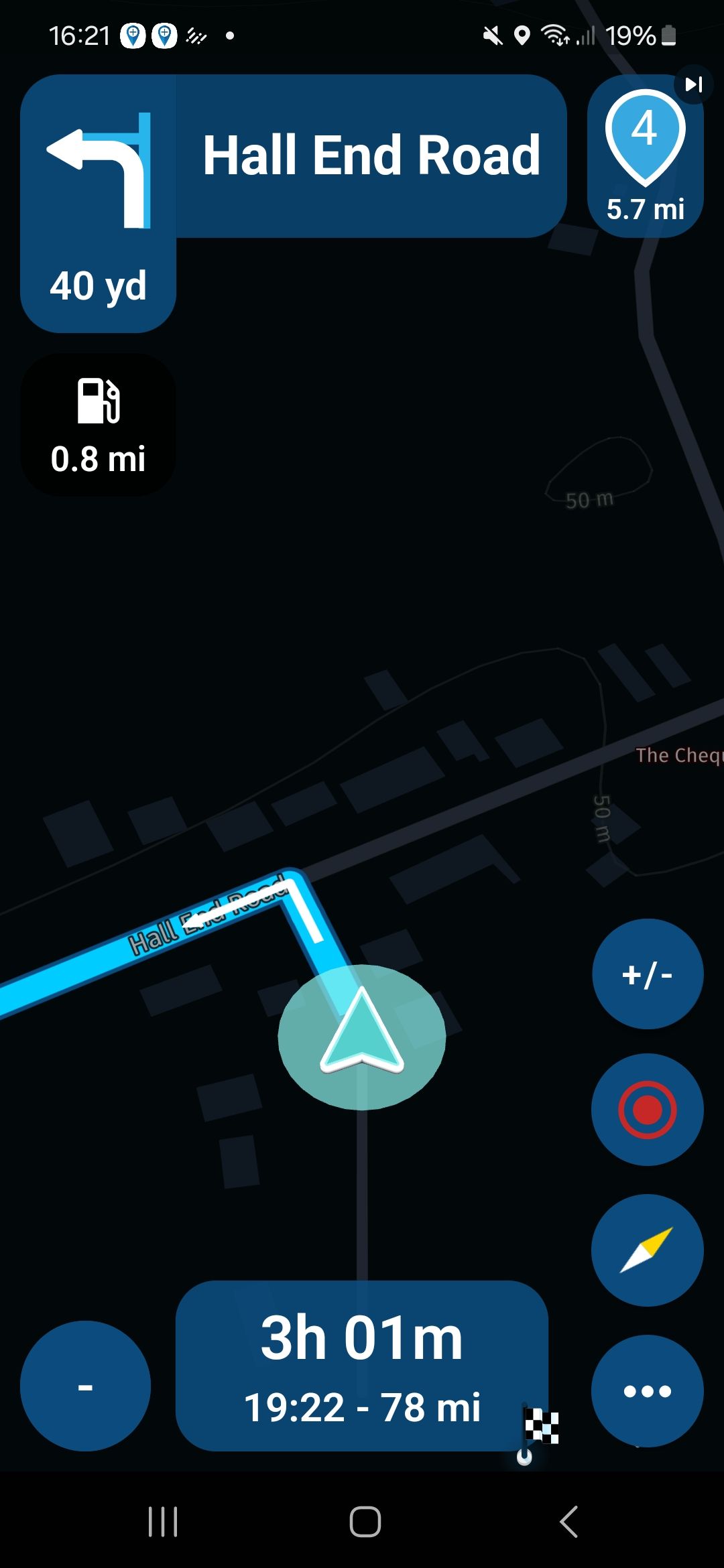
On my Samsung S23 & 21 I have the screen widget showing the next shaping/waypoint '4' top right corner, but it's missing on my iPhone, I can't find a setting for this that would explain the missing '4' in this example.
Any ideas?
Thanks
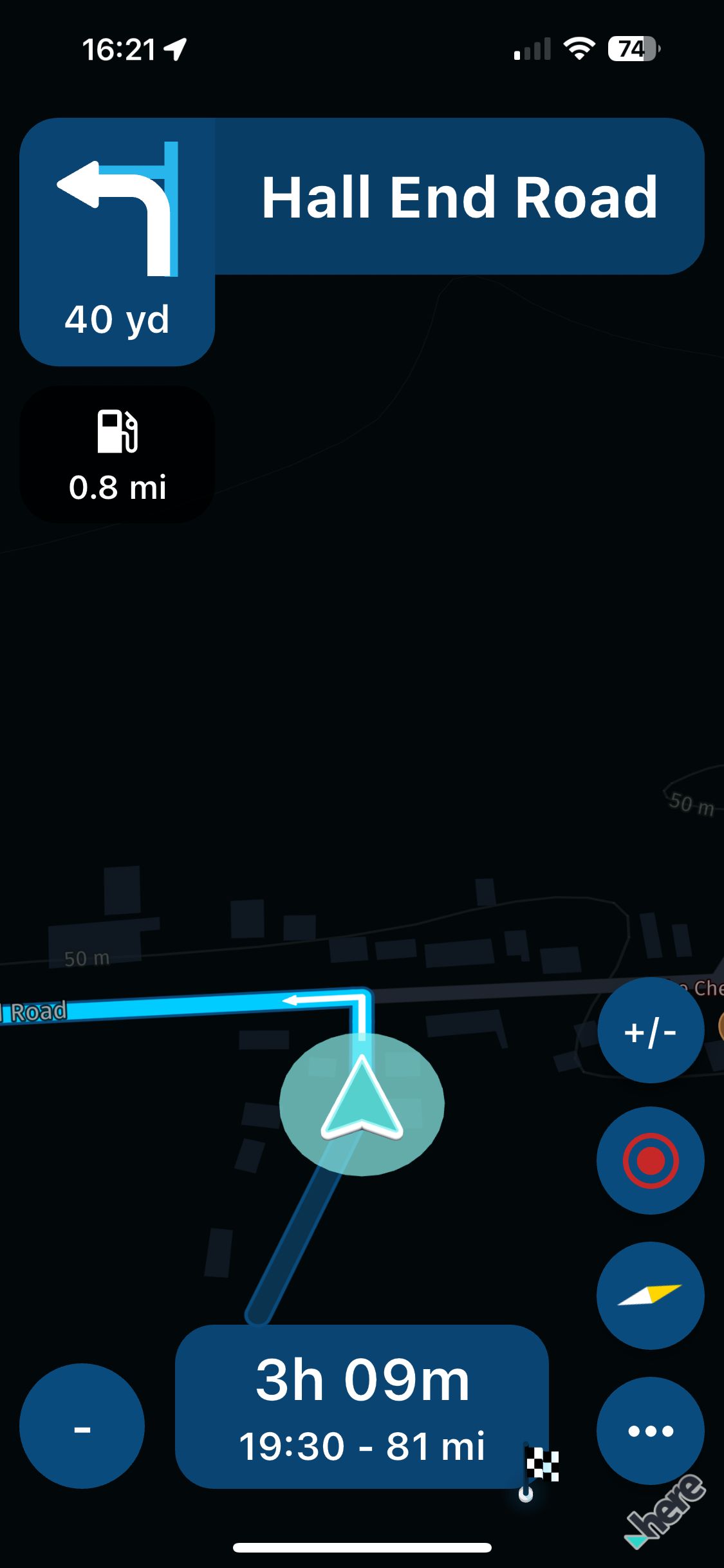
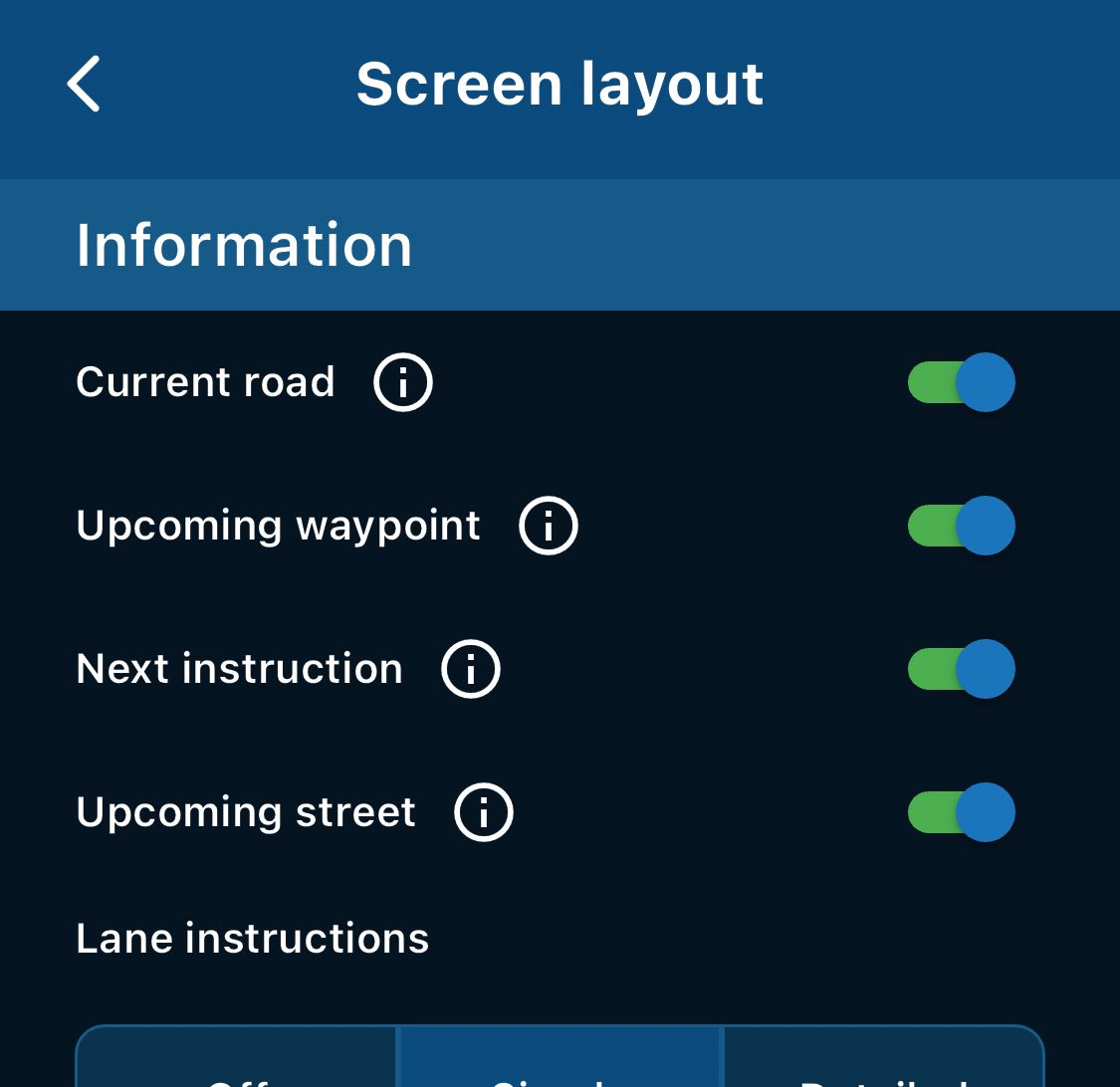
-
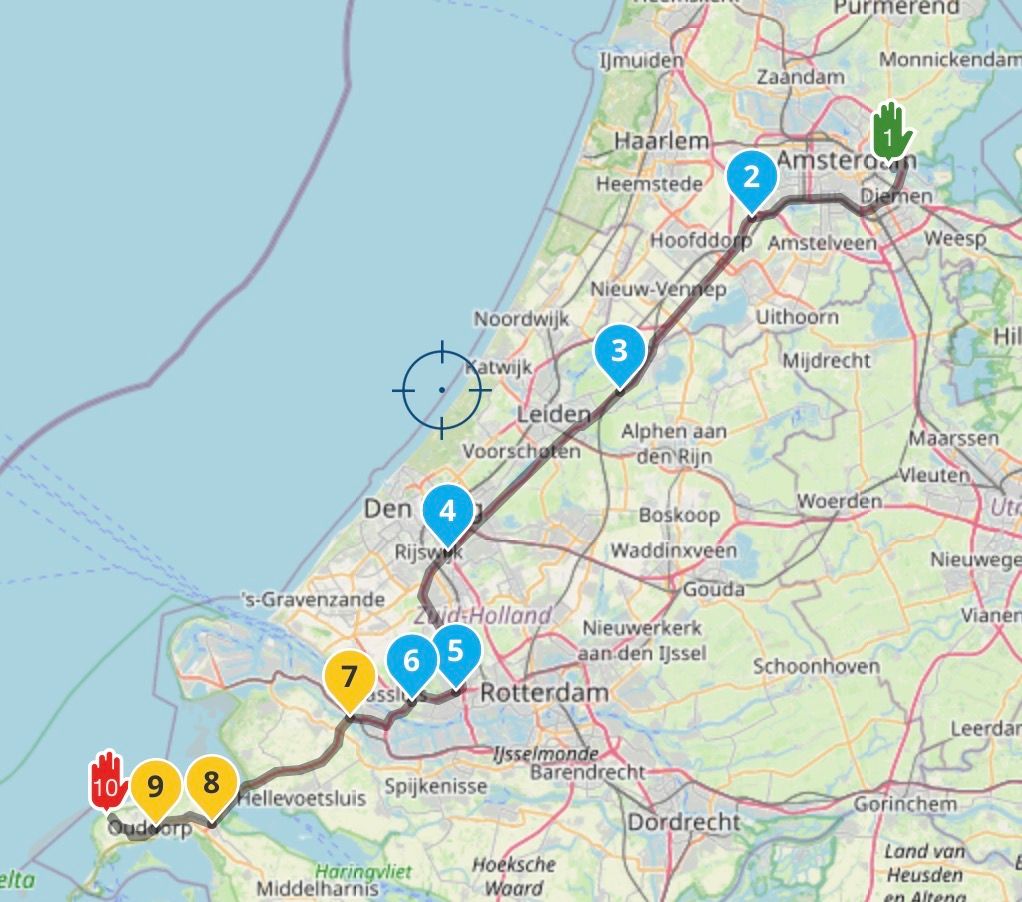
Is the waypoint displayed on the map?
You might have enabled track navigation on your iPhone. -
Is the waypoint displayed on the map?
You might have enabled track navigation on your iPhone.@Corjan-Meijerink, I believe the lower left corner of the ETA field is free for an extra symbol. What do you think of this?
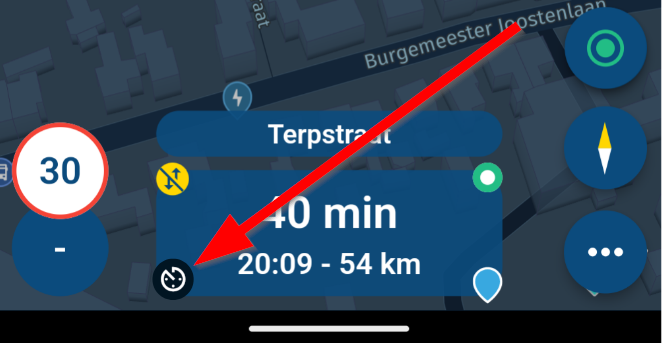
It could perhaps show a track symbol to indicate a route, or a profile symbol (helmet, car, camper, truck) to indicate a route.
-
I compared all the settings between iOS and Android and they were the same.
I uninstalled the App from iOS and then reinstalled and it was fixed, strange.GSA1250
HD Street Glide
HD Sport Glide
XT500 x 2 -
I compared all the settings between iOS and Android and they were the same.
I uninstalled the App from iOS and then reinstalled and it was fixed, strange.@Rob-Kelley, maybe not so strange, as the default setting of a freshly installed app is to navigate routes as routes and not tracks (like Corjan mentioned).



Hello! It looks like you're interested in this conversation, but you don't have an account yet.
Getting fed up of having to scroll through the same posts each visit? When you register for an account, you'll always come back to exactly where you were before, and choose to be notified of new replies (either via email, or push notification). You'll also be able to save bookmarks and upvote posts to show your appreciation to other community members.
With your input, this post could be even better 💗
Register Login-
08162
-
05127
-
04115
-
1461466
-
039
-
038530
-
4201.5k
-
05243