Best practice on the topic of "Zoom"
-

How do you have your setup so that you have the best "zoom experience"? I'm still looking for my "zoom setup".
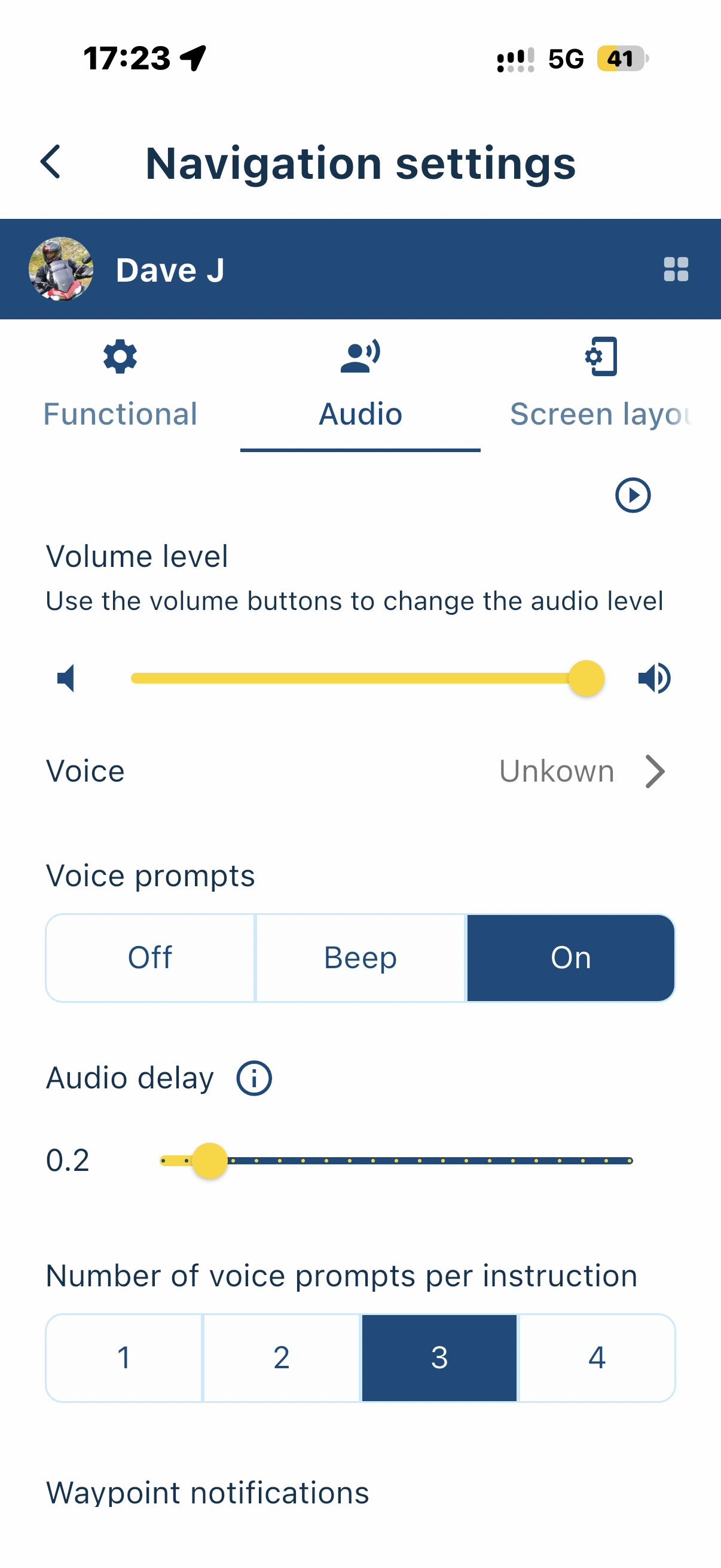
- There are the basic settings in the app (-- to ++)
- Then I can use the +/- buttons to set the zoom for the current route
- I can also change the view of the route by pressing the compass needle several times
- On top of this is the automatic zoom, which can also be changed via the basic settings. Here I have set the "4th option"
There are certainly different approaches and different wishes on the subject of "zoom". I would still be interested to know how you handle this.
Thank you!
Peter
Hello! It looks like you're interested in this conversation, but you don't have an account yet.
Getting fed up of having to scroll through the same posts each visit? When you register for an account, you'll always come back to exactly where you were before, and choose to be notified of new replies (either via email, or push notification). You'll also be able to save bookmarks and upvote posts to show your appreciation to other community members.
With your input, this post could be even better 💗
Register Login-
 01331
01331
-
 08138
08138
-
 09248
09248
-
 0531
0531
-
 038
038
-
0318
-
 0330
0330
-
029