No curvy A to B Route with Android
-

Hi, for some reason, I can not make any curvy A to B Route on my Android tablet.
All three curvy option will not work only straight route.After choosing a target, I can click on a curvy option, the new preview will be shown. Then I click on the yellow arrow.
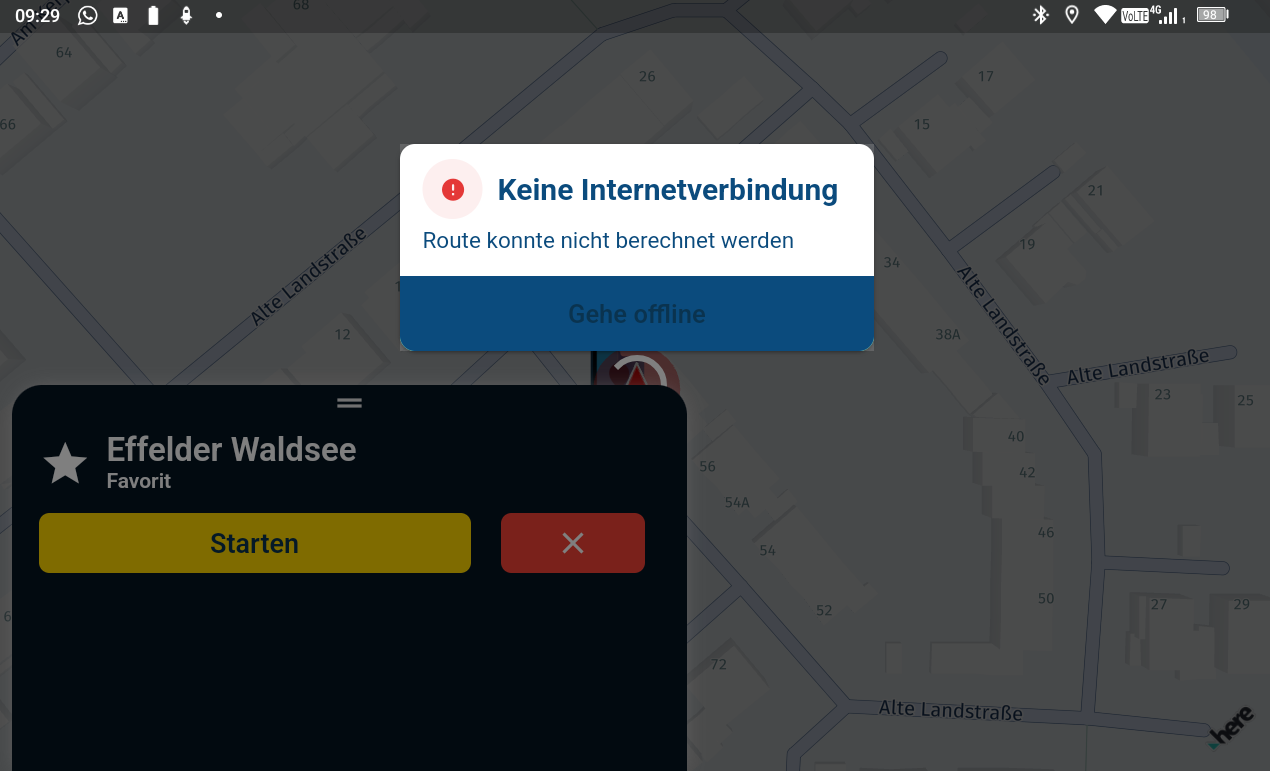
The full map page opens and you can see a rotating circle. After 5-7 seconds there is a message, No Internet (route can not be calculated) Go Offline.What is wrong? As you can see Internet is available.
Hardware
iPhone 12 pro (iOS 26.2.1)
iPad (7.Gen.) 18.7.3
Oukitel RT3 Pro (Andr. 14)
Wireless CarPlay mit (Elebest C650)
Wired CarPlay (SEAT Arona - 2021)
MRA Workshops in Deutsch sind hier zu finden -
Hi, for some reason, I can not make any curvy A to B Route on my Android tablet.
All three curvy option will not work only straight route.After choosing a target, I can click on a curvy option, the new preview will be shown. Then I click on the yellow arrow.
The full map page opens and you can see a rotating circle. After 5-7 seconds there is a message, No Internet (route can not be calculated) Go Offline.What is wrong? As you can see Internet is available.

@Jörgen on the previous screen, where the route was generated, did you see a route at all?
-
@Jörgen on the previous screen, where the route was generated, did you see a route at all?
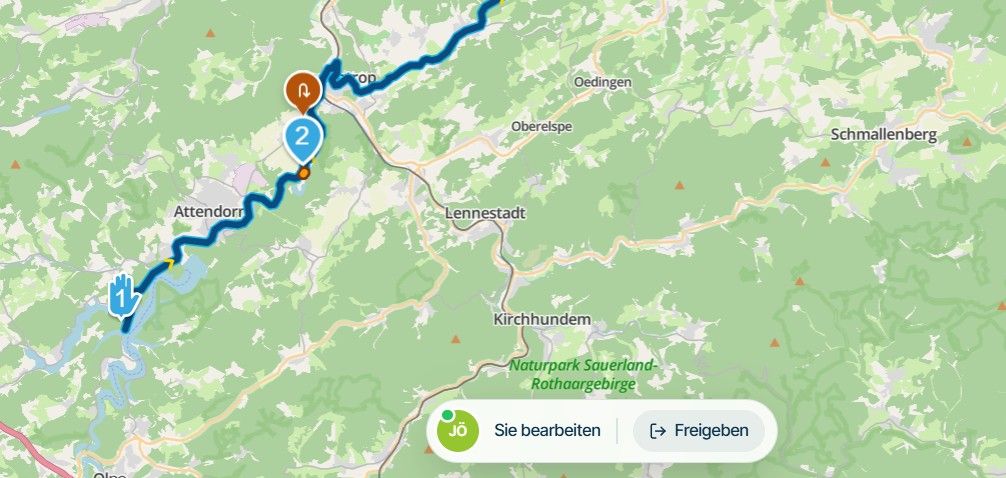
@Corjan-Meijerink Yes in the overview the route was seen.
Hardware
iPhone 12 pro (iOS 26.2.1)
iPad (7.Gen.) 18.7.3
Oukitel RT3 Pro (Andr. 14)
Wireless CarPlay mit (Elebest C650)
Wired CarPlay (SEAT Arona - 2021)
MRA Workshops in Deutsch sind hier zu finden -
@Corjan-Meijerink Yes in the overview the route was seen.
You see this before <
this works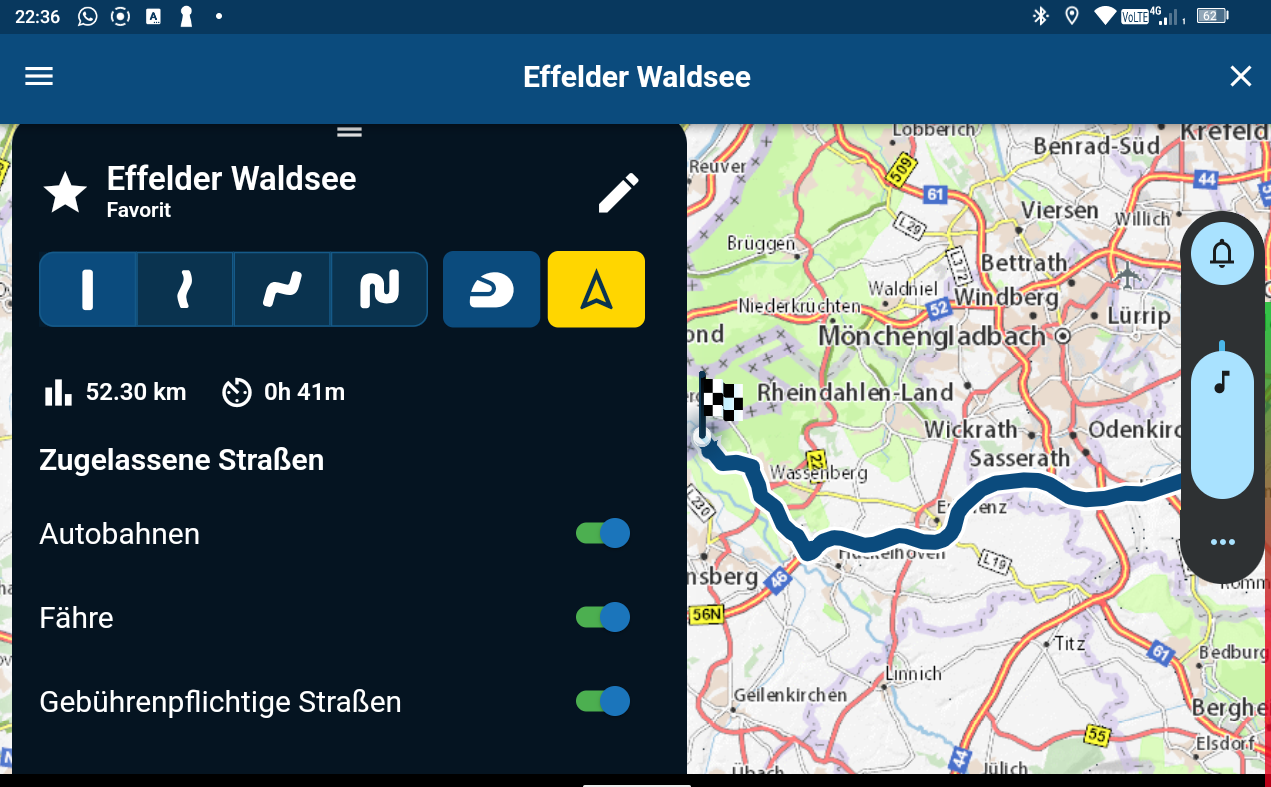
And then this
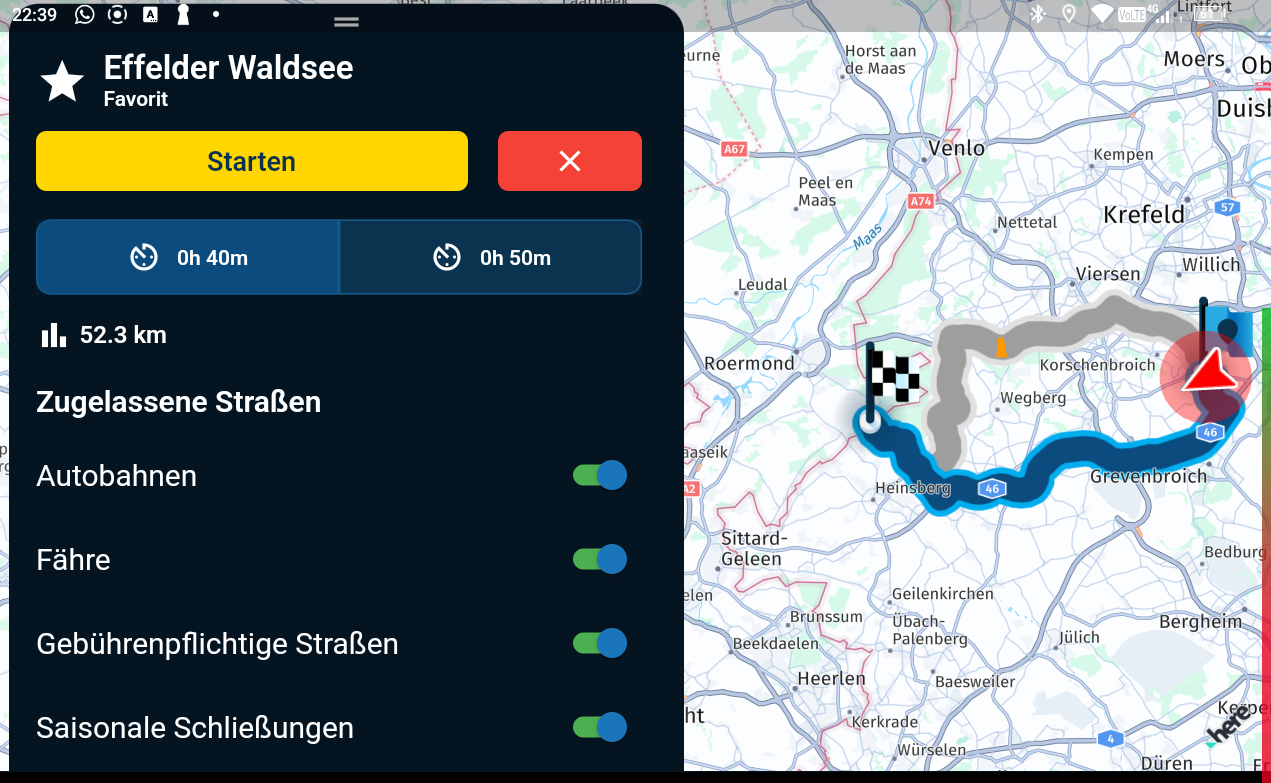
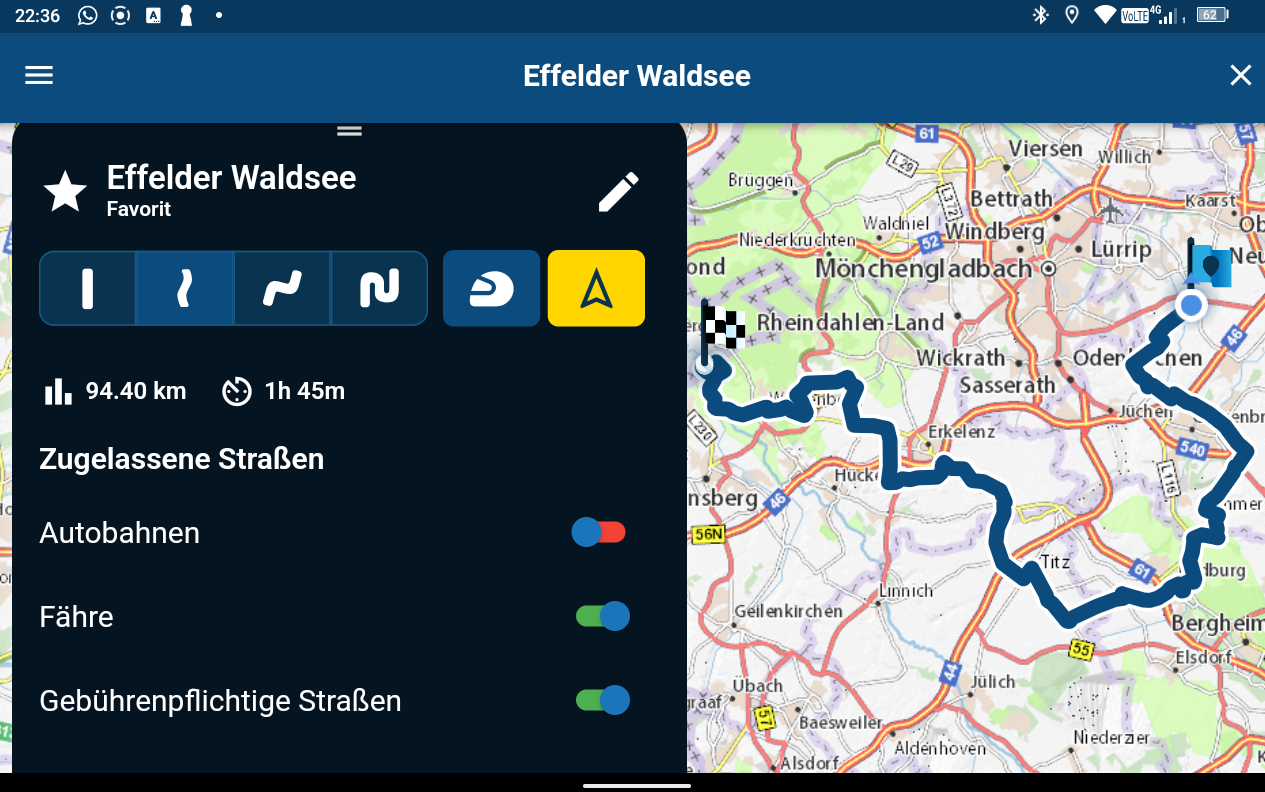
This not, here comes next the pic above in my first thread.
Hello! It looks like you're interested in this conversation, but you don't have an account yet.
Getting fed up of having to scroll through the same posts each visit? When you register for an account, you'll always come back to exactly where you were before, and choose to be notified of new replies (either via email, or push notification). You'll also be able to save bookmarks and upvote posts to show your appreciation to other community members.
With your input, this post could be even better 💗
Register Login-
 01543
01543
-
 911410.7k
-
0926
-
 0714
0714
-
 0612
0612
-
0621
-
 0731
0731
-
 0726
0726