Parametre de zoom pour la carte et les indications
-
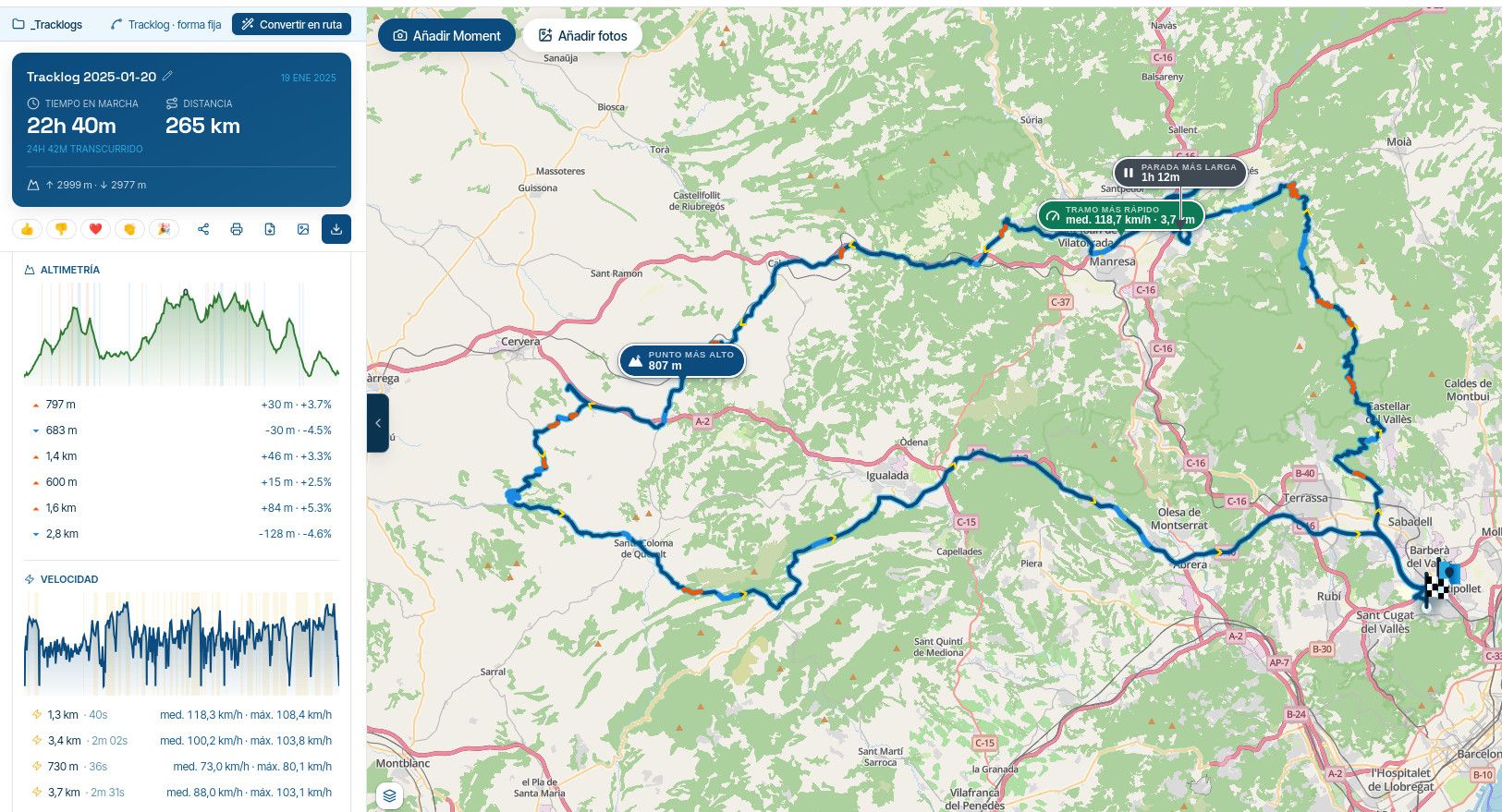
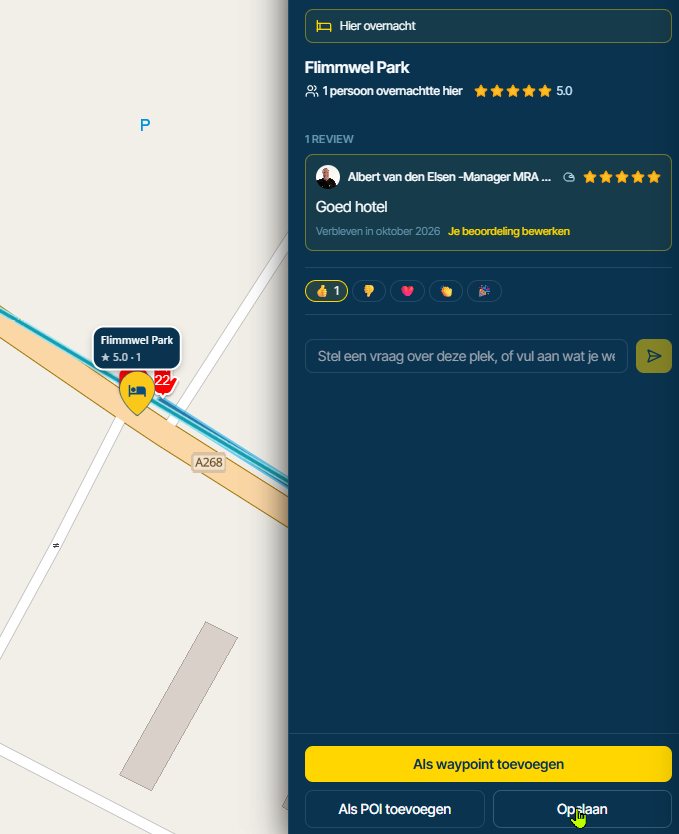
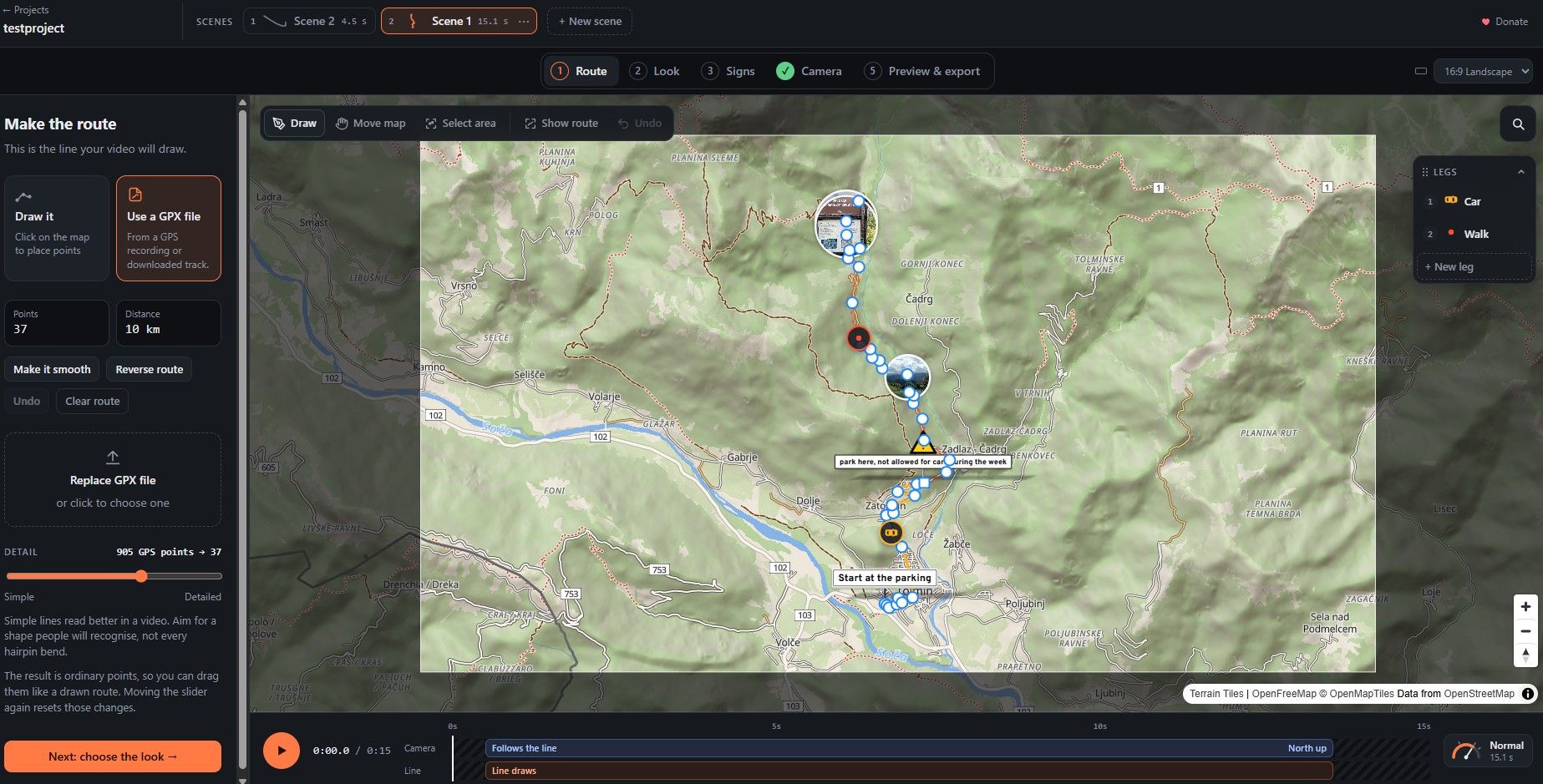
would it be possible to have a functional zoom parameter for the whole application. (The map and the displays) because on a tablet the basic size is too small in my opinion, with a general functional parameter we could choose a customizable zoom for the entire application.

@Calibos Do you mean on map level or also in texts? The fonts used are not "scalable," which means that if you have selected a larger font size in the settings of your device, MRA doesn't do anything with it. On a map level, you can determine the zoom level yourself when navigating. Click on the +/- sign to do so. When designing the route, you can zoom in as much as you like.
-

What I wanted to say is to add two customizable parameters that will be general to the whole application.
1-A map zoom value parameter set to a value chosen by the user. We will of course keep the possibility of zooming directly with the +/- keys as is already the case but this will avoid having to zoom to each time a route is loaded and in addition if subsequently the developer implements an automatic zoom at intersections, the return to the default zoom will be found
2- An independent text zoom parameter but always set to a value chosen by the userI tested the app with a phone this morning and I better understand why my suggestions are more difficult to understand with a smaller screen.
But isn't the possibility of adapting an app to all users the problem permanent and so complex of each developer ? -
What I wanted to say is to add two customizable parameters that will be general to the whole application.
1-A map zoom value parameter set to a value chosen by the user. We will of course keep the possibility of zooming directly with the +/- keys as is already the case but this will avoid having to zoom to each time a route is loaded and in addition if subsequently the developer implements an automatic zoom at intersections, the return to the default zoom will be found
2- An independent text zoom parameter but always set to a value chosen by the userI tested the app with a phone this morning and I better understand why my suggestions are more difficult to understand with a smaller screen.
But isn't the possibility of adapting an app to all users the problem permanent and so complex of each developer ?
@Calibos Yes, completely clear now.
Having a default setting in your personal preferences to set a zoom level so that you don't have to adjust it constantly is understandable and can be handy.
I don't think scalable texts will be implemented for now. This means that all text-containing boxes should also be variable. It is not on the roadmap and I'm afraid it won't be added for the time being. -
I can easily understand that all these suggestions represent a considerable amount of work being myself an industrial application designer. You just have to put these "good ideas" in a list for later.
@Calibos said in Parametre de zoom pour la carte et les indications:
You just have to put these "good ideas" in a list for later.
I understand your point, but like you, I'm just an ordinary user. However, developers do read along.
-

And I read everything

I've added the suggestion on our community feedback backlog for after the release. -
And I read everything
I've added the suggestion on our community feedback backlog for after the release.
@Corjan-Meijerink
thank you and congratulations for all.
“It is often reported when something is wrong but rarely when it is going well” -

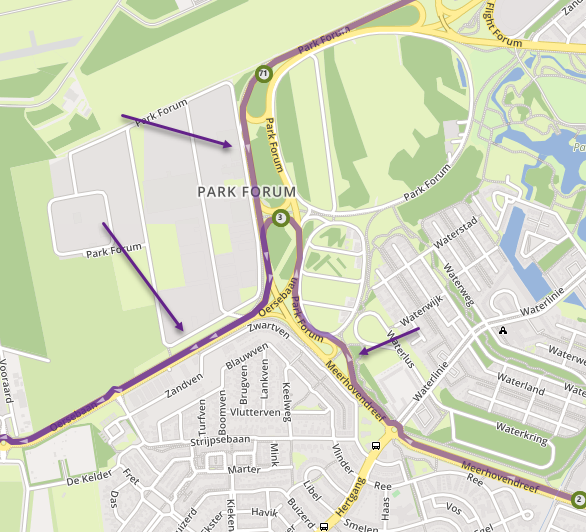
I also find the extremely small POI symbols on the maps impossible to read/decipher while riding. The following screen shot is from my tablet which is much larger than my phone.
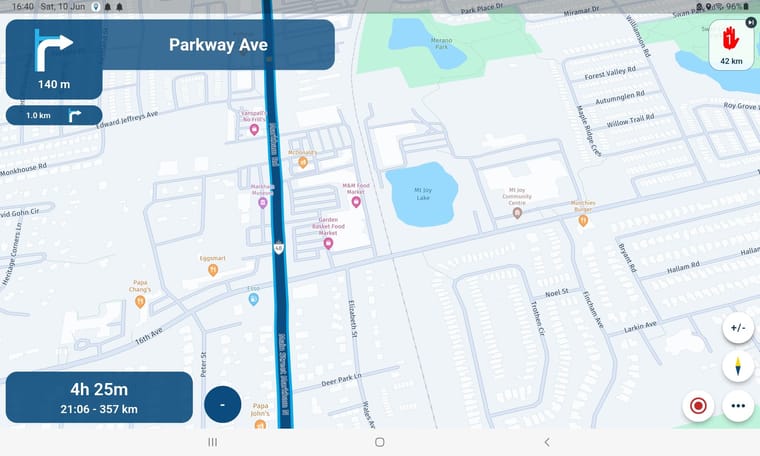
2010 GL1800 Goldwing using Samsung Galaxy S20 5G Android 13.
-
I also find the extremely small POI symbols on the maps impossible to read/decipher while riding. The following screen shot is from my tablet which is much larger than my phone.
@Doug-Robinson those POI's are comming with the map-provider. I don't think MRA is able to make that better.
🏍️ BMW K1600GT-P (2013) | Nolan N100-5 with Sena 30K
📱 iOS on iPhone 13 & 16 (mounted on Quadlock or AliExpress extention on BMW-cradle)
🚙 Apple CarPlay in VW T-Roc
💻 Routelab on MacBook Air & iMac (Golden Gate & Ventura) -
@Doug-Robinson those POI's are comming with the map-provider. I don't think MRA is able to make that better.
@Rob-Verhoeff I can zoom in on the map but the POIs remain the same size.
2010 GL1800 Goldwing using Samsung Galaxy S20 5G Android 13.
-
@Rob-Verhoeff I can zoom in on the map but the POIs remain the same size.
@Doug-Robinson yep, also on this side. But when zooming in, more POI's are shown. So I still think it's map-provider dependent.
-
This is something we will look into later

Hello! It looks like you're interested in this conversation, but you don't have an account yet.
Getting fed up of having to scroll through the same posts each visit? When you register for an account, you'll always come back to exactly where you were before, and choose to be notified of new replies (either via email, or push notification). You'll also be able to save bookmarks and upvote posts to show your appreciation to other community members.
With your input, this post could be even better 💗
Register Login-
 08199
08199
-
 0520
0520
-
0746
-
039
-
0310
-
023
-
 4234.9k
-
 52107
52107