Carplay related observations
-

Hi,
Because I ride Africa Twin my focus is in Carplay and how to use the app with handlebar switches and what it displayed on carplay screen.
So far:
-
Navigation is stopped when Back switch is pressed (when in full screen). I think that this is not standard behaviour because with all other navigation apps carplay goes to dashboard view and navigation continues
-
voice guidance speaks "mixed" language. If the app language is English and iPhone's is Finnish, the numbers (distances) are spoken in Finnish and all other in English.
-
to be able to select only the "Last route" to navigate doesn't work for me. I plan the routes with different devices than the one I connect to carplay so in the most of the cases it is not the last route which I'm going to navigate, which causes unnecessary "gloves off-open app-search route-start-it-gloves on"procedures.
-
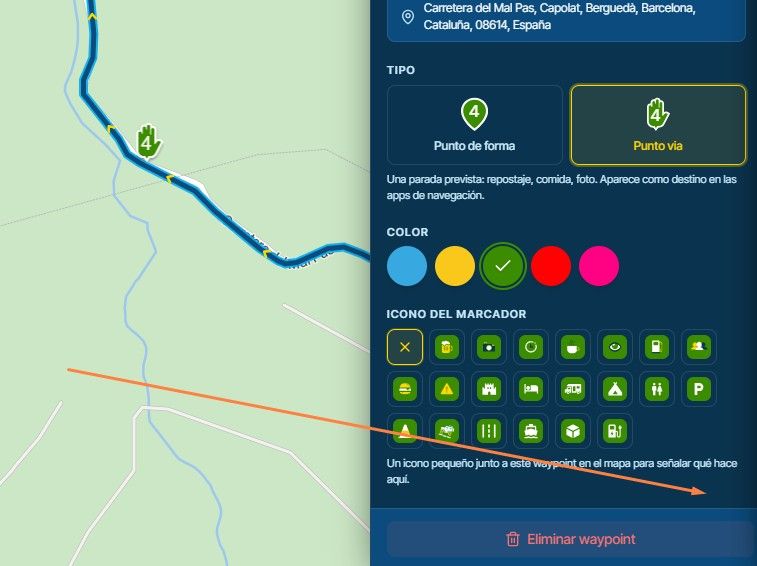
showing the next shaping point on screen is not that useful, because they are just tools to enforce the routing. The next turn and via (stop) are much more important. Actually the distance and time to the next Via should be displayed.
-
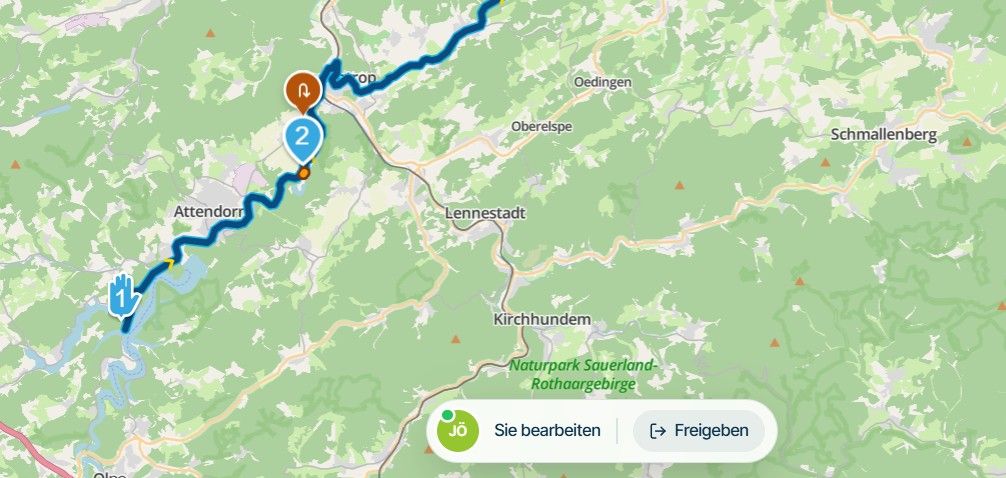
it is laborious to start navigation again in the middle route. It seems that automatic skipping doesn't work in this case, so you need to skip manually all the passed points (tens in worst case). I'd be happy if the navigation would just automatically skip all the previous vias and stops.
br,
Timo -
-
Hi,
Because I ride Africa Twin my focus is in Carplay and how to use the app with handlebar switches and what it displayed on carplay screen.
So far:
-
Navigation is stopped when Back switch is pressed (when in full screen). I think that this is not standard behaviour because with all other navigation apps carplay goes to dashboard view and navigation continues
-
voice guidance speaks "mixed" language. If the app language is English and iPhone's is Finnish, the numbers (distances) are spoken in Finnish and all other in English.
-
to be able to select only the "Last route" to navigate doesn't work for me. I plan the routes with different devices than the one I connect to carplay so in the most of the cases it is not the last route which I'm going to navigate, which causes unnecessary "gloves off-open app-search route-start-it-gloves on"procedures.
-
showing the next shaping point on screen is not that useful, because they are just tools to enforce the routing. The next turn and via (stop) are much more important. Actually the distance and time to the next Via should be displayed.
-
it is laborious to start navigation again in the middle route. It seems that automatic skipping doesn't work in this case, so you need to skip manually all the passed points (tens in worst case). I'd be happy if the navigation would just automatically skip all the previous vias and stops.
br,
Timo
@Timo-b thanks for sharing! We still got quite some work to do with CarPlay

We will take all your info into consideration while developing.
-
Hello! It looks like you're interested in this conversation, but you don't have an account yet.
Getting fed up of having to scroll through the same posts each visit? When you register for an account, you'll always come back to exactly where you were before, and choose to be notified of new replies (either via email, or push notification). You'll also be able to save bookmarks and upvote posts to show your appreciation to other community members.
With your input, this post could be even better 💗
Register Login-
 01535
01535
-
0924
-
 911210.5k
-
 0712
0712
-
 0726
0726
-
1520
-
1424
-
0413