Suggestion - not a fan of the 3D buildings, see-through or not
-

As someone else has commented and as someone who lives in central London, I am not a fan of the 3D buildings, see-through or not.
In my opinion, it is not how we see the world when navigating along a simple line, particularly not in large cities or big towns.
BMW’s Connect app has this problem, too. When you zoom in, the view changes from a nice simple line, to a silly fake 3D outlines of buildings, which just look confusing.
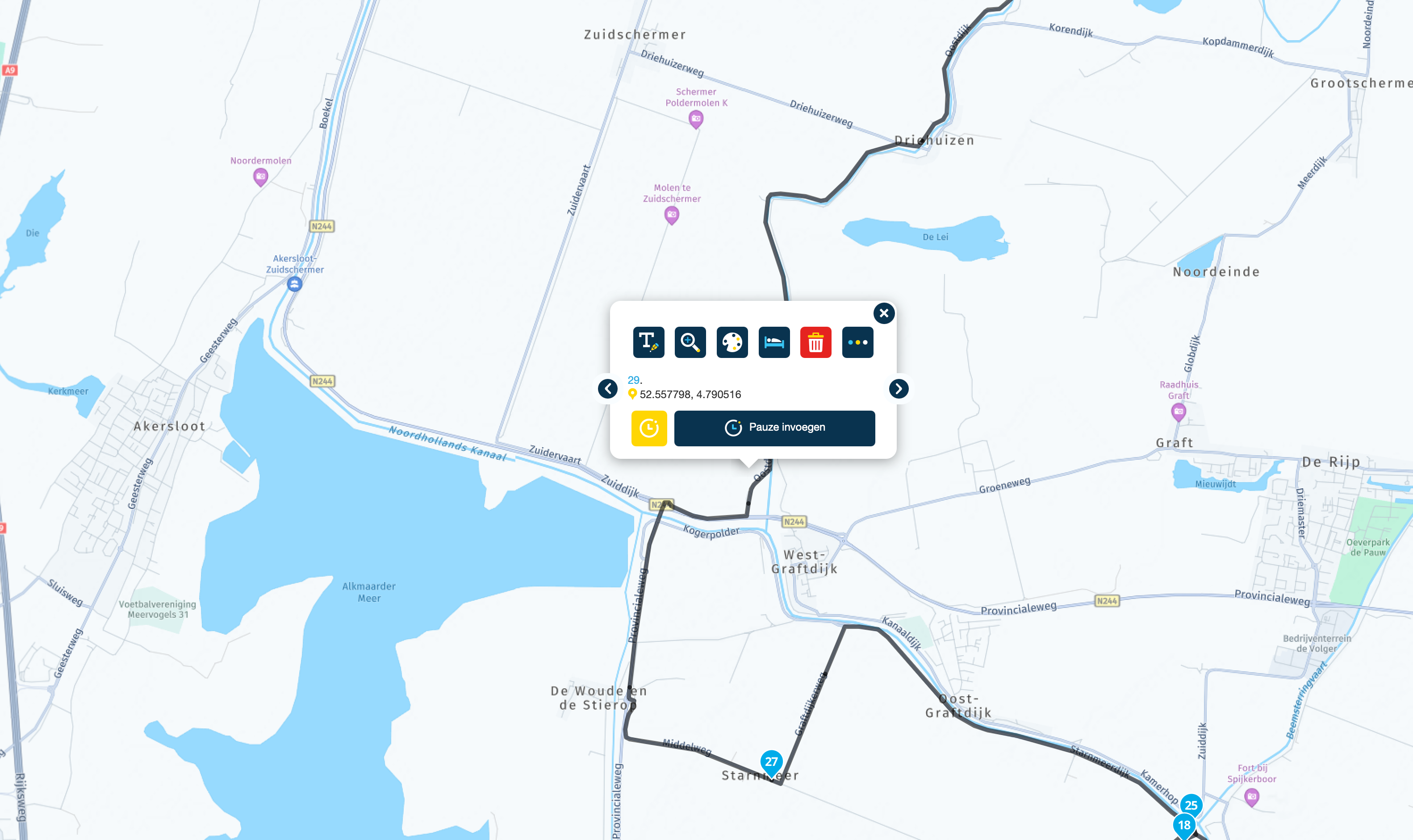
Garmin GPS devices remove this problem by making it optional whether to see a 3D view or not. Similarly, Garmin makes it optional whether to see a view that has shading to represent hills, valleys and mountains. This is another option that I turn off. Why do I turn it off? Because I know that if I am in the Alps it will be mountains or, if I am in Holland or in Norfolk, England it will probably be flat.
Keep it simple. In other words, a simple line to navigate along, please.
-
As someone else has commented and as someone who lives in central London, I am not a fan of the 3D buildings, see-through or not.
In my opinion, it is not how we see the world when navigating along a simple line, particularly not in large cities or big towns.
BMW’s Connect app has this problem, too. When you zoom in, the view changes from a nice simple line, to a silly fake 3D outlines of buildings, which just look confusing.
Garmin GPS devices remove this problem by making it optional whether to see a 3D view or not. Similarly, Garmin makes it optional whether to see a view that has shading to represent hills, valleys and mountains. This is another option that I turn off. Why do I turn it off? Because I know that if I am in the Alps it will be mountains or, if I am in Holland or in Norfolk, England it will probably be flat.
Keep it simple. In other words, a simple line to navigate along, please.

@Richard-18 The option is already there to use flat maps. Personally I like the 3D view but I understand your view as well.
-
@Richard-18 The option is already there to use flat maps. Personally I like the 3D view but I understand your view as well.
Thank you.
I am still learning my way around MyRoute, after many happy years of MapSource and BaseCamp.
This forum has been really good at answering my questions.
Richard
-
@Richard-18 The option is already there to use flat maps. Personally I like the 3D view but I understand your view as well.

@Nick-Carthew said in Suggestion - not a fan of the 3D buildings, see-through or not:
@Richard-18 The option is already there to use flat maps. Personally I like the 3D view but I understand your view as well.
^^^^ a view on a view...

I like the 3D maps as well. I think the same view some people had when GPSses startet to turn maps in the direction you drive instead of North up.
-
 MyRoute-app community moved this topic from [App-Beta] The MyRoute-app on
Hello! It looks like you're interested in this conversation, but you don't have an account yet.
Getting fed up of having to scroll through the same posts each visit? When you register for an account, you'll always come back to exactly where you were before, and choose to be notified of new replies (either via email, or push notification). You'll also be able to save bookmarks and upvote posts to show your appreciation to other community members.
With your input, this post could be even better 💗
Register Login-
 28106
28106
-
 01583
01583
-
014785
-
06124
-
017865
-
 0318
0318
-
09251
-
 0354
0354