MRA 5.0.1-430 Back from setup
-

Hi,
Is that on purpose?
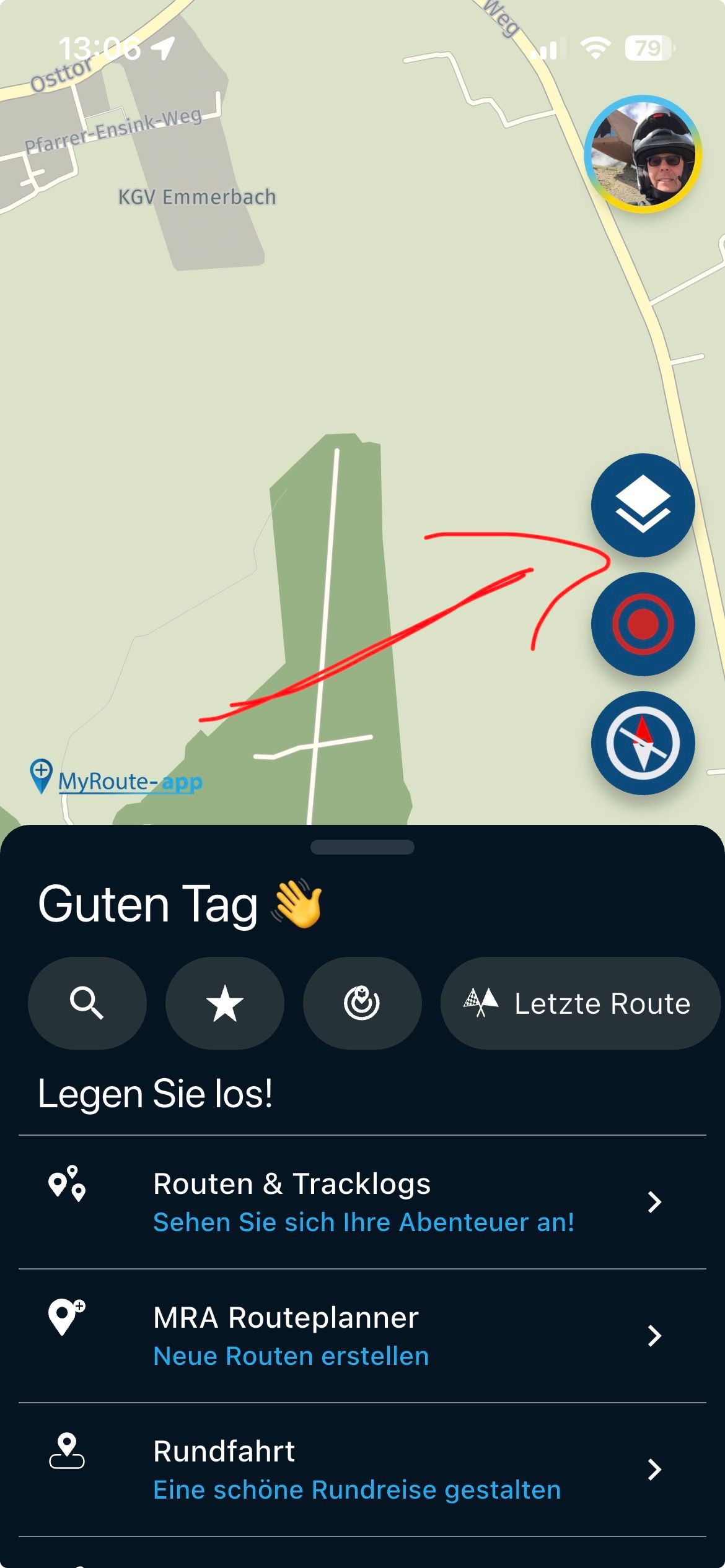
When you go from start / Setup / Navigation Setting / Map Layer and then tap the back arrow, you are at "start" and not back in Navigation settup.
In other submenus you are one step back.Hardware
iPhone 12 pro (iOS 26.2.1)
iPad (7.Gen.) 18.7.3
Oukitel RT3 Pro (Andr. 14)
Wireless CarPlay mit (Elebest C650)
Wired CarPlay (SEAT Arona - 2021)
MRA Workshops in Deutsch sind hier zu finden -
Hi,
Is that on purpose?
When you go from start / Setup / Navigation Setting / Map Layer and then tap the back arrow, you are at "start" and not back in Navigation settup.
In other submenus you are one step back.
@Jörgen On iOS I do go one step back. But if I long press that button I go to the map at the beginning. Isn't that a great feature

-
Are you sure?
What you describe works for me on my iPhone for all menus except Map Layer.
Map Layer behaves exactly as I described above (on Android).
And long press on back arrow does not work here. -
On the Android tablet, same as you describe for all other menus except Map Layer.
-
It looks like it is by purpose. In older version it is the same.
-
@Jörgen On iOS I do go one step back. But if I long press that button I go to the map at the beginning. Isn't that a great feature
@Rob-Verhoeff said in MRA 5.0.1-430 Back from setup:
Isn't that a great feature
But yeah, nice hidden feature the long press...
-

This is the same function, that's why it will be so
Hello! It looks like you're interested in this conversation, but you don't have an account yet.
Getting fed up of having to scroll through the same posts each visit? When you register for an account, you'll always come back to exactly where you were before, and choose to be notified of new replies (either via email, or push notification). You'll also be able to save bookmarks and upvote posts to show your appreciation to other community members.
With your input, this post could be even better 💗
Register Login-
 01222
01222
-
0817
-
0724
-
 0628
0628
-
 056
056
-
 1516
1516
-
049
-
0418