
5.0.0 (420) - Hidden Route Overview
-

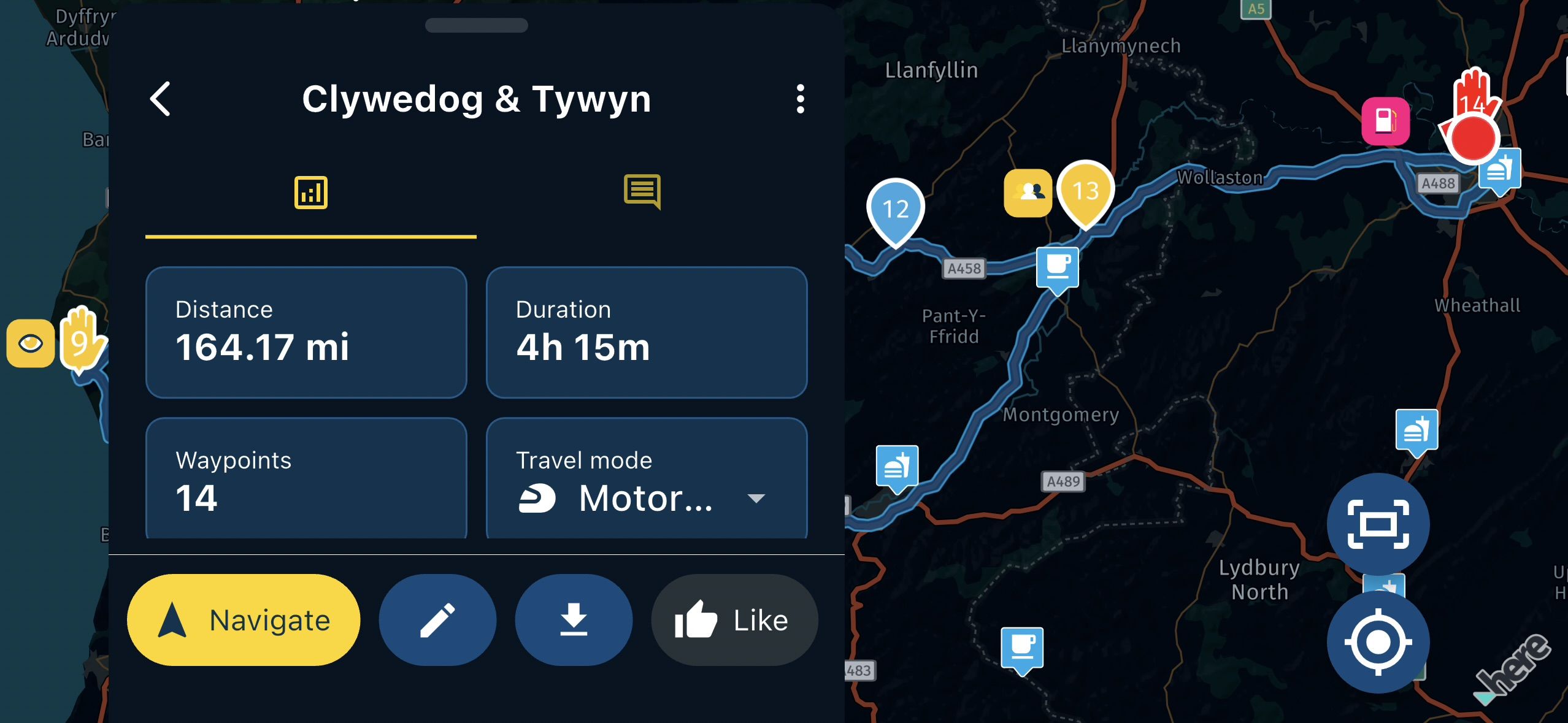
When selecting a route in the routes and track logs area, the initial summary view places the route in the centre of the screen behind the menu in both landscape and portrait.
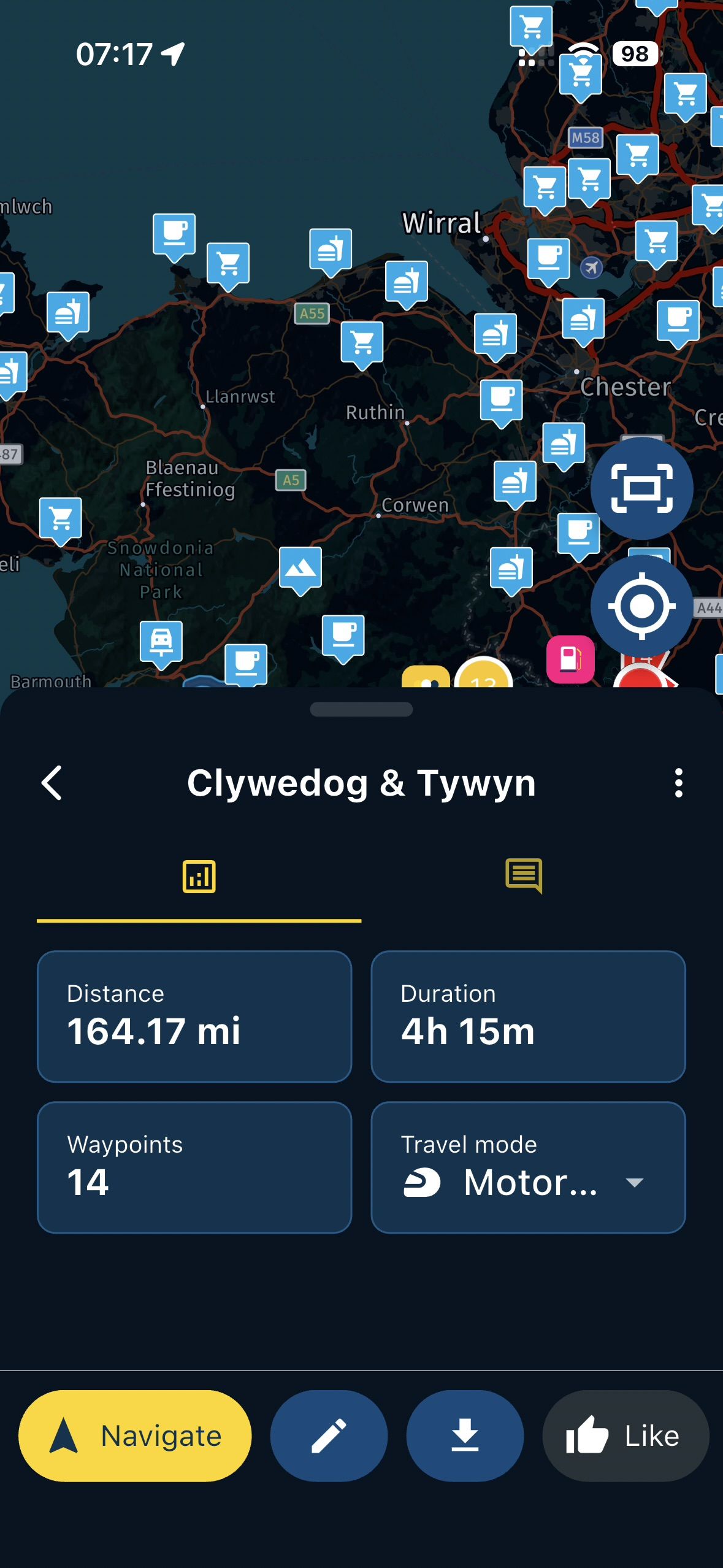
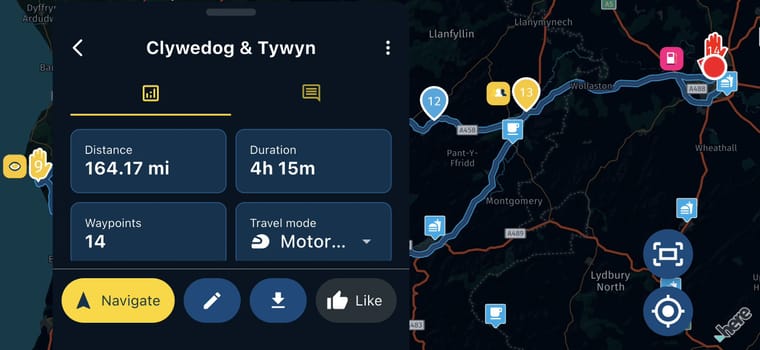
You can move the map to see the route but this is not what I would have expected to see when opening this summary page of a route/tracklog. In Portrait, the menu can be moved down but can sometimes be jerky.
When selecting last route, the route overview centres correctly in the map review area.
-

That's not always the case. My Thinkphone shows the routes perfectly centered in portrait as well as landscape. My Pixel indeed shows half the route behind the menu, but only in landscape view. So this must be an aspect or resolution dependent problem.
-

I believe this will be fixed in the upcoming update (tomorrow).
The weird issue with the menu (which wasn't there during development but only in release builds) caused a lot of underlying issues. Glad we have those beta's

Hello! It looks like you're interested in this conversation, but you don't have an account yet.
Getting fed up of having to scroll through the same posts each visit? When you register for an account, you'll always come back to exactly where you were before, and choose to be notified of new replies (either via email, or push notification). You'll also be able to save bookmarks and upvote posts to show your appreciation to other community members.
With your input, this post could be even better 💗
Register Login-
 01221
01221
-
 0817
0817
-
 0723
0723
-
 1516
1516
-
 0525
0525
-
0476
-
 0421
0421
-
 24119
24119




