AI Planner: a batch of feedback
-

Hi,
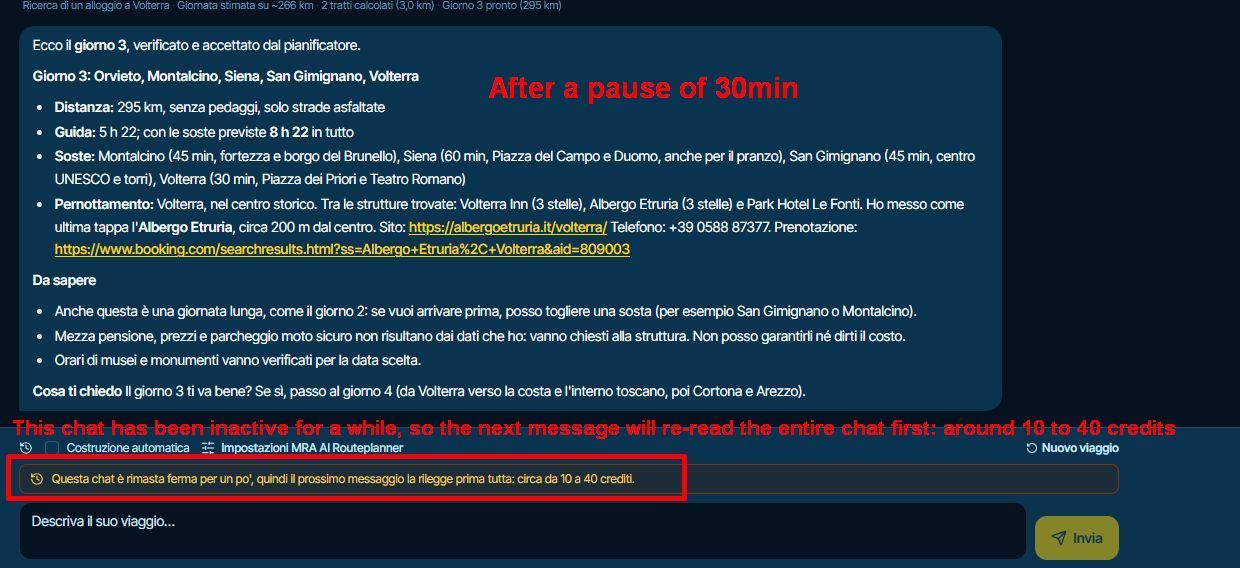
The timeout is too short to require re-reading the chat and consuming credits.
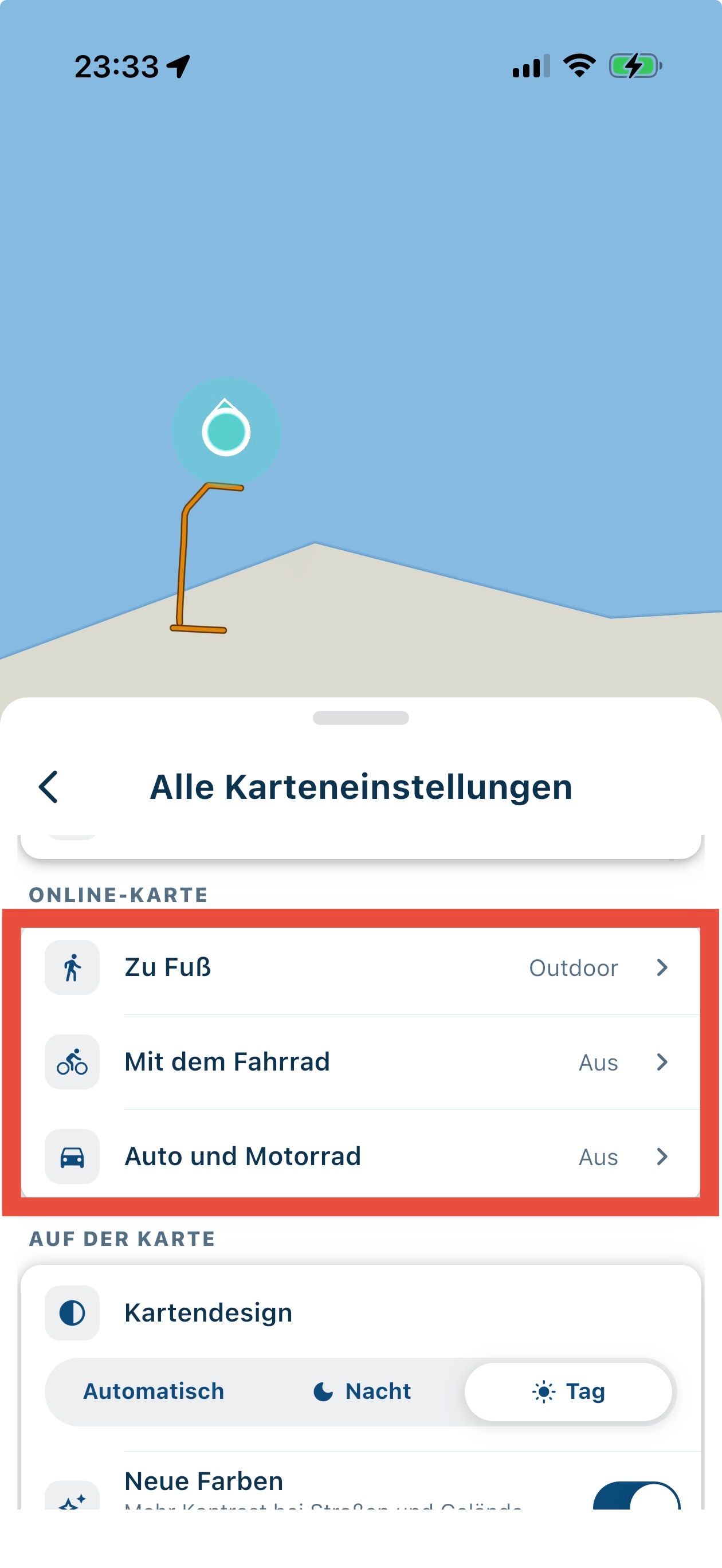
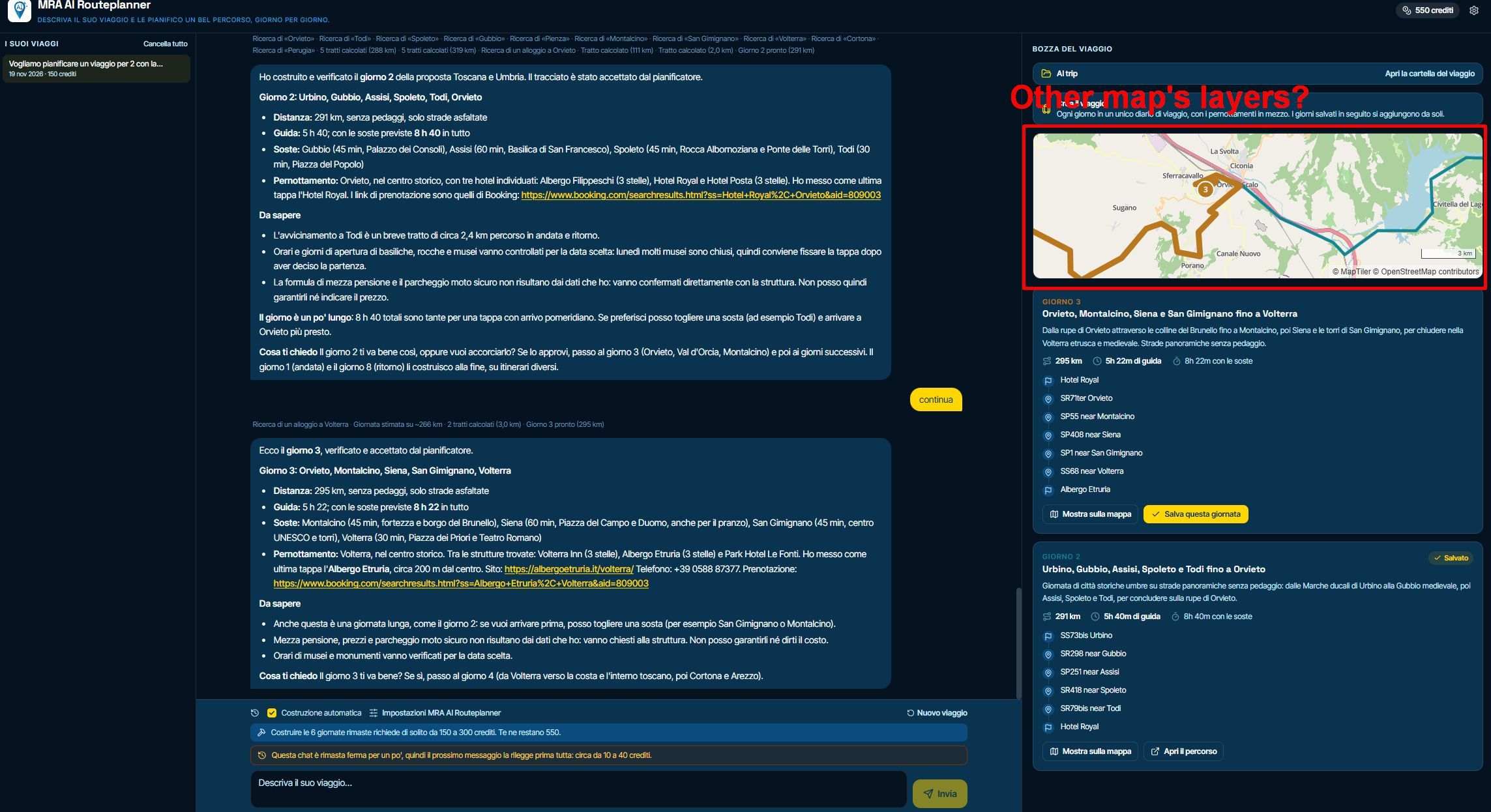
Can additional map layers be added? They are necessary if you want to inspect the route in detail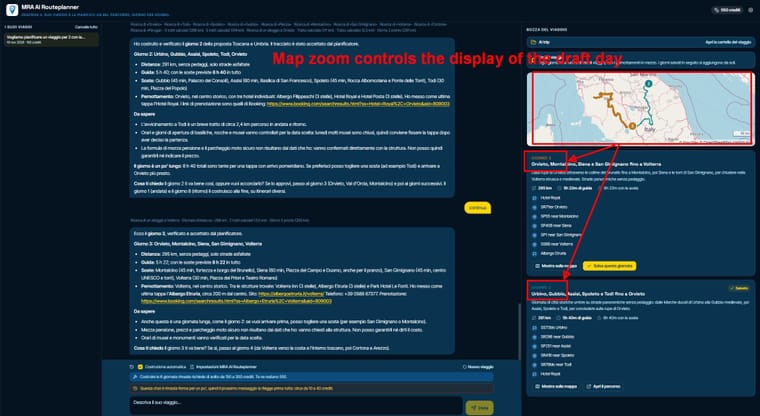
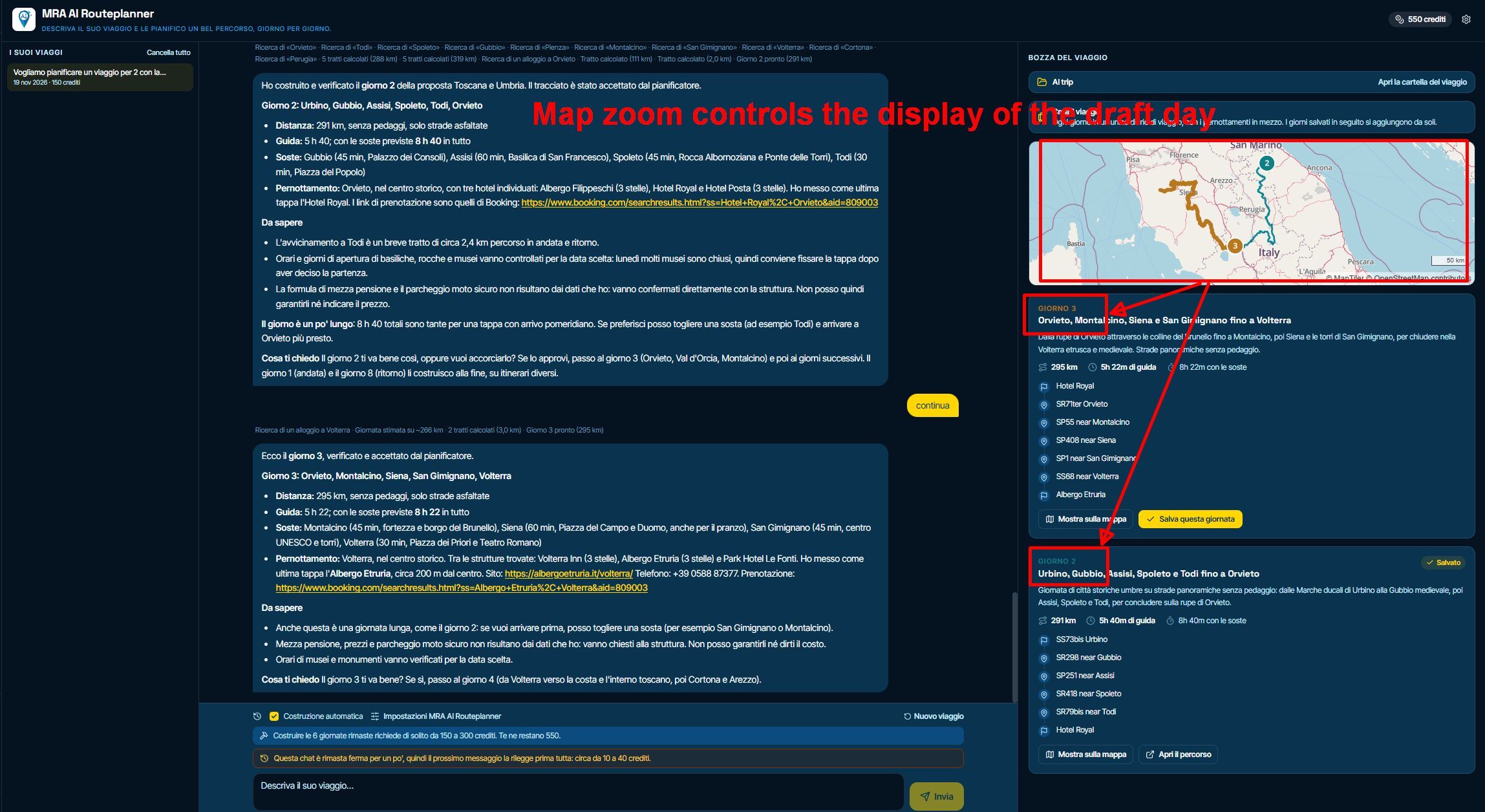
Could the map zoom control which days are displayed? Right now, only the descriptions of the days currently visible on the map are shown.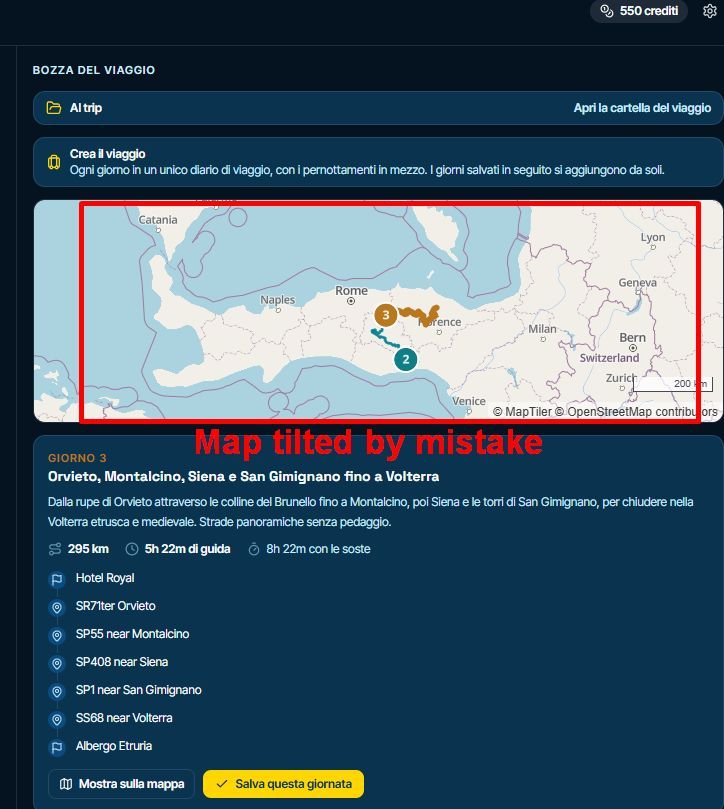
CTRL + scroll wheel can easily be confused with CTRL + mouse click. Is it possible to disable map rotation?
Or a button to reset the map to North?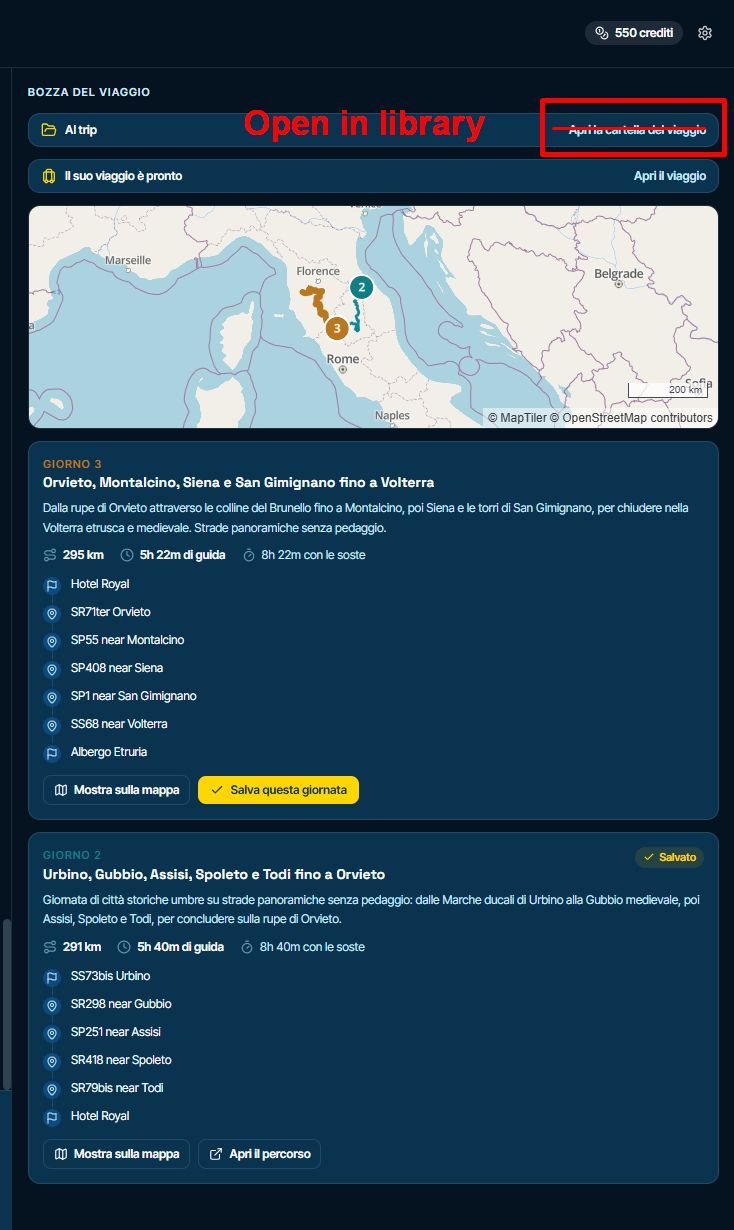
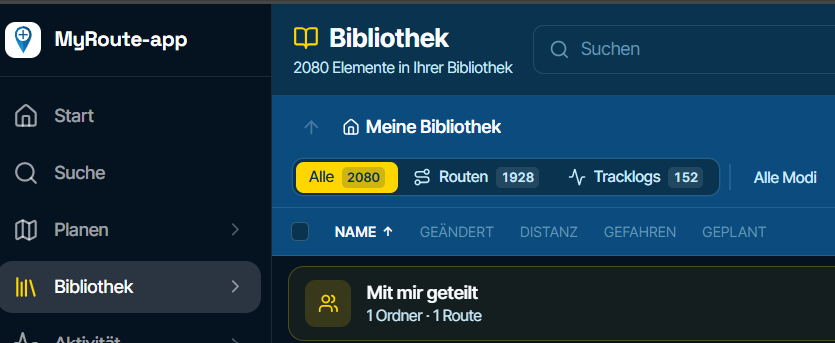
he wording is misleading; it would be better to write 'Open in library'Thanks
-
Hi,
The timeout is too short to require re-reading the chat and consuming credits.
Can additional map layers be added? They are necessary if you want to inspect the route in detail
Could the map zoom control which days are displayed? Right now, only the descriptions of the days currently visible on the map are shown.
CTRL + scroll wheel can easily be confused with CTRL + mouse click. Is it possible to disable map rotation?
Or a button to reset the map to North?
he wording is misleading; it would be better to write 'Open in library'Thanks

The timeout is too short to require re-reading the chat and consuming credits.
We are billed after that timeout too so that will remains as is.
- Not adding different map layers here. Just open them in the planner, this is not for detailed inspecting
- Not adding zoom controls for the same reason.
- I'll keep all map interaction. As the user moved the map, they can move it back

Hello! It looks like you're interested in this conversation, but you don't have an account yet.
Getting fed up of having to scroll through the same posts each visit? When you register for an account, you'll always come back to exactly where you were before, and choose to be notified of new replies (either via email, or push notification). You'll also be able to save bookmarks and upvote posts to show your appreciation to other community members.
With your input, this post could be even better 💗
Register Login-
0754
-
0544
-
048
-
 0311.1k
-
0444
-
 14101
-
 0449
-
0428