The menu option “Continue with your last route” is missing
-

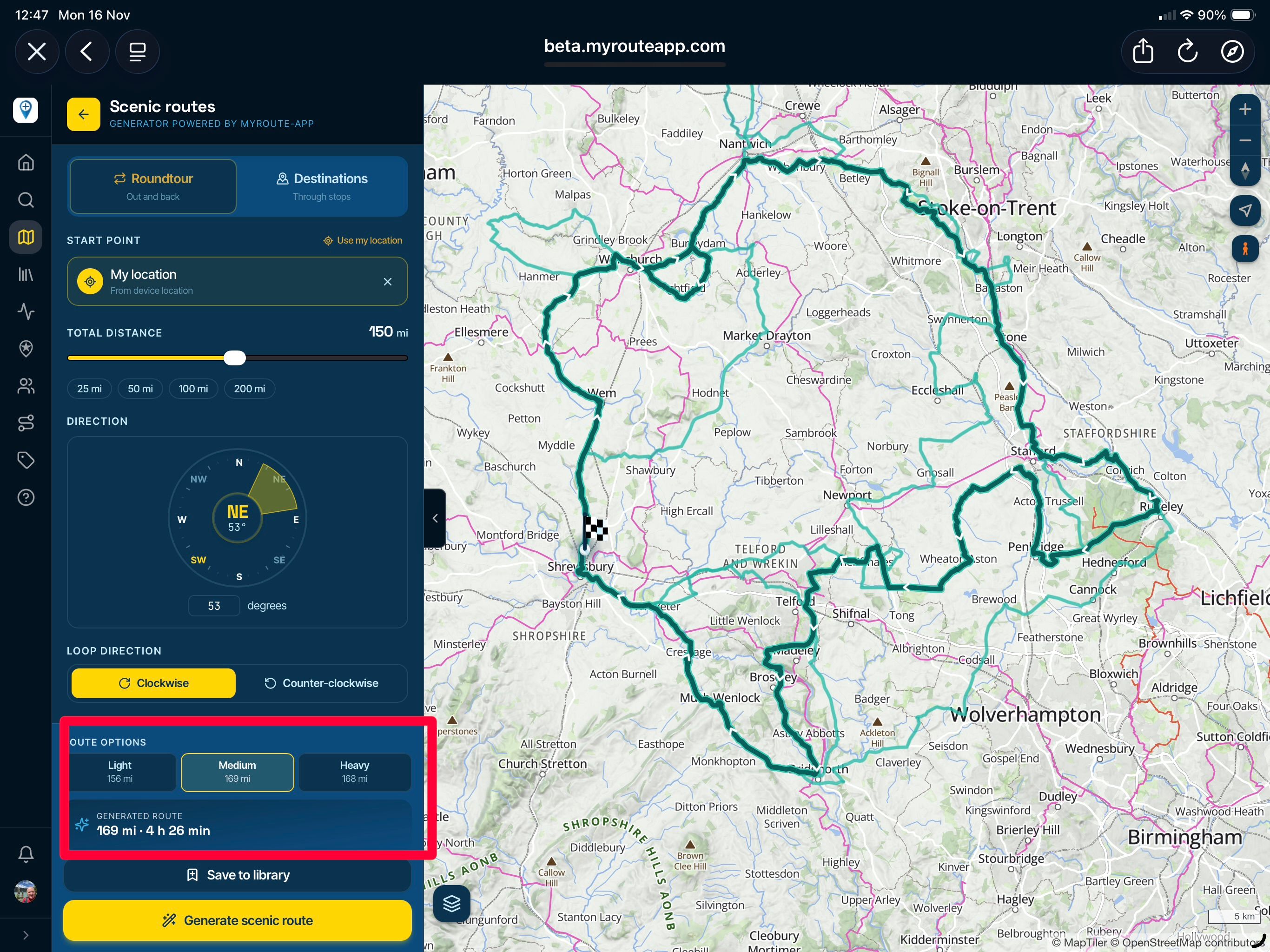
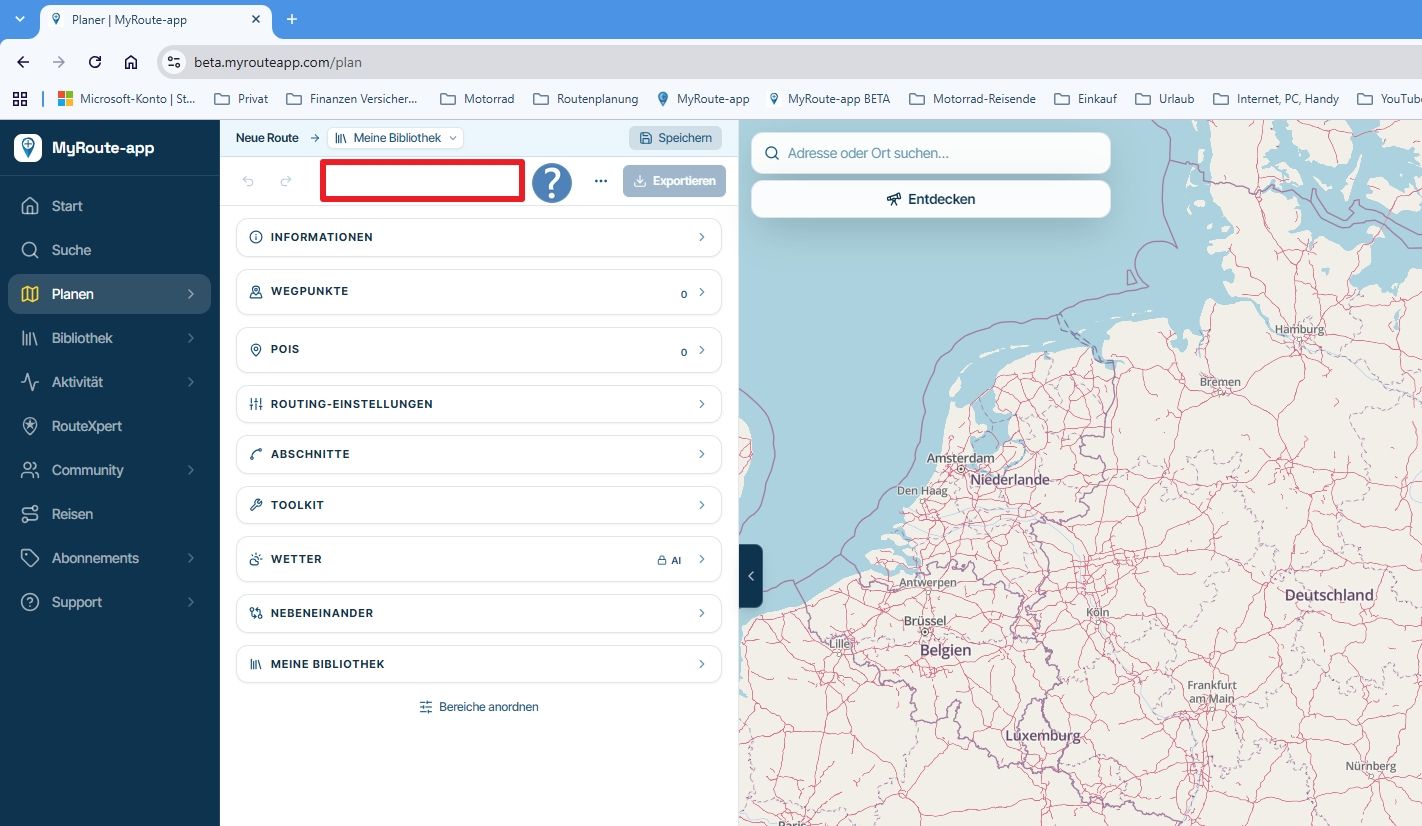
According to the manual, the “Continue with your last route” option should appear in the route planning menu. Although I have planned and saved a route, this option does not appear for me.
-
According to the manual, the “Continue with your last route” option should appear in the route planning menu. Although I have planned and saved a route, this option does not appear for me.

@Axel-Lange It's still there on this side... Have you tried clearing your browser cache? Perhaps that will solve the problem?
-
Hi Rob,
I’m using Google Chrome and have cleared the cache completely.
Even after restarting the browser, the option ‘Continue with your last route’ still doesn’t appear.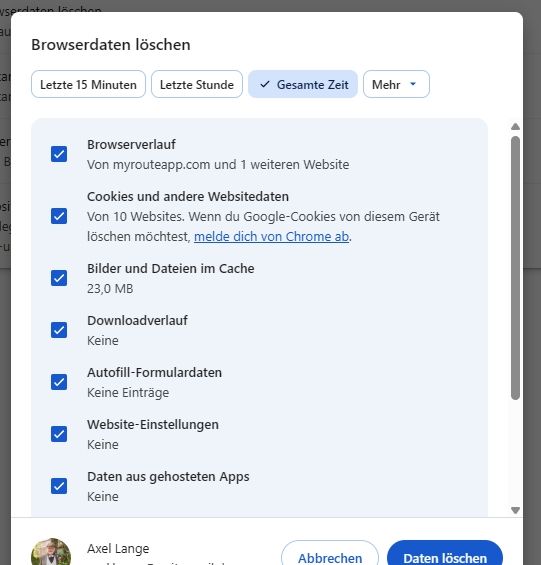
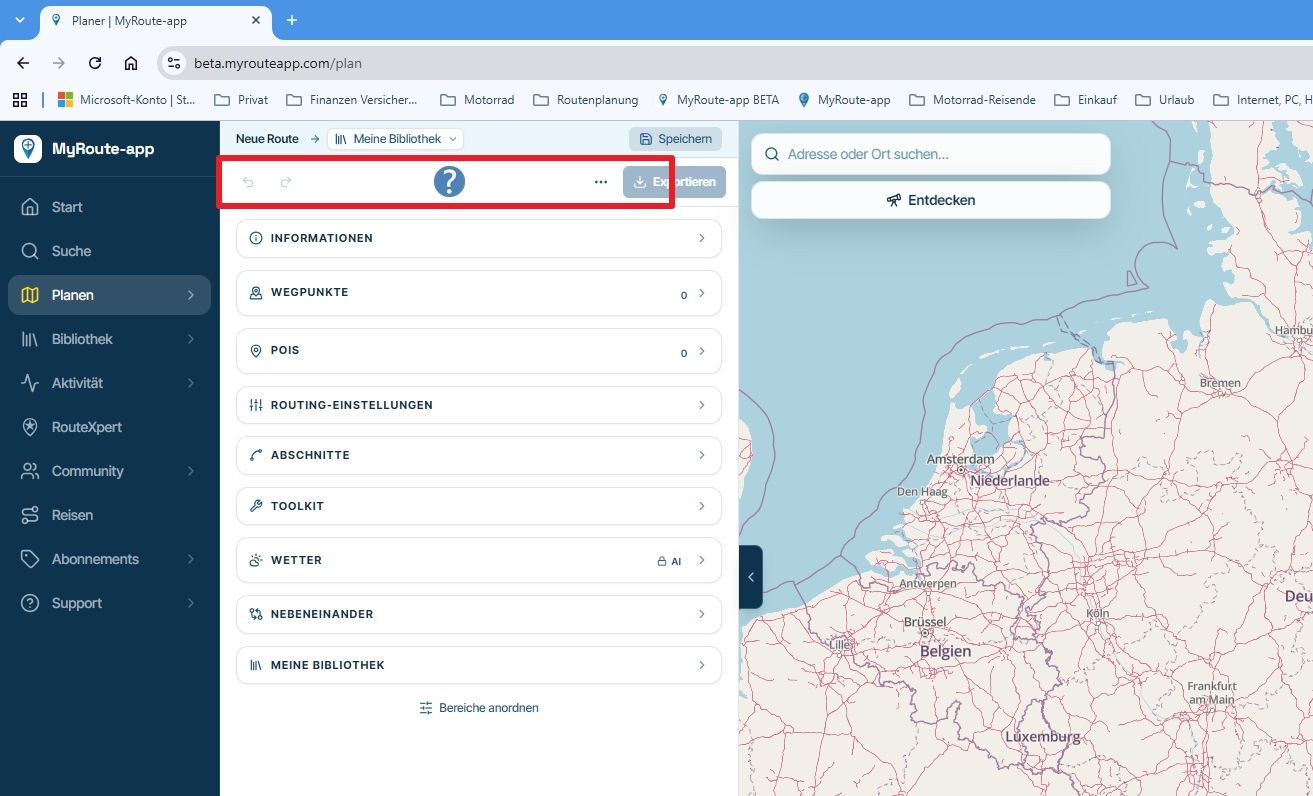
-
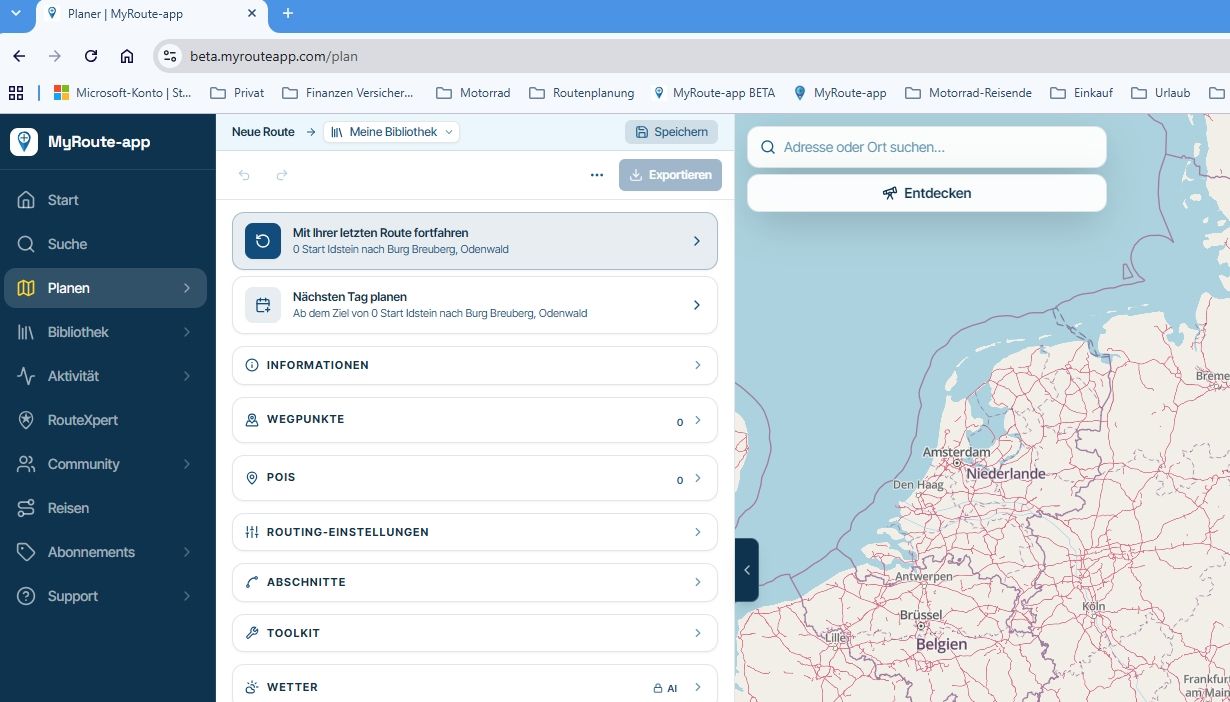
OK, I’ve planned and saved a completely new route. Now, when I open the planner, the option ‘Continue with your last route’ appears as it should.
Hello! It looks like you're interested in this conversation, but you don't have an account yet.
Getting fed up of having to scroll through the same posts each visit? When you register for an account, you'll always come back to exactly where you were before, and choose to be notified of new replies (either via email, or push notification). You'll also be able to save bookmarks and upvote posts to show your appreciation to other community members.
With your input, this post could be even better 💗
Register Login-
0420
-
 0419
-
0430
-
 04126
-
0453
-
 013159
-
 9350
-
0461