F031 Planned WP numbers change?
-

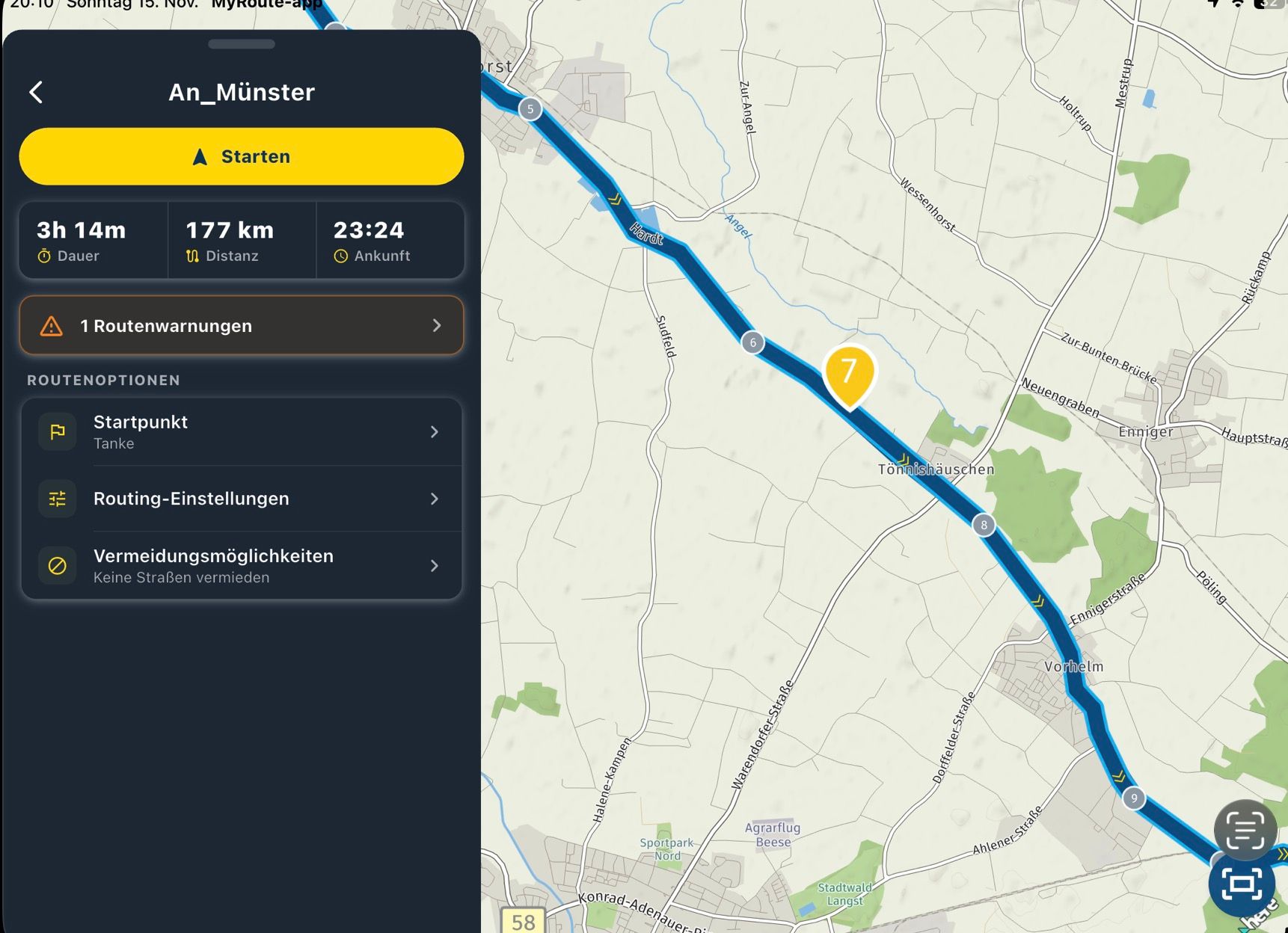
If you navigate an OSM route with the MRA Navigation Next App, the WP is numbered differently because the MRA app sets base points to drive the OSM route as well as possible.
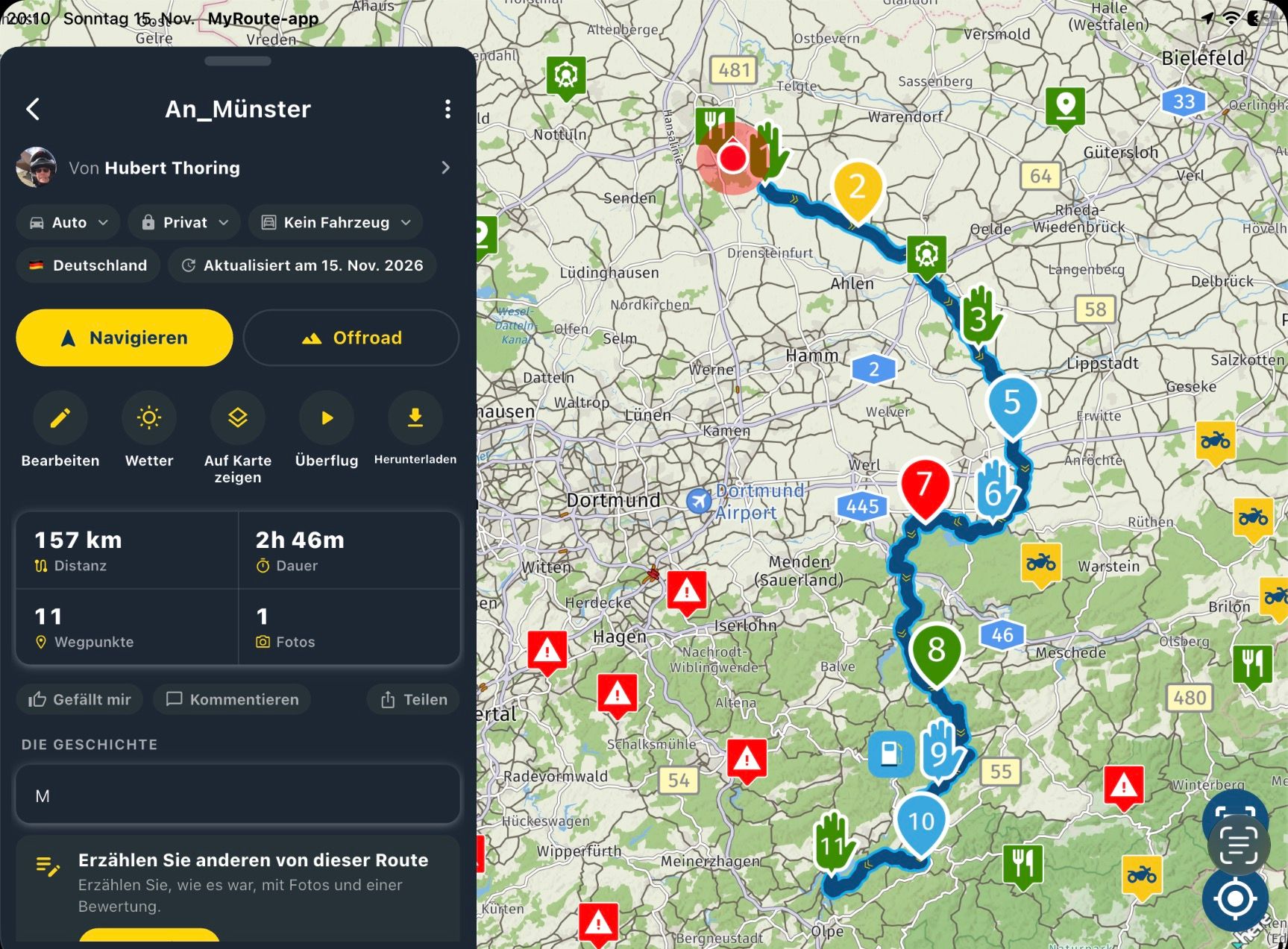
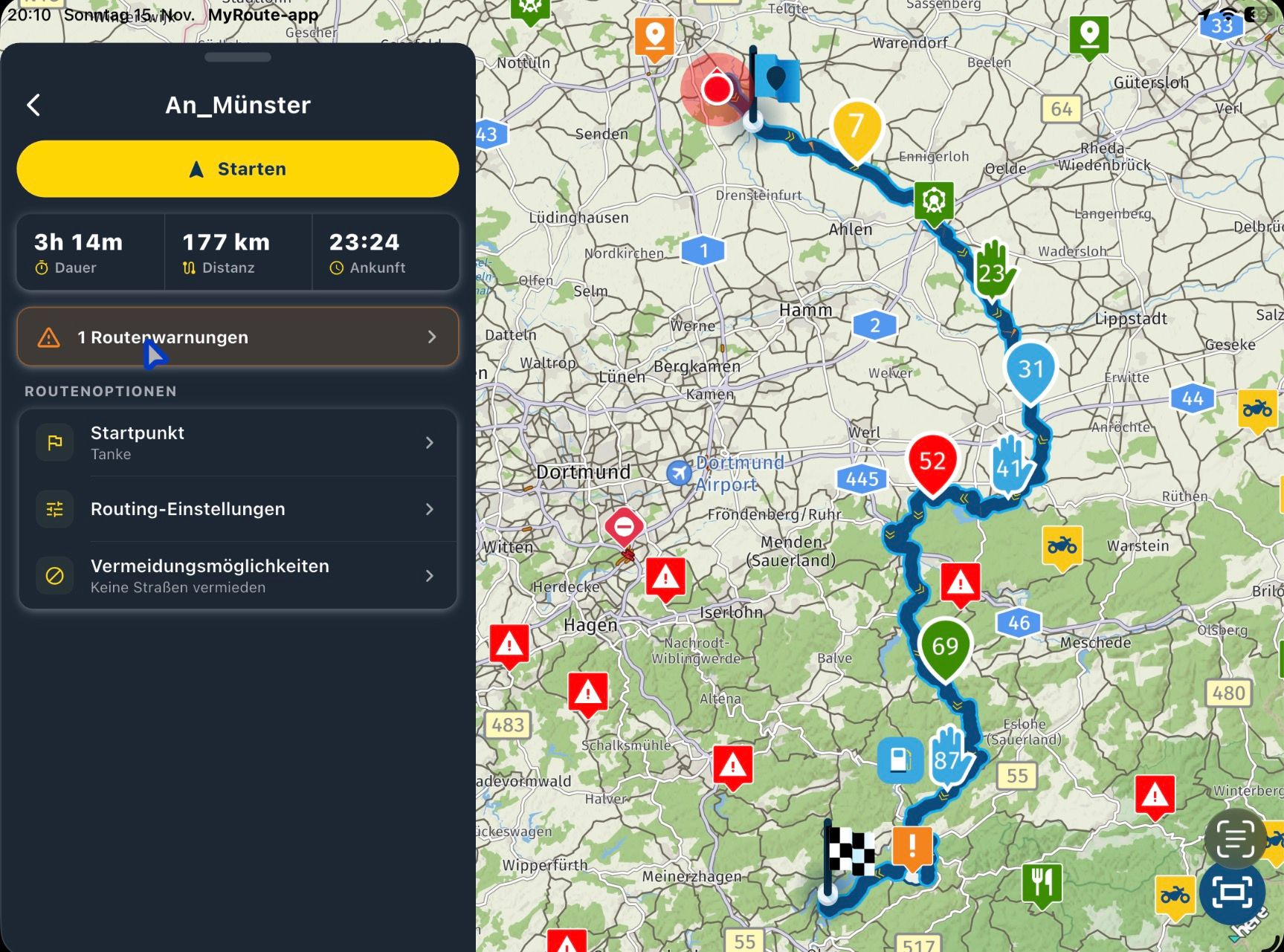
- That's very irritating if you had noticed the WP 7 (red) in picture 1 in the planner before, so only the WP number, which then becomes WP 52 (red) in picture 2, everything is renumbered because of the base points.
Isn't there a better solution, maybe not mixing the bases with the planned WP and also not counting. In addition, s. Picture 1 to Picture 2
Since skipping WP is also difficult, there are way too many .. to skip per click .... Everyone is displayed in the app, must also be skipped if you drive differently.
Picture 1
Picture 2
Picture 3
-

Yes, track approximation algorithm. Will be tweaked in the next update
-
Corjan Meijerink locked this topic
Hello! It looks like you're interested in this conversation, but you don't have an account yet.
Getting fed up of having to scroll through the same posts each visit? When you register for an account, you'll always come back to exactly where you were before, and choose to be notified of new replies (either via email, or push notification). You'll also be able to save bookmarks and upvote posts to show your appreciation to other community members.
With your input, this post could be even better 💗
Register Login-
 013235
-
 07112
-
 0640
-
 0643
-
 0475
-
 0461
-
 04118
-
04154