Offline Mode function
-

Hi,
I thought the offline mode worked without an internet connection.
Today I had no signal (no internet, nothing at all).
The routes had been synchronised and the maps had been downloaded.
But I couldn’t start navigation. Neither with a pre-set route nor by entering a destination.
I couldn’t start navigation.
The app kept displaying the message ‘Go online’
which, of course, wasn’t possible due to the lack of a signal.
What can I do about this?
Where’s the problem? -

This indicates that you don't have the required maps downloaded or the download failed. Verify that there is a check mark to the left of each required map. You must be online to check the maps.
-

Hey Jörgen,
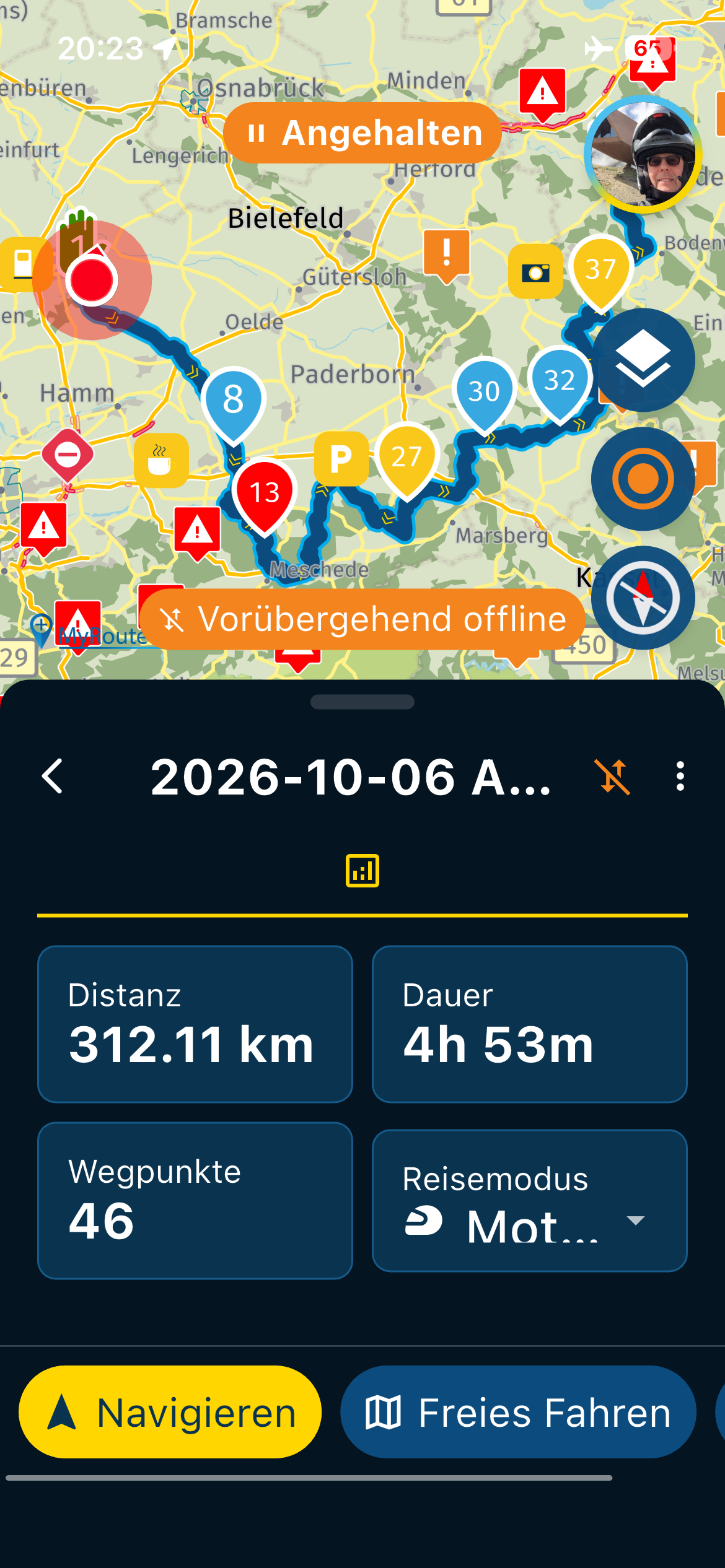
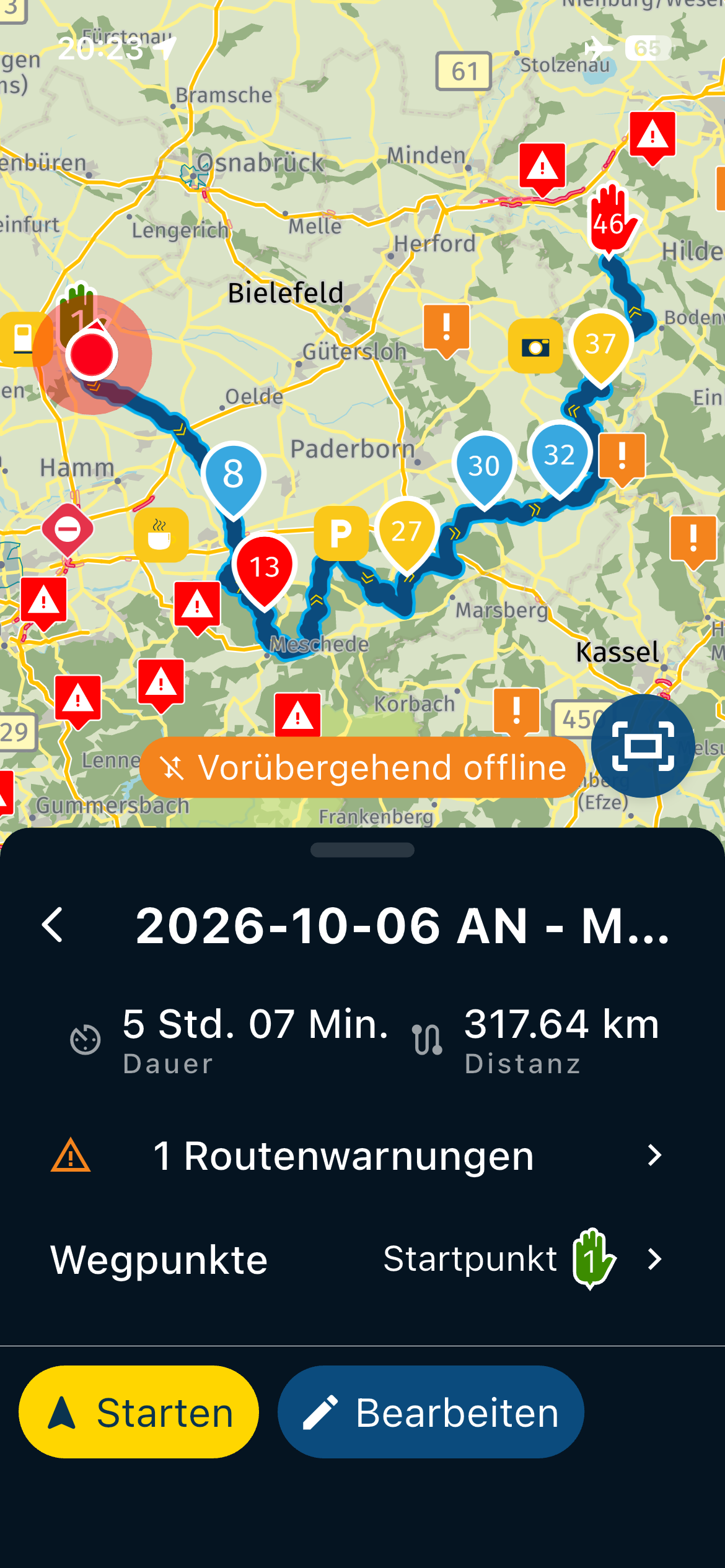
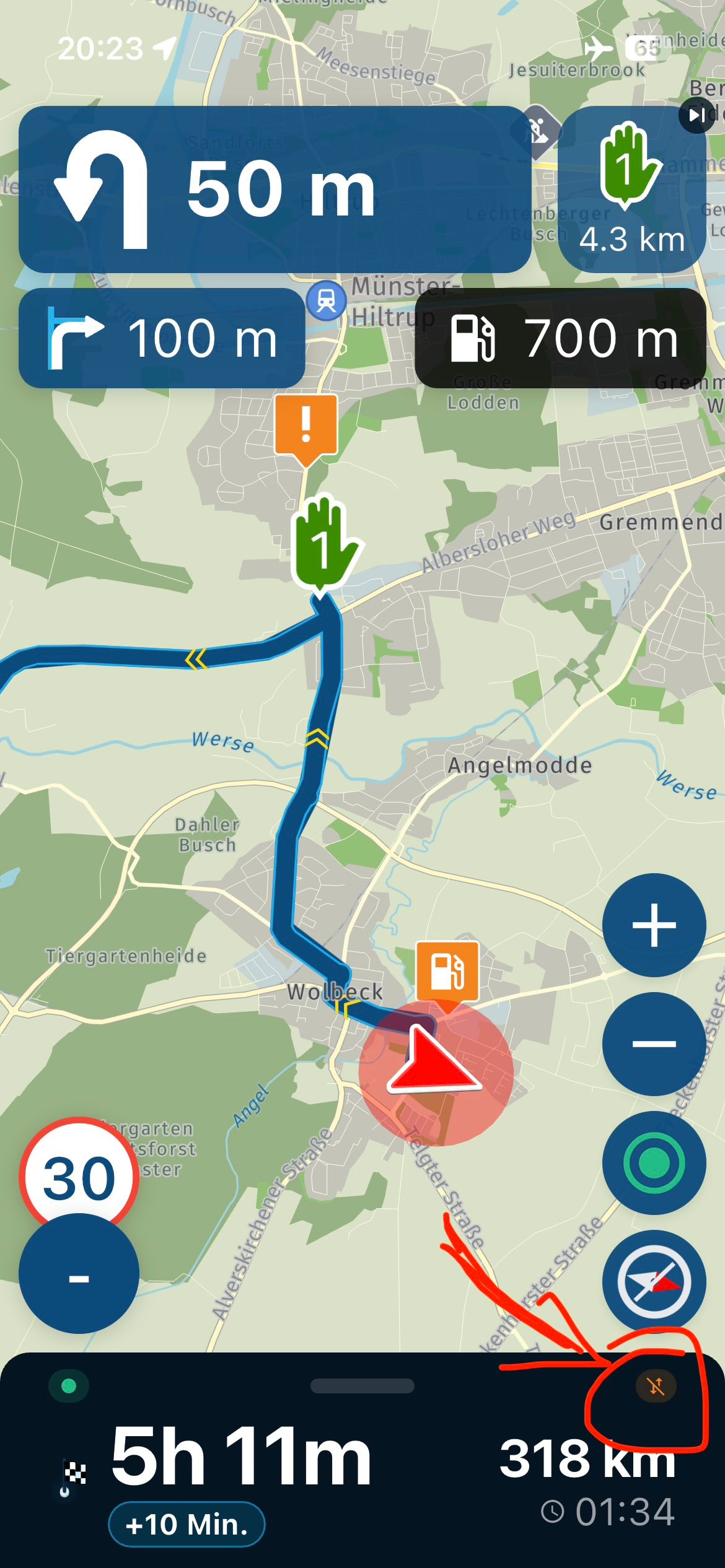
For me it all works online too, just tested with the airplane mode.
Could it be that the synchronization of the route was not really finished before you went offline.
Or the card doesn't fit offline either.
Note:
I myself have uploaded all offline maps once to upgrade to V6.0.0.
VG
-
Addendum to the layout:
- in dark mode on iOS
Also here with the example falls on a blue background would be nicer than the black or ?
-
It seems the map for Germany was corrupted, after reload it worked.
-
Regarding App Design, yes the black and white from system does not look good. A blue like used in the App would look better.
Hello! It looks like you're interested in this conversation, but you don't have an account yet.
Getting fed up of having to scroll through the same posts each visit? When you register for an account, you'll always come back to exactly where you were before, and choose to be notified of new replies (either via email, or push notification). You'll also be able to save bookmarks and upvote posts to show your appreciation to other community members.
With your input, this post could be even better 💗
Register Login-
 06113
06113
-
 05101
05101
-
 057
057
-
 110405
-
06135
-
0366
-
03128
-