MRA 5.0 route track - then navigate ?
-

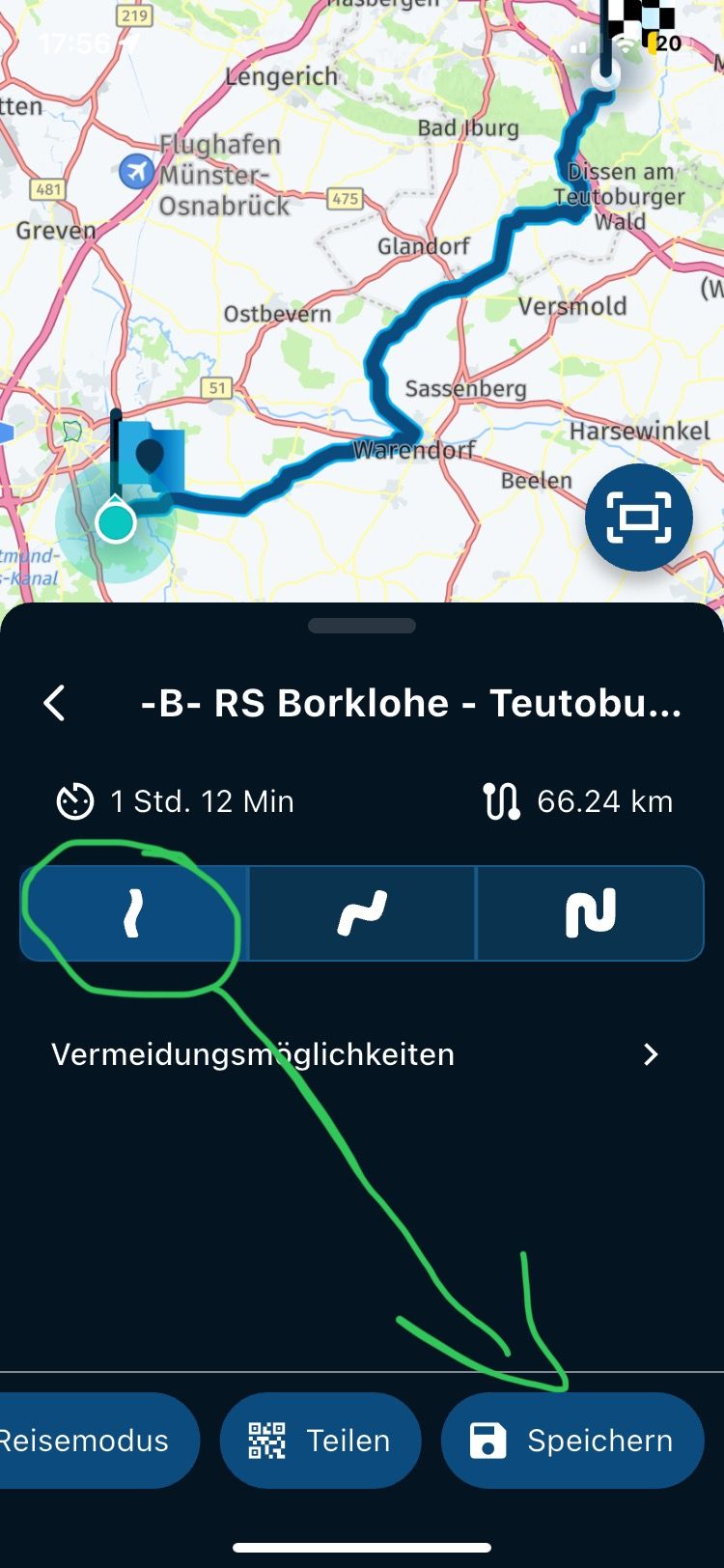
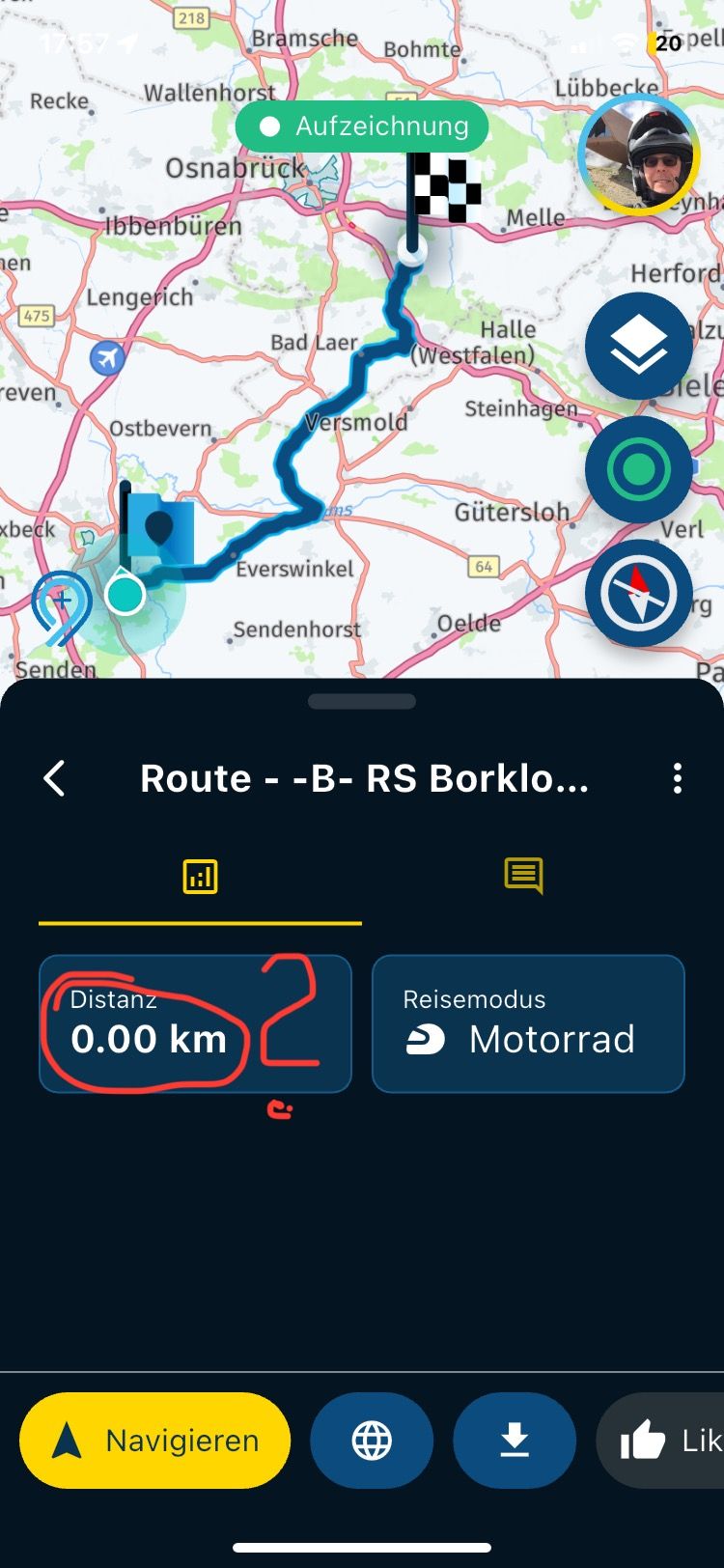
An A to B curvy route track created in the app, then stored in the app cannot be started as a route track directly after selecting it, a message is irritated and I then have to press again.
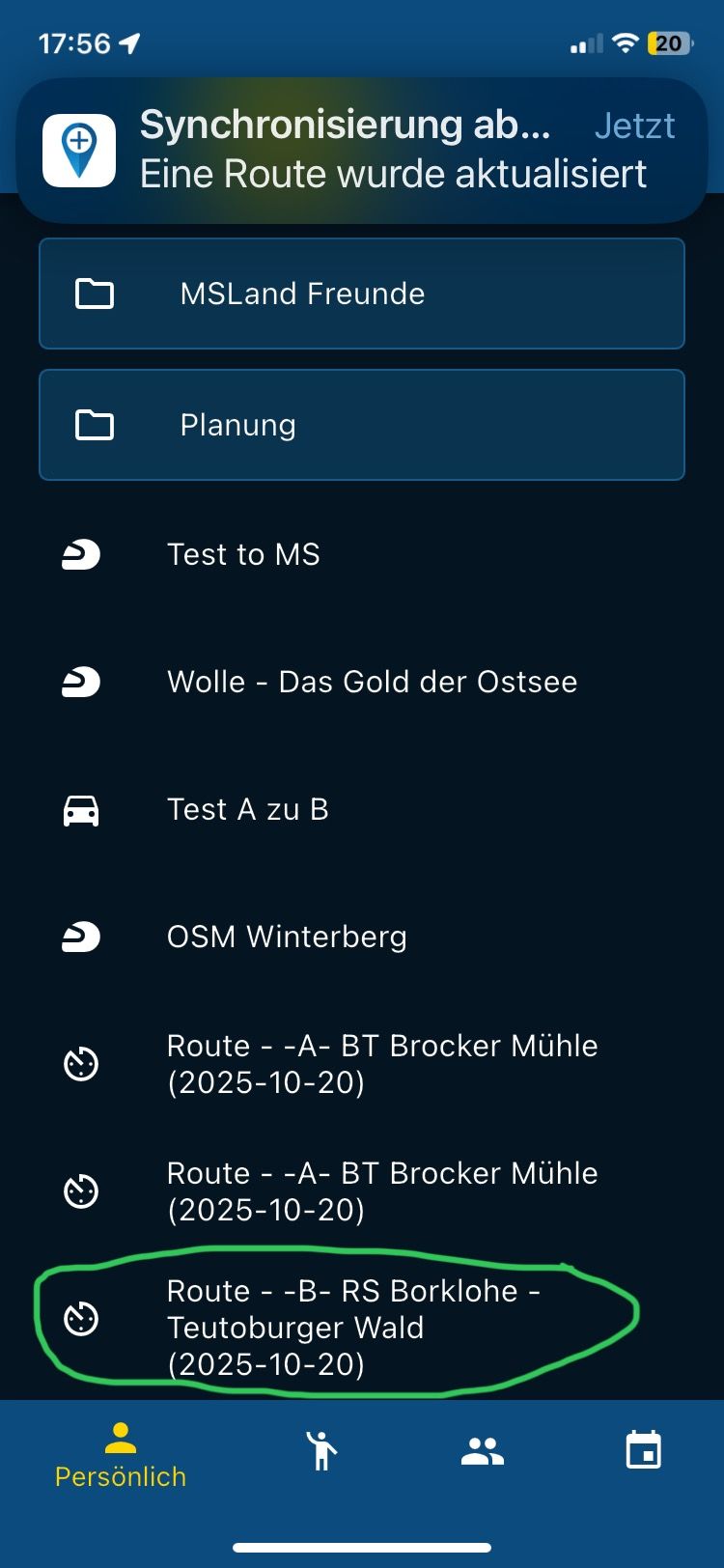
1.) Choose routes track
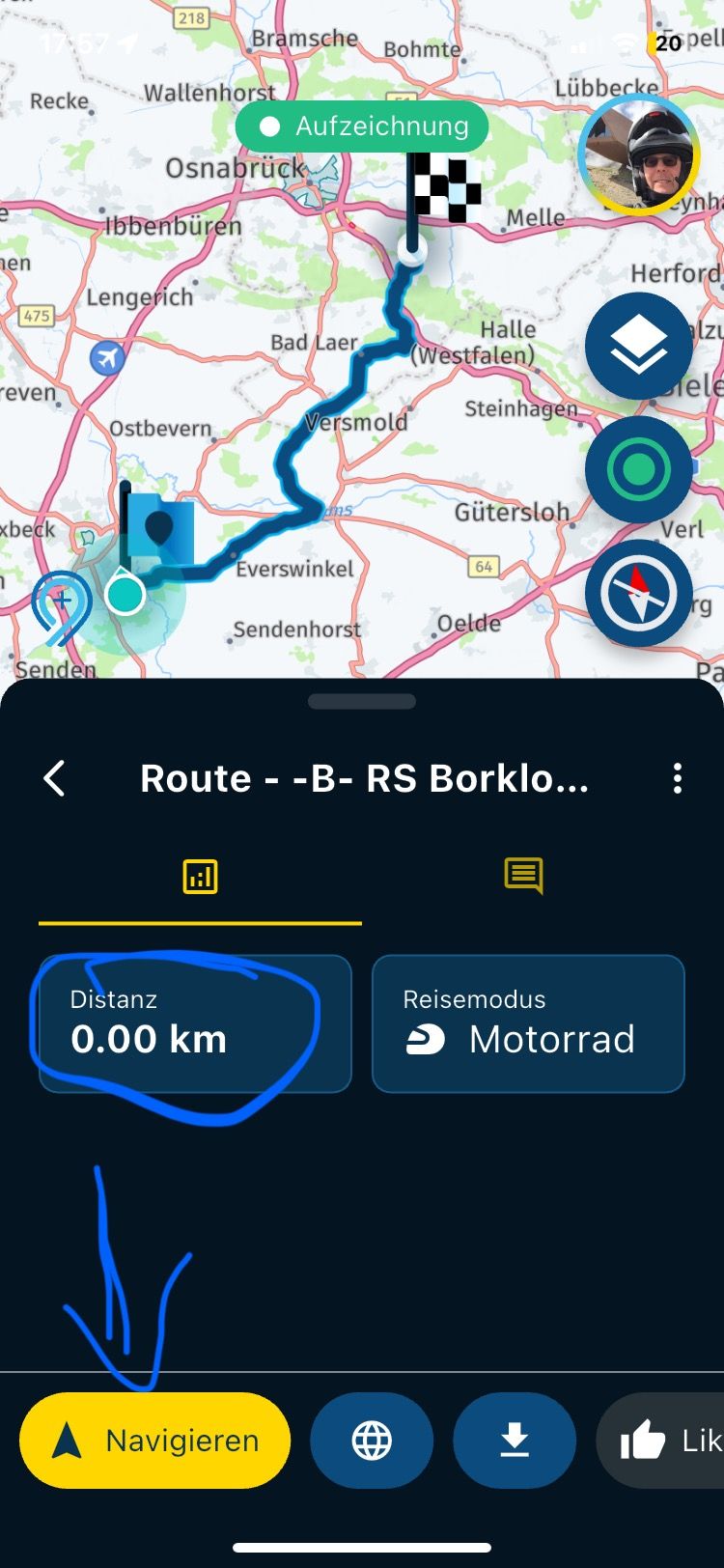
2.) then I press Navigate
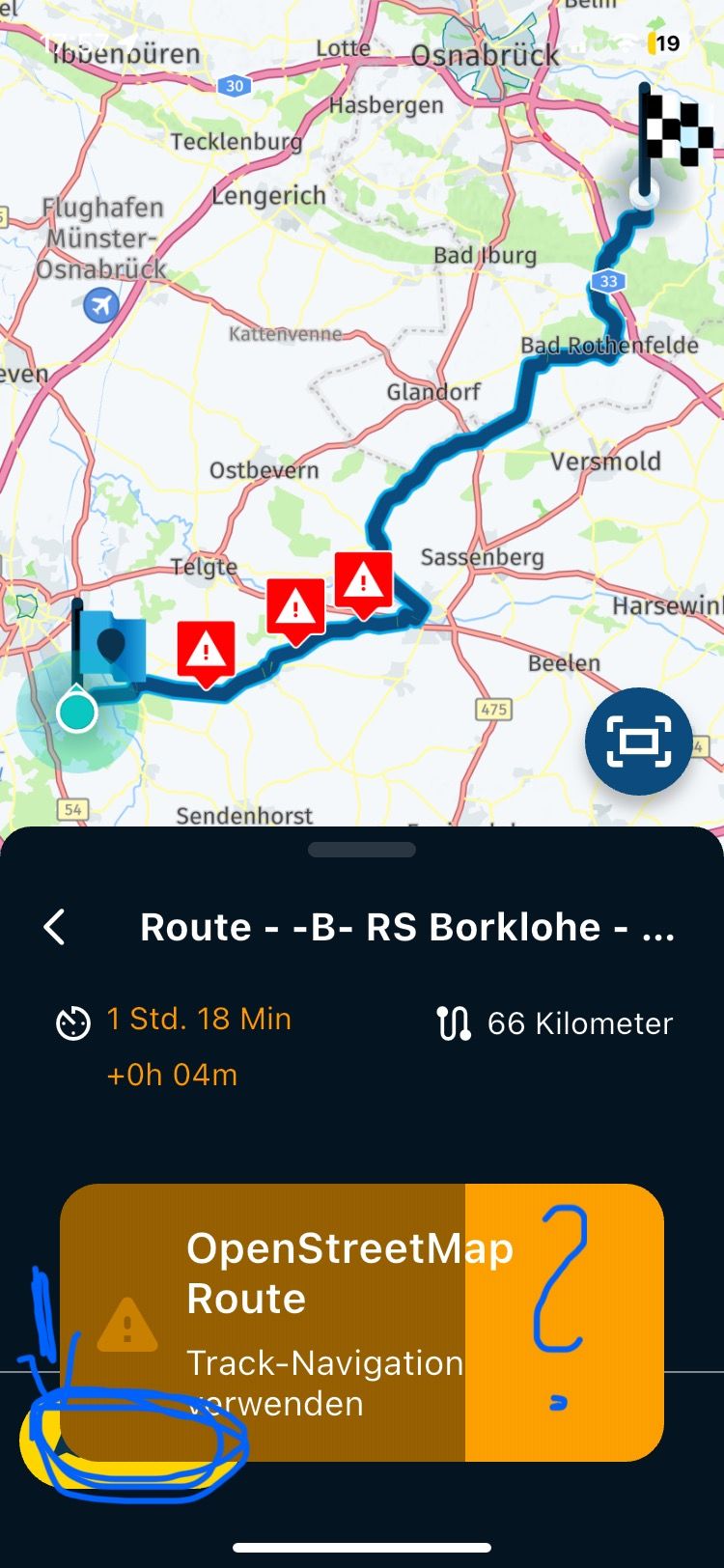
3.) then comes the "message", which then also disappears again
4 .) I have to press Start againIs that really how it is?
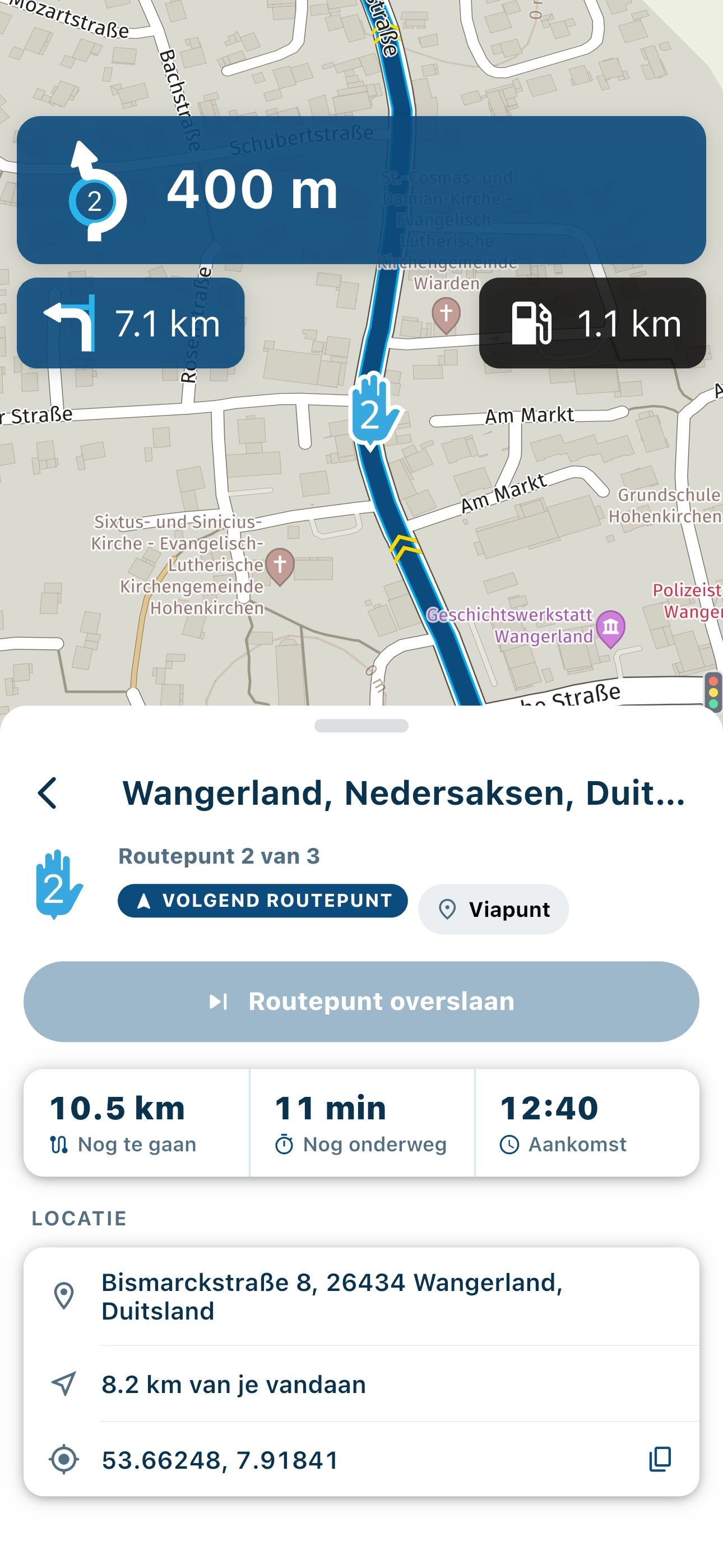
Also the 00,00km are not right ?!
Also the message itself "OpenStreetMap
Using route track navigation " irritates because there is only the "Start" button.It could also go directly after the message....
-

Thanks for sharing.
The distance issue has been solved and I made some improvements to the flow. -
Corjan Meijerink locked this topic on
Hello! It looks like you're interested in this conversation, but you don't have an account yet.
Getting fed up of having to scroll through the same posts each visit? When you register for an account, you'll always come back to exactly where you were before, and choose to be notified of new replies (either via email, or push notification). You'll also be able to save bookmarks and upvote posts to show your appreciation to other community members.
With your input, this post could be even better 💗
Register Login-
 1414831
-
 1564
1564
-
 05151
05151
-
 06165
06165
-
0441
-
0565
-
0378
-
 03135
03135