POI Icon Size and Waypoint Size - CarPlay Issue
-

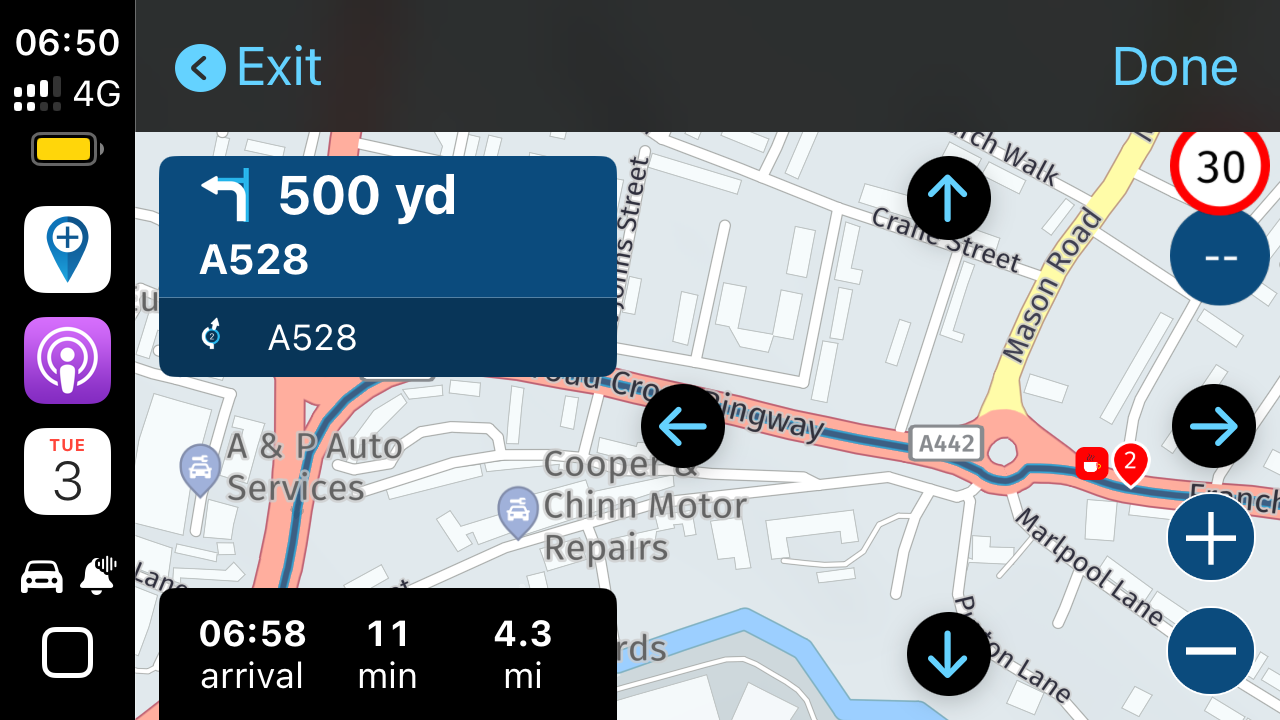
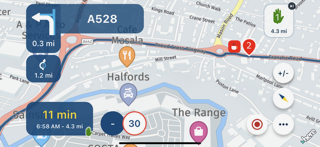
Some screenshots (iPhone in Landscape and CarPlay) below to show that the CarPlay waypoint size is relatively smaller when compared to the waypoint size on the iPhone. I understand that this waypoint size should not change when POI size is changed but it is the disparity in relative waypoint size between the phone and CarPlay that is an issue for me. Additionally, the POI icons in CarPlay do not appear to change size the same as the phone when the POI Size setting is increased. The same difference is seen when connected via wired CarPlay in my car as the CarPlay in the pictures are wireless CarPlay on my Chigee. Ideally for me, I would like the size of icon on the phone and not the smaller one I see in CarPlay. Can this be changed at all? Using Build 4.3.0-331 although the waypoint size has been the same for a while.
At x0.25% POI Size Setting. From
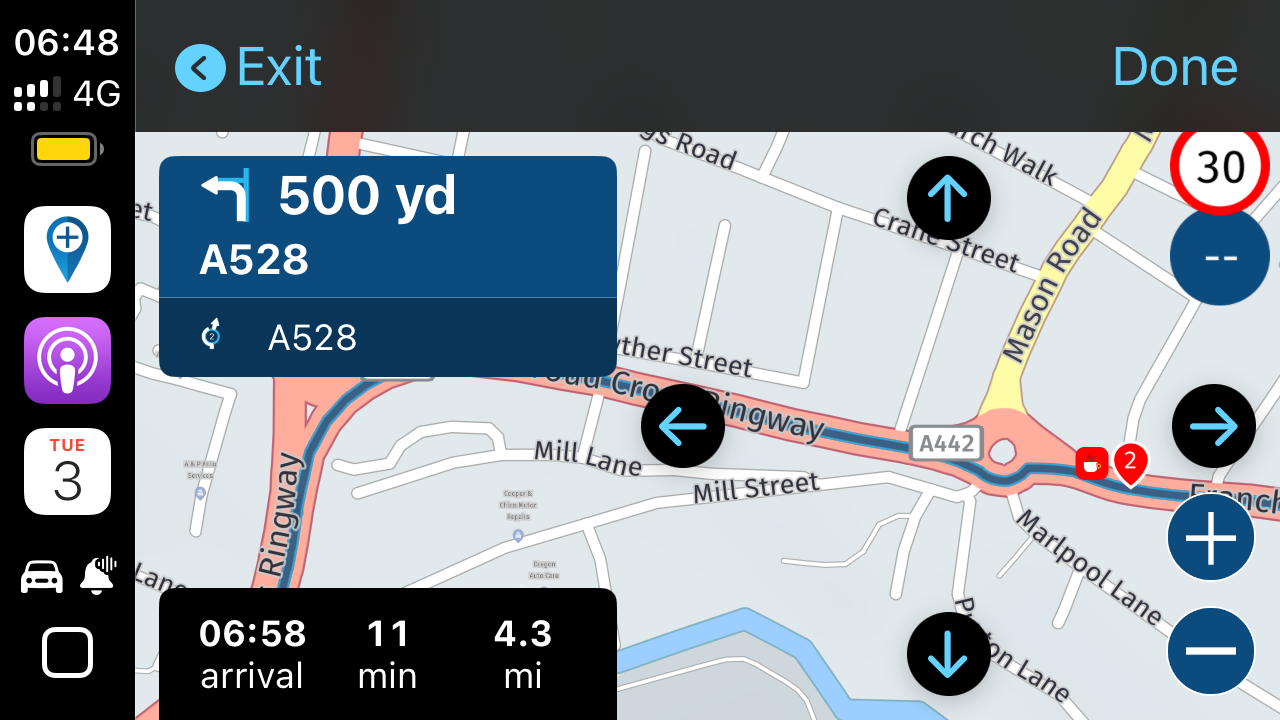
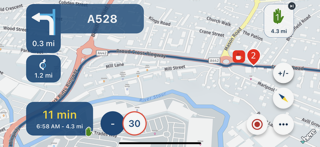
At x1.00% POI Size Setting.
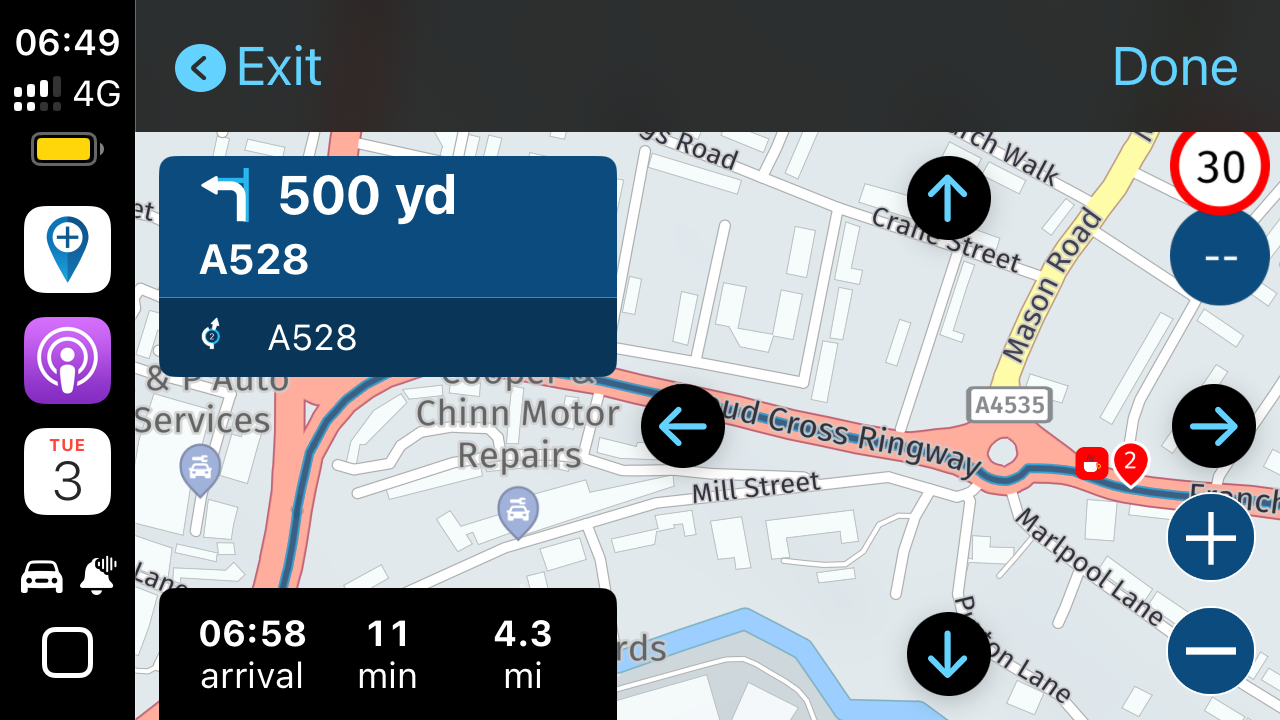
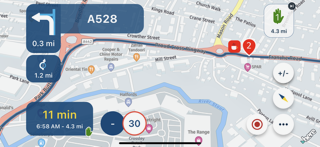
At x2.00% POI Size Setting.
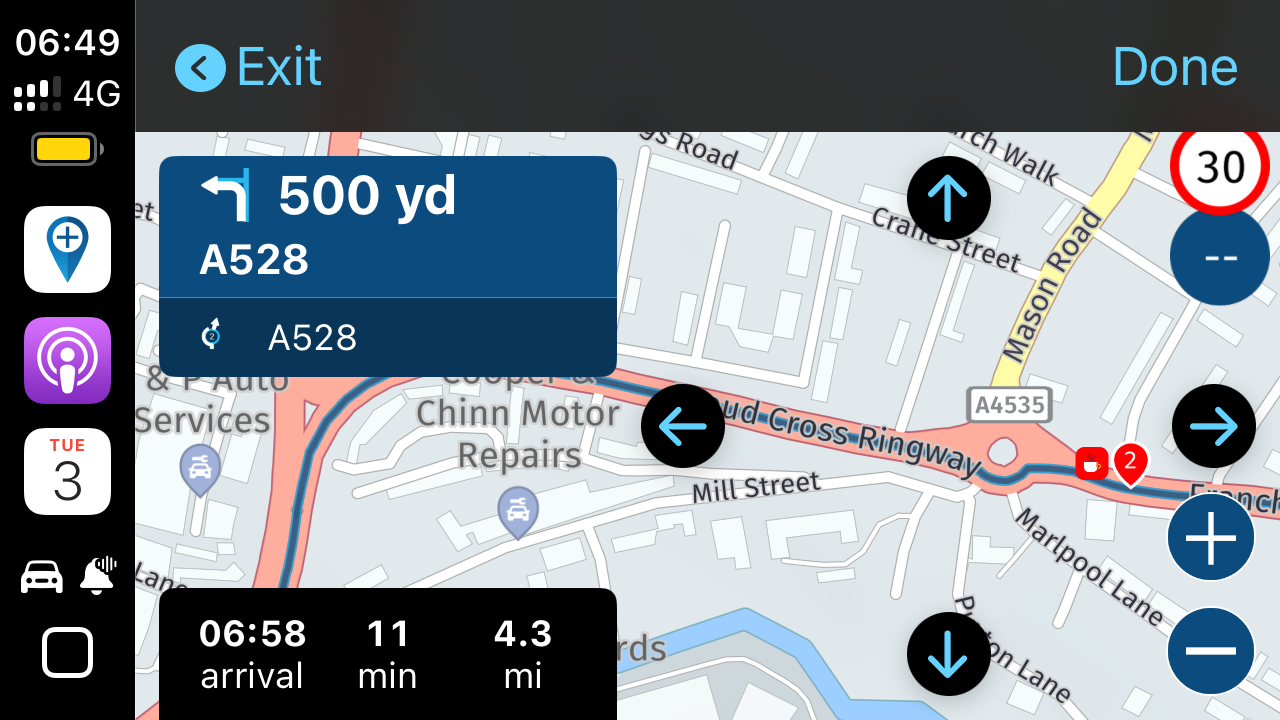
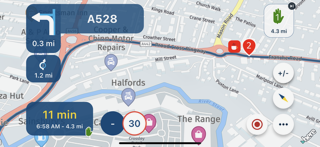
At Max x2.5% POI Size Setting.
Kind Regards. Help where I can.
Ducati Multistrada V4 Rally
iPhone 18 Pro
CHIGEE AIO-6 LTE
Google Pixel 6 Pro - mounted on SP Connect Plus
Ex Garmin XT2 and XT1 as well as Ex TomTom Rider User -
Some screenshots (iPhone in Landscape and CarPlay) below to show that the CarPlay waypoint size is relatively smaller when compared to the waypoint size on the iPhone. I understand that this waypoint size should not change when POI size is changed but it is the disparity in relative waypoint size between the phone and CarPlay that is an issue for me. Additionally, the POI icons in CarPlay do not appear to change size the same as the phone when the POI Size setting is increased. The same difference is seen when connected via wired CarPlay in my car as the CarPlay in the pictures are wireless CarPlay on my Chigee. Ideally for me, I would like the size of icon on the phone and not the smaller one I see in CarPlay. Can this be changed at all? Using Build 4.3.0-331 although the waypoint size has been the same for a while.
At x0.25% POI Size Setting. From
At x1.00% POI Size Setting.
At x2.00% POI Size Setting.
At Max x2.5% POI Size Setting.

@Dave-J-0 So POI's are indeed scaled.
Based on the native resolution / pixel density of the screen, an original size is calculated by the HERE map.
We then scale this by a factor as you can now configure.
It is indeed correct that they therefore can have different sizes
-
@Dave-J-0 So POI's are indeed scaled.
Based on the native resolution / pixel density of the screen, an original size is calculated by the HERE map.
We then scale this by a factor as you can now configure.
It is indeed correct that they therefore can have different sizes
@Corjan-Meijerink it is not the POIs that is the problem but the waypoint size. Can this be changed for CarPlay to be the same relative size as the iPhone?
The POIs on CarPlay also do not seem to scale the same.
Kind Regards. Help where I can.
Ducati Multistrada V4 Rally
iPhone 18 Pro
CHIGEE AIO-6 LTE
Google Pixel 6 Pro - mounted on SP Connect Plus
Ex Garmin XT2 and XT1 as well as Ex TomTom Rider User -
@Corjan-Meijerink it is not the POIs that is the problem but the waypoint size. Can this be changed for CarPlay to be the same relative size as the iPhone?
The POIs on CarPlay also do not seem to scale the same.
@Dave-J-0 Ah check, thanks for clarifying
Hello! It looks like you're interested in this conversation, but you don't have an account yet.
Getting fed up of having to scroll through the same posts each visit? When you register for an account, you'll always come back to exactly where you were before, and choose to be notified of new replies (either via email, or push notification). You'll also be able to save bookmarks and upvote posts to show your appreciation to other community members.
With your input, this post could be even better 💗
Register Login-
 01540
01540
-
0925
-
 01035
01035
-
 911310.6k
-
0727
-
 0713
0713
-
 0726
0726
-
0617