Skip to content
  • Categories
  • Recent
  • Popular
  • Support
  • MyRoute-app
Collapse
Brand Logo

MRA Community Forum

  1. Home
  2. [Beta] The MyRoute-app
  3. [Beta] Problems, Bugs and other Issues
  4. Blank screen

Blank screen

Scheduled Pinned Locked Moved [Beta] Problems, Bugs and other Issues
16 Posts 8 Posters 263 Views 2 Watching
  • Oldest to Newest
  • Newest to Oldest
  • Most Votes
Reply
  • Reply as topic
Log in to reply
This topic has been deleted. Only users with topic management privileges can see it.
  • Lynchy67 Lynchy67

    @Edwin_M

    272 for Android became available earlier today

    Edwin_M Offline
    Edwin_M Offline
    Edwin_M
    wrote on last edited by
    #5

    @Lynchy67 this was with 272

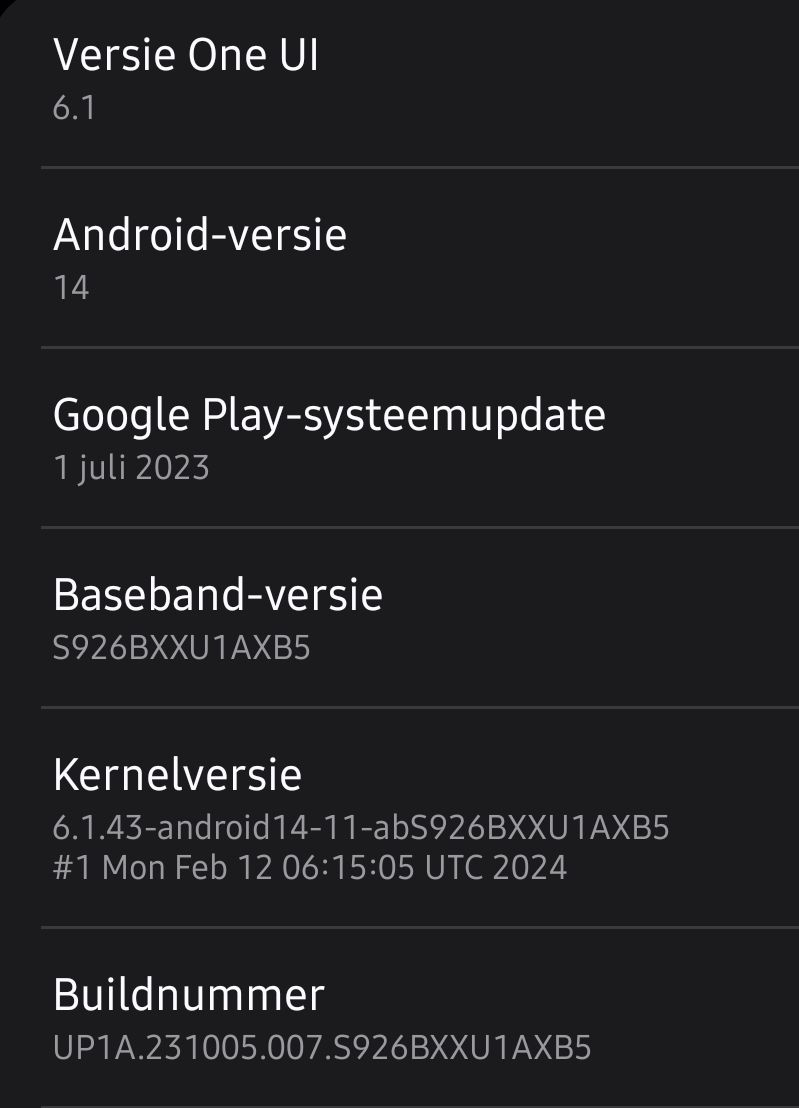
    Samsung S24+ Android, Carpuride W702 , KTM 1290 Super Adventure & Wielrenfietsen

    1 Reply Last reply
    0
    • Corjan Meijerink Offline
      Corjan Meijerink Offline
      Corjan Meijerink
      Developer
      wrote on last edited by
      #6

      276 will be released today - please let me know (with a screenshot) if the problem still occurs.

      If that is the case, you can try to completely reinstall the app.
      If it still doesn't work, please do the following after reinstalling:

      • Open profile page in the app
      • Scroll down
      • Long press version number
      • Email file to corjan@myrouteapp.com
      RetiredWingMan 1 Reply Last reply
      1
      • Edwin_M Edwin_M

        @Corjan-Meijerink issue is still there

        It occurs when I for example select a destination, then ( in Android of course) return to the home screen and open browser with for example the mra forum and then switch back to the mra next app. Then the screen is blank no map and no concept route.

        I specifically changed battery setting to unlimited for the app.
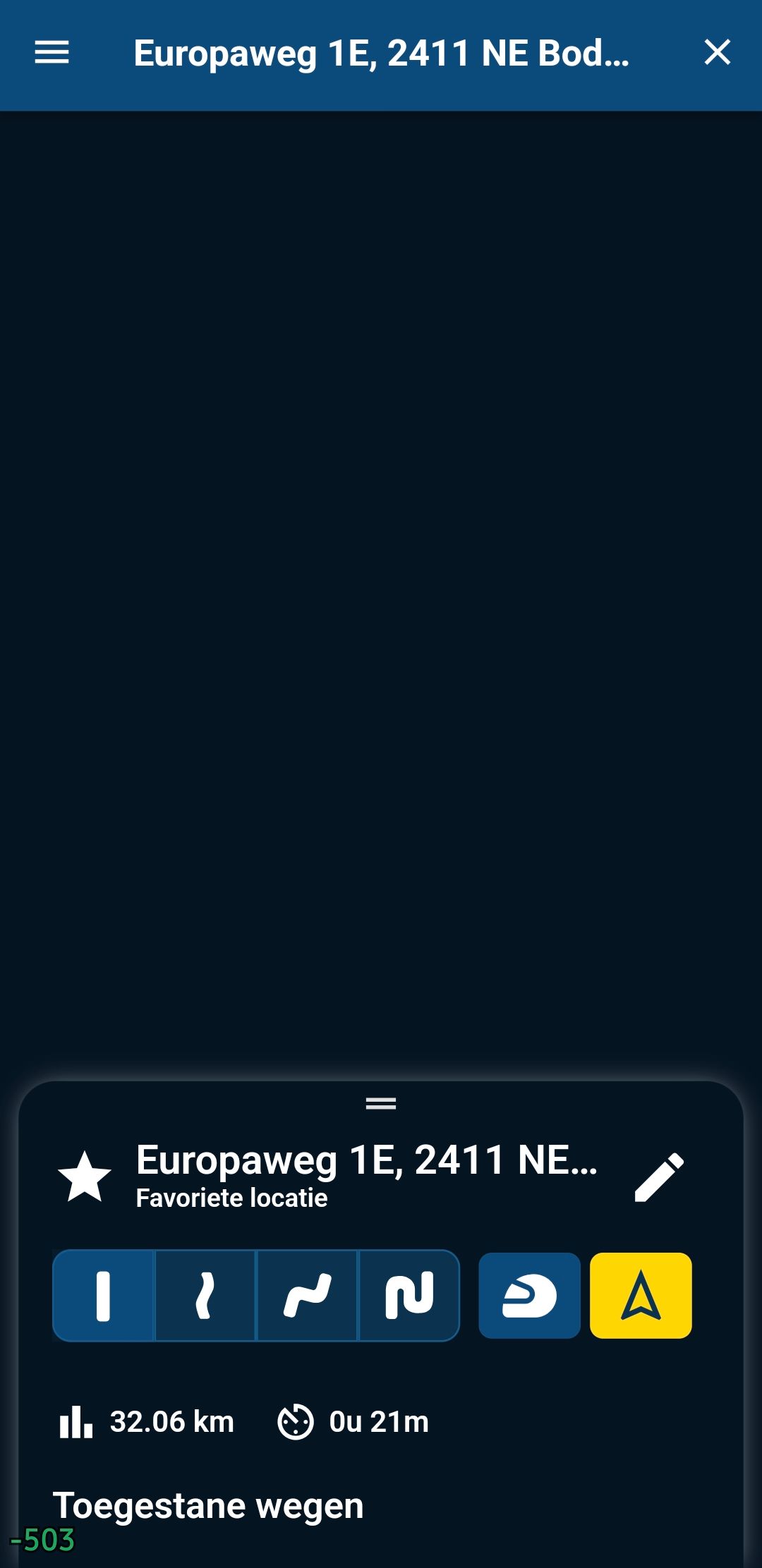
        Screenshot_20240224_172238.jpg

        SmartSelect_20240224_172845_Settings.jpg

        Con Hennekens Offline
        Con Hennekens Offline
        Con Hennekens
        Alpha tester
        wrote on last edited by
        #7

        @Edwin_M said in Blank screen:

        It occurs when I for example select a destination, then ( in Android of course) return to the home screen and open browser with for example the mra forum and then switch back to the mra next app. Then the screen is blank no map and no concept route.

        I have simulated these exact steps, but for me the map shows just fine with the newest update.

        I am just an enthusiastic MRA user, and hope you will be one too!

        Most motorcycle problems are caused by the nut that connects the handlebar to the saddle.

        Check out RideSleepRepeat.eu, a biker community for sharing stays across Europe

        1 Reply Last reply
        0
        • Corjan Meijerink Corjan Meijerink

          276 will be released today - please let me know (with a screenshot) if the problem still occurs.

          If that is the case, you can try to completely reinstall the app.
          If it still doesn't work, please do the following after reinstalling:

          • Open profile page in the app
          • Scroll down
          • Long press version number
          • Email file to corjan@myrouteapp.com
          RetiredWingMan Offline
          RetiredWingMan Offline
          RetiredWingMan
          Valued contributor
          wrote on last edited by
          #8

          @Corjan-Meijerink I installed v286 on my Samsung Galaxy S7. I still get a blank screen. No map display. I'll email a log file in case that might help. Screenshot_20240317-224205.jpg
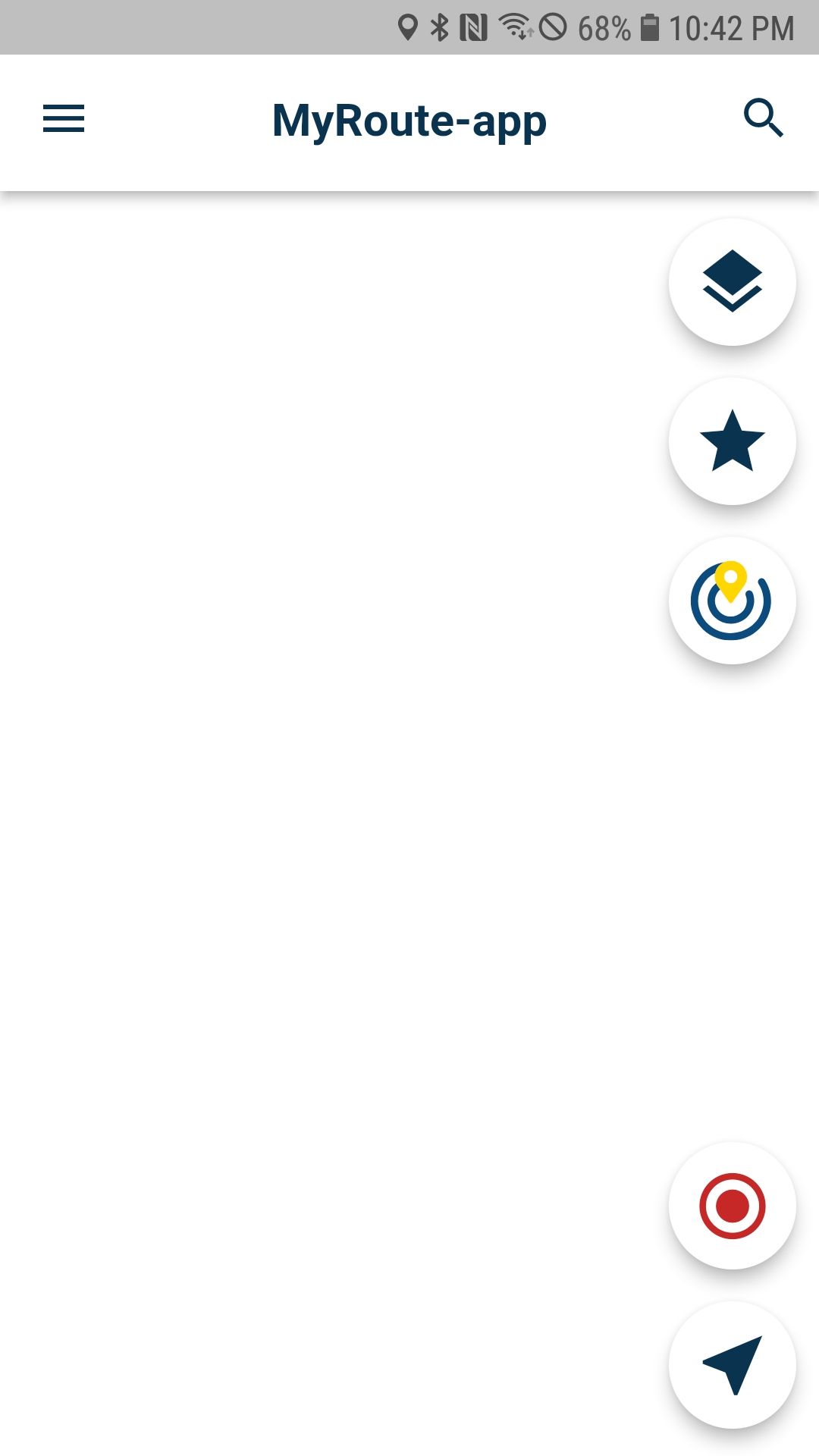
          2010 GL1800 Goldwing using Samsung Galaxy S20 5G Android 13.

          Edwin_M 1 Reply Last reply
          0
          • RetiredWingMan RetiredWingMan

            @Corjan-Meijerink I installed v286 on my Samsung Galaxy S7. I still get a blank screen. No map display. I'll email a log file in case that might help. Screenshot_20240317-224205.jpg

            Edwin_M Offline
            Edwin_M Offline
            Edwin_M
            wrote on last edited by Edwin_M
            #9

            @RetiredWingMan @Corjan-Meijerink can confirm on s24÷ too in 286
            Same behavior still there open mra, map is there.
            Switch to other app and switch back. The map is gone.

            Force closing the app via app management and restarting mra solves the issues.

            When no map, selecting a destination then press 'arrow'. At that moment the map is displayed again.

            Samsung S24+ Android, Carpuride W702 , KTM 1290 Super Adventure & Wielrenfietsen

            1 Reply Last reply
            0
            • richtea999 Offline
              richtea999 Offline
              richtea999
              Valued contributor
              wrote on last edited by richtea999
              #10

              Android version 4.1.0 - 286.
              Samsung A54, Android 14.

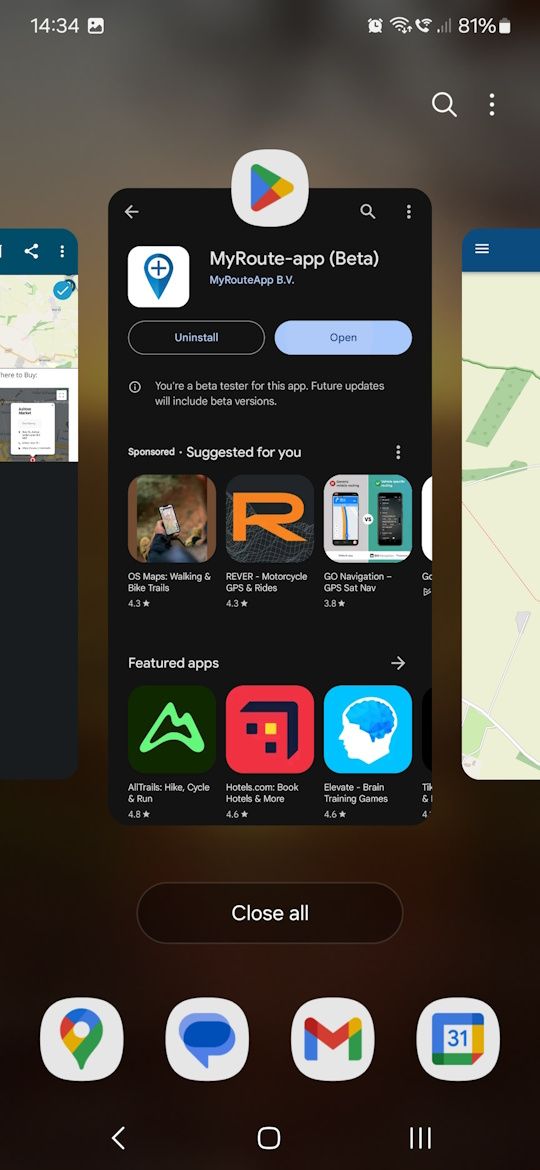
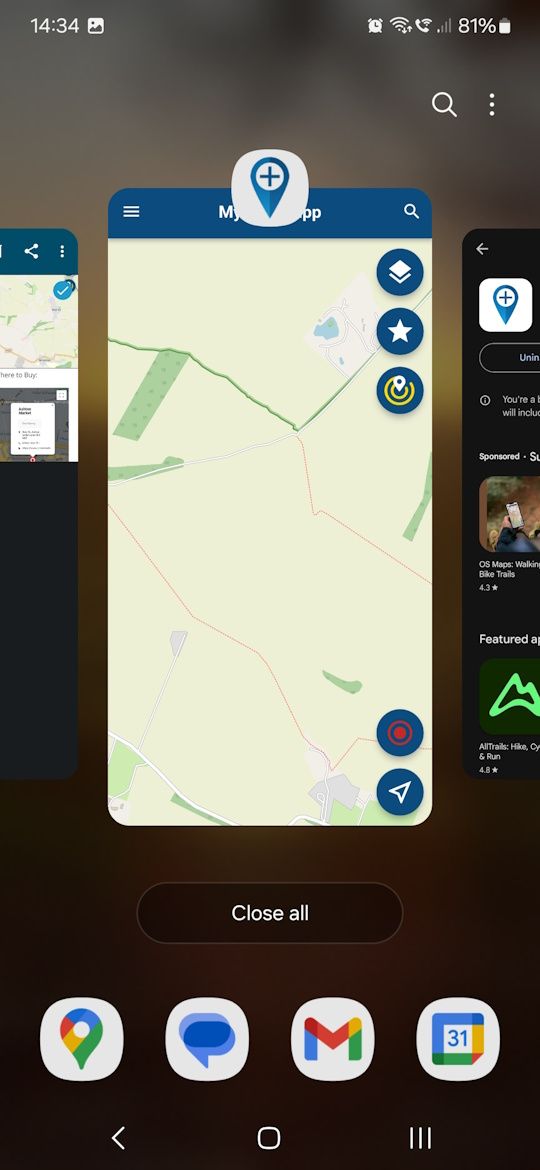
              Agreed - putting MRA to the background, opening another app, and then bringing MRA to the foreground again fails.
              Exiting MRA via back button and then restarting does recover it.

              Note the dark mode when brought back to the foreground, which might indicate it's coming back in the wrong mode - or just a complete lack of map layer?

              Initial start:
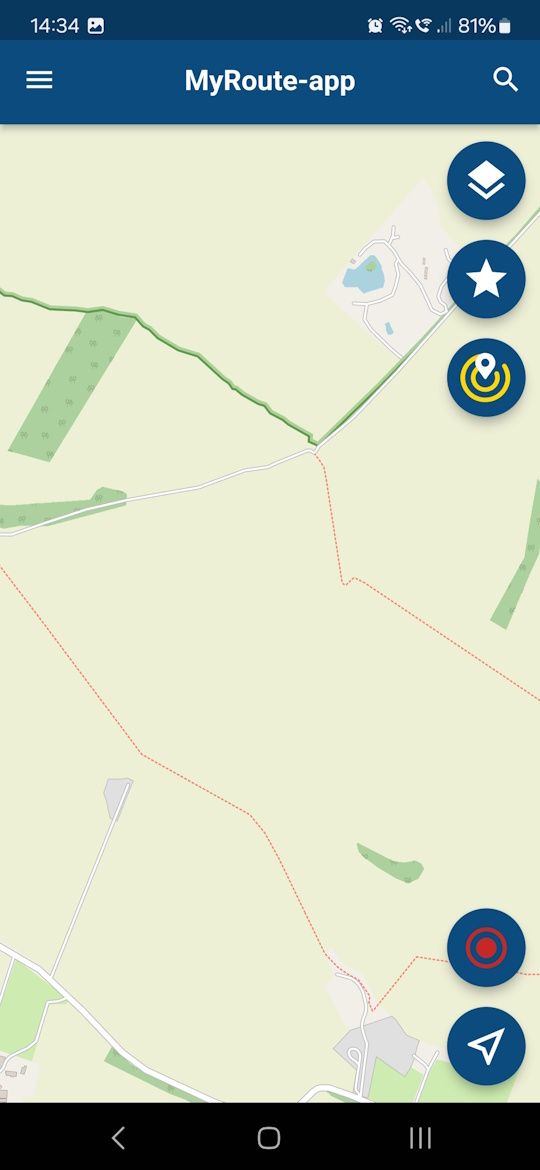
              1.jpg

              Move to background:
              2.jpg

              Bring back from background:
              3.jpg

              MRA back to the foreground (now dark mode):
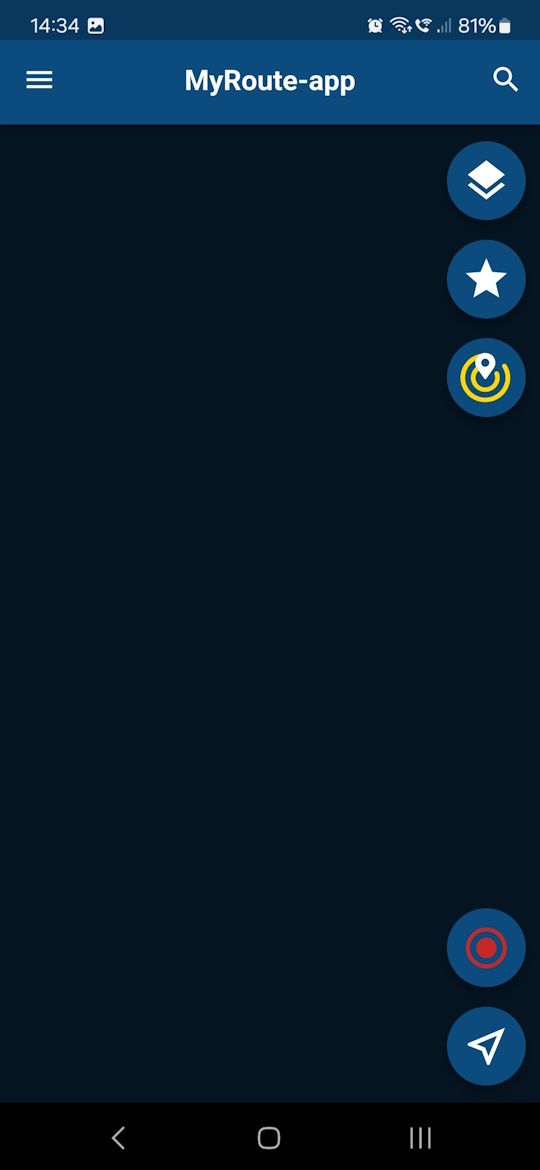
              4.jpg

              Con Hennekens 1 Reply Last reply
              0
              • richtea999 richtea999

                Android version 4.1.0 - 286.
                Samsung A54, Android 14.

                Agreed - putting MRA to the background, opening another app, and then bringing MRA to the foreground again fails.
                Exiting MRA via back button and then restarting does recover it.

                Note the dark mode when brought back to the foreground, which might indicate it's coming back in the wrong mode - or just a complete lack of map layer?

                Initial start:
                1.jpg

                Move to background:
                2.jpg

                Bring back from background:
                3.jpg

                MRA back to the foreground (now dark mode):
                4.jpg

                Con Hennekens Offline
                Con Hennekens Offline
                Con Hennekens
                Alpha tester
                wrote on last edited by
                #11

                @richtea999, this is not even in navigation mode? Strange, I cannot reproduce this on my phone. I think this is a new problem, earlier mentions about blank screens where about navigational mode (HERE map instead of OSM). At least mine were...

                I am just an enthusiastic MRA user, and hope you will be one too!

                Most motorcycle problems are caused by the nut that connects the handlebar to the saddle.

                Check out RideSleepRepeat.eu, a biker community for sharing stays across Europe

                1 Reply Last reply
                0
                • richtea999 Offline
                  richtea999 Offline
                  richtea999
                  Valued contributor
                  wrote on last edited by
                  #12

                  Yup, it's not nav mode - just immediately from starting.
                  And I forgot to say - it's 100% reproducible.

                  Nav mode is stable and doesn't have the problem, so my particular blank screen is a minor bug because you can simply exit and restart the app.

                  It's just confusing, and might appear, to a new user, to be unstable.

                  1 Reply Last reply
                  0
                  • Calibos Offline
                    Calibos Offline
                    Calibos
                    wrote on last edited by Calibos
                    #13

                    Hello, I have exactly the same problem as you on my phone. Usually I browse with a Samsung Tab active2 tablet on which I voluntarily block MRA updates to have stable and lasting operation.
                    But when I go on a road trip, I also use my phone with the Mra app installed and updated to the latest version as a backup. I just tried to launch the app on this phone and what a surprise!! I no longer have a map that is displayed, once the screen is white at startup and then it is black on another page of the application. I uninstalled, then cleared the cache and redownloaded the maps but nothing helps. The app no ​​longer shows me a map. The worst is that everything works but without a map on the screen.
                    This app is great when everything works but here it's frustrating. Personally I don't care about carplay or android auto but I can't do without a card, it's the bare minimum.

                    I don't know what to do to solve this problem and I welcome your solutions.
                    Thanks
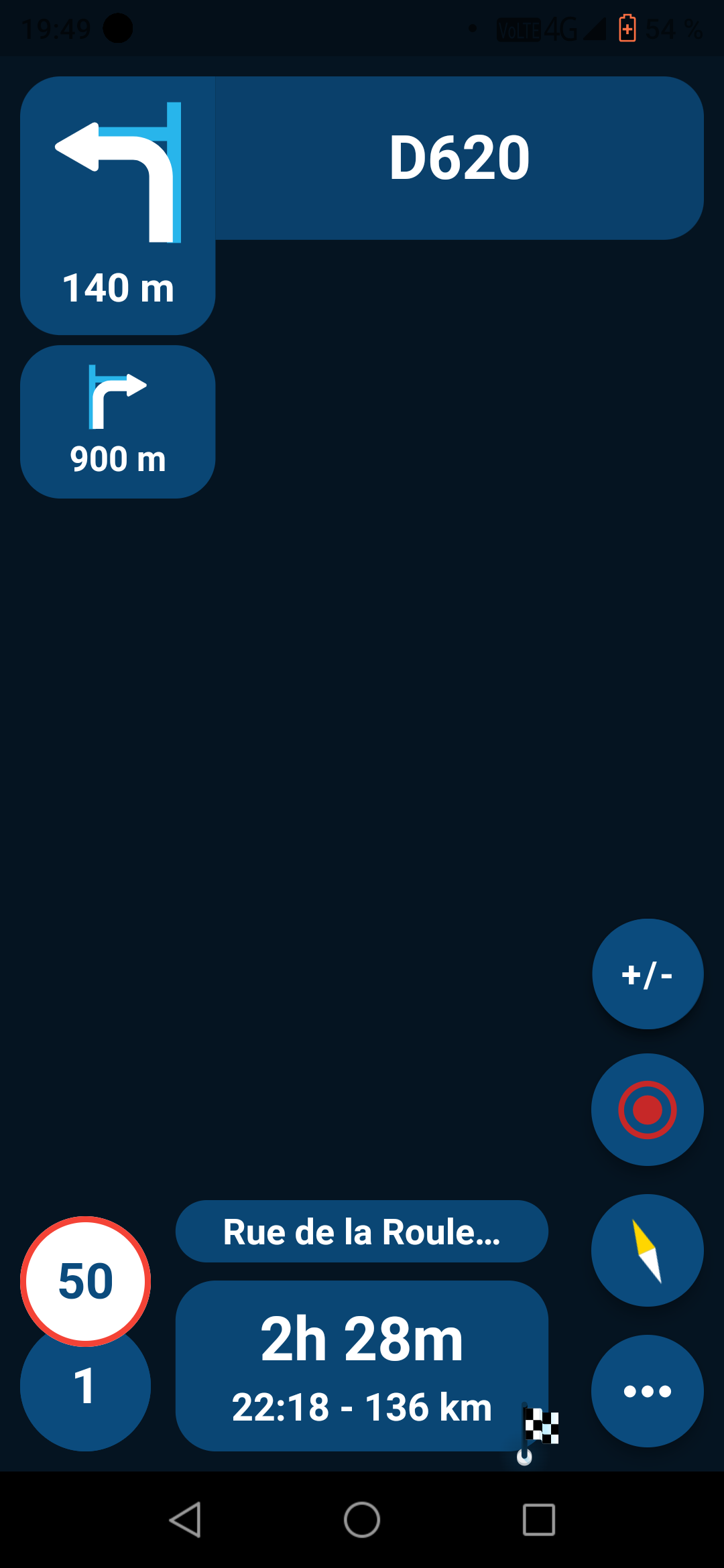
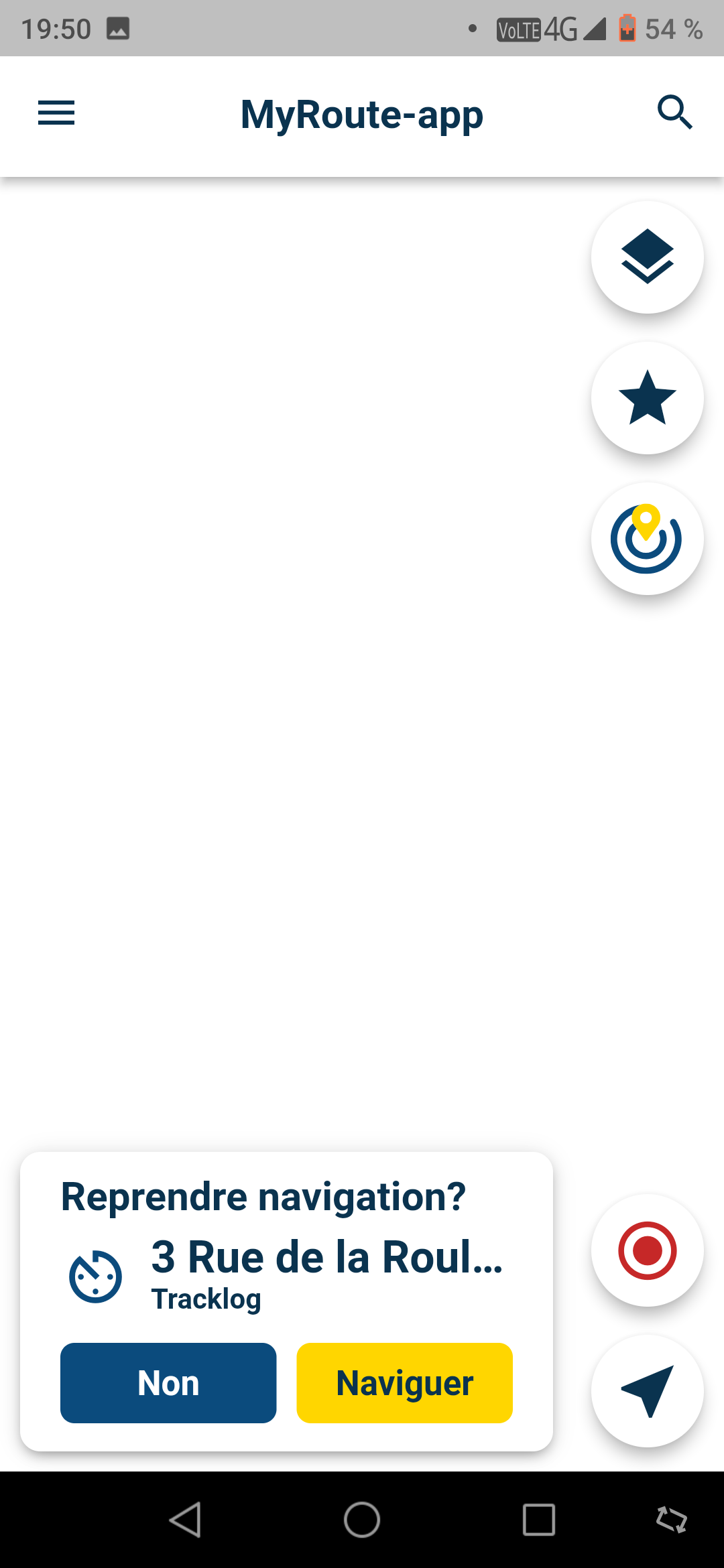
                    Screenshot_20240318-194958.png

                    Screenshot_20240318-195015.png

                    RetiredWingMan 1 Reply Last reply
                    0
                    • Calibos Calibos

                      Hello, I have exactly the same problem as you on my phone. Usually I browse with a Samsung Tab active2 tablet on which I voluntarily block MRA updates to have stable and lasting operation.
                      But when I go on a road trip, I also use my phone with the Mra app installed and updated to the latest version as a backup. I just tried to launch the app on this phone and what a surprise!! I no longer have a map that is displayed, once the screen is white at startup and then it is black on another page of the application. I uninstalled, then cleared the cache and redownloaded the maps but nothing helps. The app no ​​longer shows me a map. The worst is that everything works but without a map on the screen.
                      This app is great when everything works but here it's frustrating. Personally I don't care about carplay or android auto but I can't do without a card, it's the bare minimum.

                      I don't know what to do to solve this problem and I welcome your solutions.
                      Thanks

                      Screenshot_20240318-194958.png

                      Screenshot_20240318-195015.png

                      RetiredWingMan Offline
                      RetiredWingMan Offline
                      RetiredWingMan
                      Valued contributor
                      wrote on last edited by
                      #14

                      @Calibos what version is your phone and what is the Android version? I get this problem on my older Samsung S7 Android 8.

                      2010 GL1800 Goldwing using Samsung Galaxy S20 5G Android 13.

                      Calibos 1 Reply Last reply
                      0
                      • RetiredWingMan RetiredWingMan

                        @Calibos what version is your phone and what is the Android version? I get this problem on my older Samsung S7 Android 8.

                        Calibos Offline
                        Calibos Offline
                        Calibos
                        wrote on last edited by
                        #15

                        @RetiredWingMan
                        Hello, it's a Umidigi Power phone running Android 9 but so far no problem getting MRA to work

                        1 Reply Last reply
                        0
                        • Arno 0 Offline
                          Arno 0 Offline
                          Arno 0
                          wrote on last edited by
                          #16

                          I have the same problem on my Samsung Tab A6. Reinstalling the app does unfortunately not help.

                          1 Reply Last reply
                          0

                          Hello! It looks like you're interested in this conversation, but you don't have an account yet.

                          Getting fed up of having to scroll through the same posts each visit? When you register for an account, you'll always come back to exactly where you were before, and choose to be notified of new replies (either via email, or push notification). You'll also be able to save bookmarks and upvote posts to show your appreciation to other community members.

                          With your input, this post could be even better 💗

                          Register Login
                          Reply
                          • Reply as topic
                          Log in to reply
                          • Oldest to Newest
                          • Newest to Oldest
                          • Most Votes


                          ACTIVE USERS
                          Con Hennekens
                          Con Hennekens
                          richtea999
                          richtea999
                          Corjan Meijerink
                          Corjan Meijerink
                          RetiredWingMan
                          RetiredWingMan
                          Edwin_M
                          Edwin_M
                          Arno 0
                          Arno 0
                          Lynchy67
                          Lynchy67
                          Calibos
                          Calibos
                          POPULAR TOPICS
                          • It was not possible to find a correct route to Wheels Through Time
                            Nick Carthew
                            Nick Carthew
                            0
                            16
                            234

                          • Is there a way to put a Home button in the program
                            Mike wiruth
                            Mike wiruth
                            0
                            4
                            42

                          • MRA 5.2.2 (489) Route time is calculated incorrectly /// Strecken Zeit wird falsch berechnet
                            Nick Carthew
                            Nick Carthew
                            0
                            4
                            29

                          • Is there a way to re-order the routes in your routes folder?
                            superg
                            superg
                            0
                            3
                            46

                          • Route doesn’t recalculate to my destination
                            Peter Zehentreiter
                            Peter Zehentreiter
                            0
                            7
                            231

                          • routepunten overslaan gebeurd niet zoals verwacht
                            Bruno 7
                            Bruno 7
                            1
                            21
                            617

                          • MRA In the BMW - Cradel vertically and horizontally /// MRA im BMW - Cradel senkrecht und waagerecht nutzen
                            Hubert Thoring
                            Hubert Thoring
                            0
                            2
                            28

                          • Opening Route Direct from Android Auto Screen
                            Marinus van Deudekom
                            Marinus van Deudekom
                            0
                            6
                            256

                          MY GROUPS
                          • Login

                          • Login or register to search.
                          • First post
                            Last post
                          0
                          • Categories
                          • Recent
                          • Popular
                          • Support
                          • MyRoute-app