Looking at route loses zoom level
-

I noticed today while playing with the updated app..
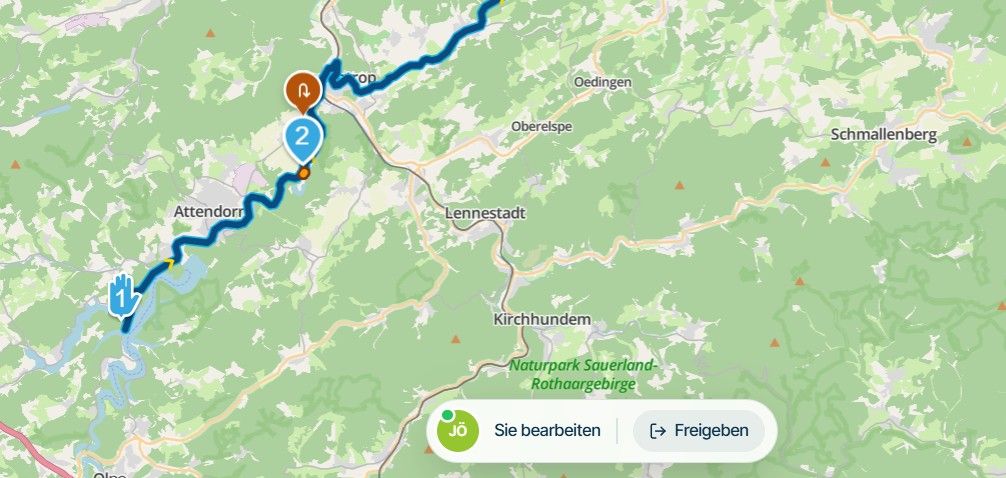
Long press compass to bring up route map
Tap compass to return to navigation
Tap compass to return to previous zoom level, entire route map is displayed.
Use zoom buttons to zoom in to desired level.
Taping compass now switches between default zoom and adjusted zoom level.
Go to menu and Show route.
Tap compass goes back to navigation.
Tap compass and it shows the entire route again.
The app does not remember the previous zoom level.2010 GL1800 Goldwing using Samsung Galaxy S20 5G Android 13.
-
I noticed today while playing with the updated app..
Long press compass to bring up route map
Tap compass to return to navigation
Tap compass to return to previous zoom level, entire route map is displayed.
Use zoom buttons to zoom in to desired level.
Taping compass now switches between default zoom and adjusted zoom level.
Go to menu and Show route.
Tap compass goes back to navigation.
Tap compass and it shows the entire route again.
The app does not remember the previous zoom level.
@Doug-Robinson Thanks for sharing!

This has been fixed for release.
Hello! It looks like you're interested in this conversation, but you don't have an account yet.
Getting fed up of having to scroll through the same posts each visit? When you register for an account, you'll always come back to exactly where you were before, and choose to be notified of new replies (either via email, or push notification). You'll also be able to save bookmarks and upvote posts to show your appreciation to other community members.
With your input, this post could be even better 💗
Register Login-
 01543
01543
-
 911410.7k
-
0926
-
 0714
0714
-
 0612
0612
-
0621
-
 0731
0731
-
 0726
0726