Information boxes
-

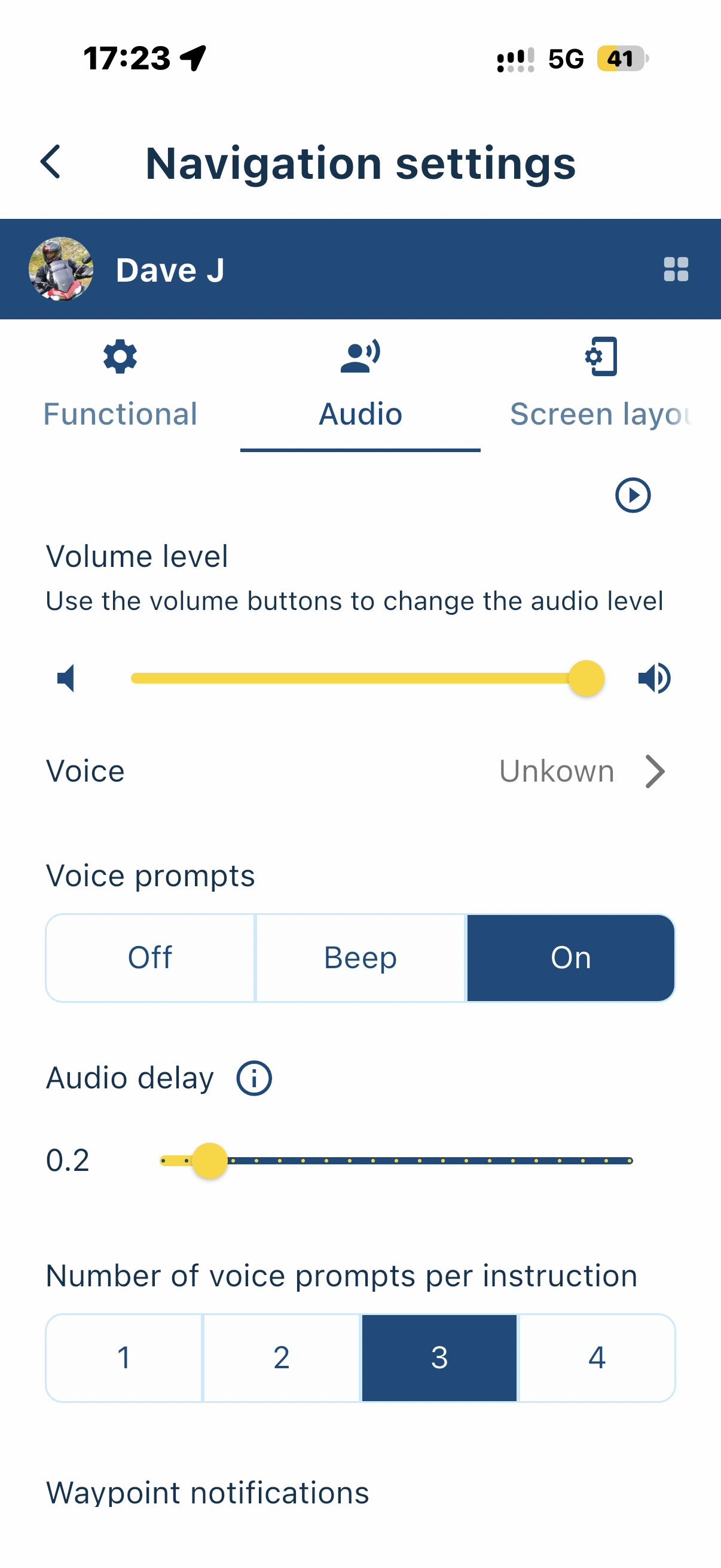
I have been tying to see if there is a setting where I can reduce the amount of information boxes on the map screen epically the box with the road name in as it still remains quite large in landscape mode For me it is an unnecessary piece of information 90% of the time. Is it possible to disable it.
-
I have been tying to see if there is a setting where I can reduce the amount of information boxes on the map screen epically the box with the road name in as it still remains quite large in landscape mode For me it is an unnecessary piece of information 90% of the time. Is it possible to disable it.

@Neil-Hinkins that is an option - Navigation Settings / Screen layout - current road.
2010 GL1800 Goldwing using Samsung Galaxy S20 5G Android 13.
-
@Neil-Hinkins that is an option - Navigation Settings / Screen layout - current road.

@Doug-Robinson, no, that setting is for the little road name at the lower part of the screen. The road where you currently are on.
-

@Neil-Hinkins there has been a discussion about it, search for
"Hide streetname in direction"Greetings
Ronni -
I think it may of been miss understood what information box I was on about I can see where you can turn off the current road name what I want to get rid of is the next road name which occupies an unnecessary large box at the top of the screen
-

Ah yes, this idea has been shared before so thanks for pointing it out again!

We'll see what we can do about it in the future, currently we are working on slightly more critical issues & features. Thanks for understanding!
Hello! It looks like you're interested in this conversation, but you don't have an account yet.
Getting fed up of having to scroll through the same posts each visit? When you register for an account, you'll always come back to exactly where you were before, and choose to be notified of new replies (either via email, or push notification). You'll also be able to save bookmarks and upvote posts to show your appreciation to other community members.
With your input, this post could be even better 💗
Register Login-
 08186
08186
-
 0518
0518
-
 010282
-
 0745
0745
-
0310
-
 0336
0336
-
016819
-
0212