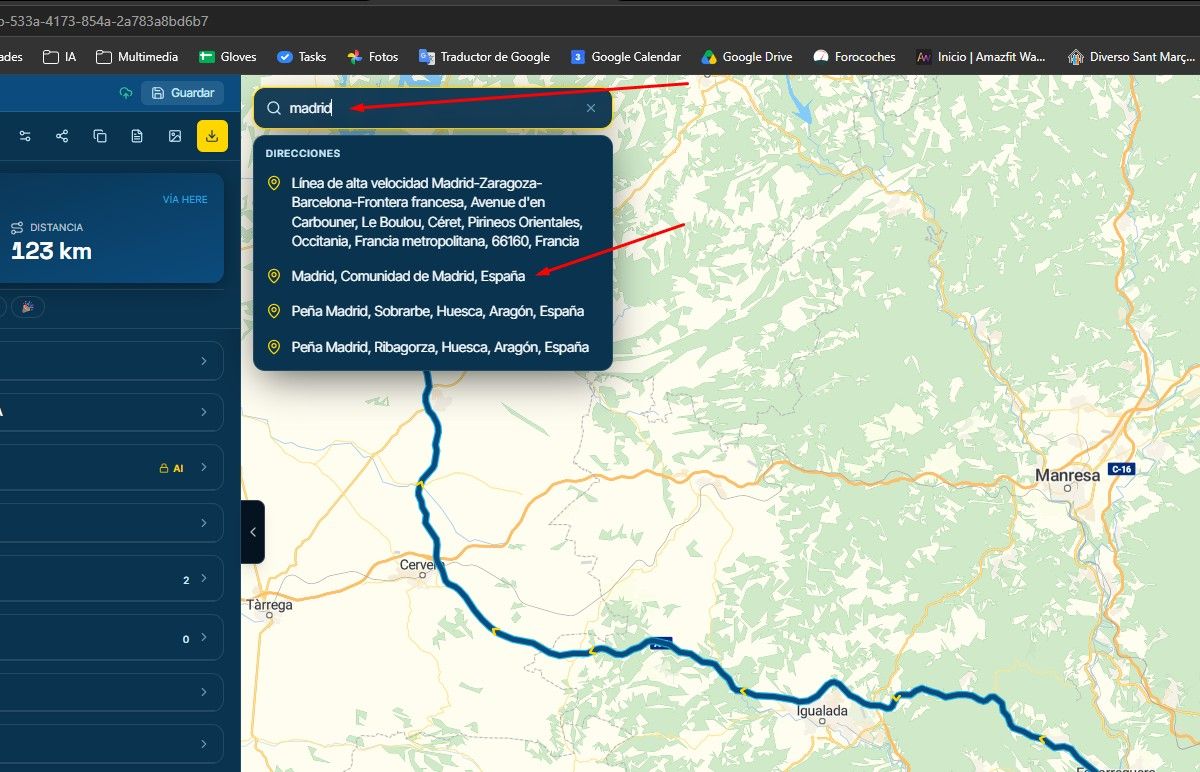
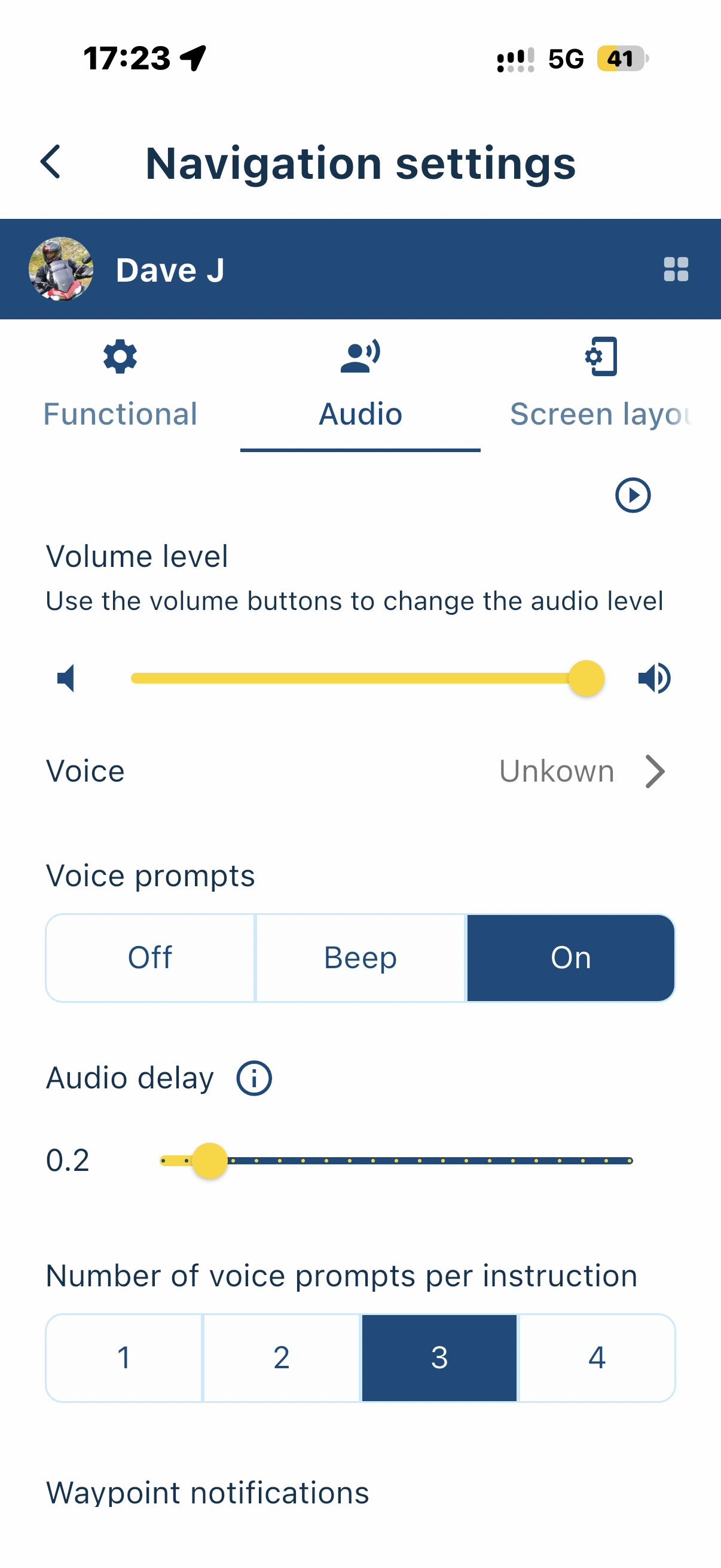
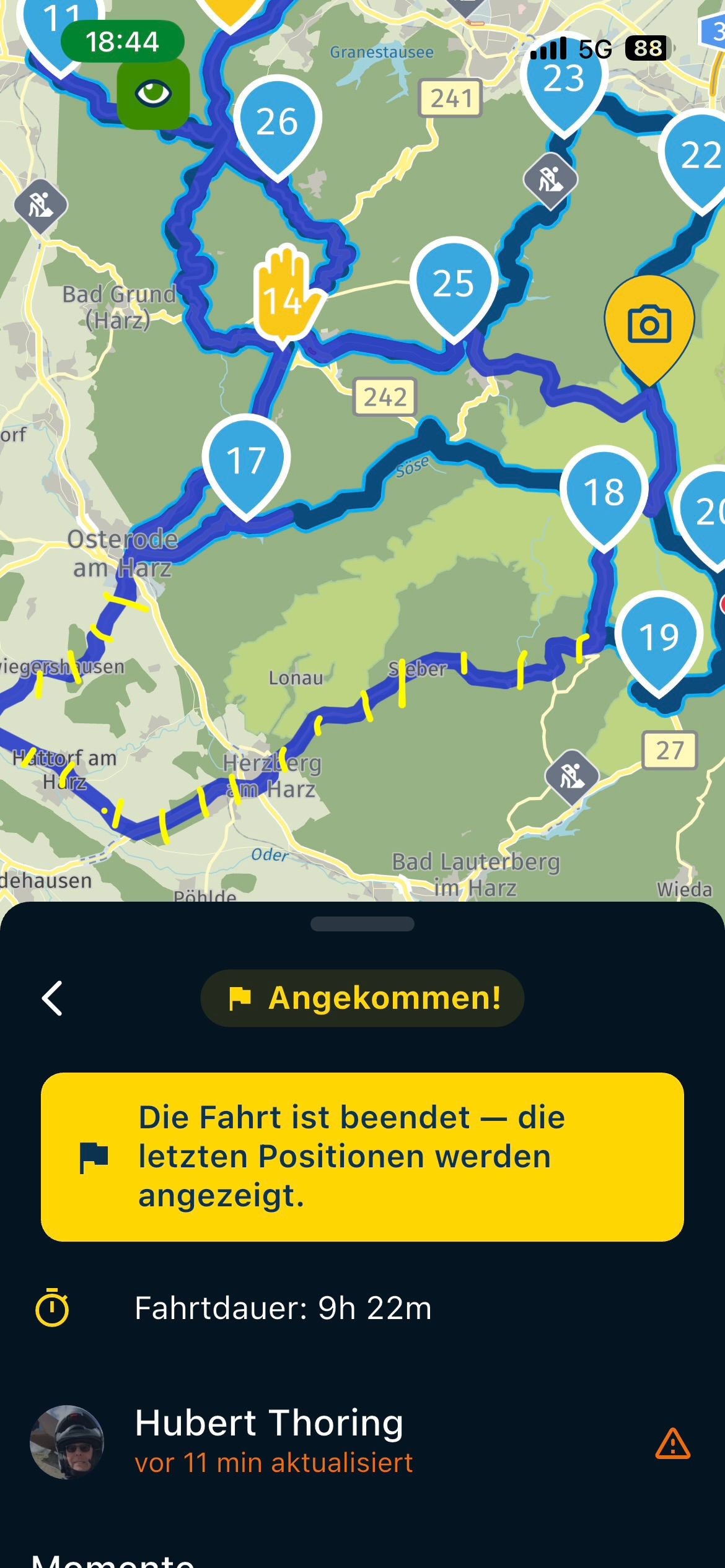
Navigate from search
-

I used the search icon to enter destination. Next generated a route with the thick blue line, but that was it. No turns ahead in upper left or miles/time to destination on bottom center. Also if you take an alternate route it will not update and regenerate a new route.
-
I used the search icon to enter destination. Next generated a route with the thick blue line, but that was it. No turns ahead in upper left or miles/time to destination on bottom center. Also if you take an alternate route it will not update and regenerate a new route.

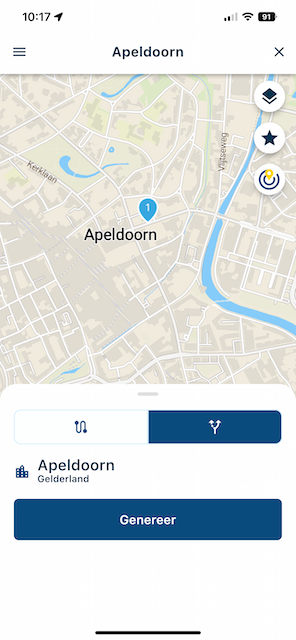
@Gary-DeWitt Sounds like you are using the Mobile app route generator. After searching for a location, select the right tab and click generate.
-
@Gary-DeWitt Sounds like you are using the Mobile app route generator. After searching for a location, select the right tab and click generate.

@Corjan-Meijerink, If I my suggest: take a quick look at Greenshot. It's a screengrabber app with a lot of handy tools. That turns your screenshot into something like this:
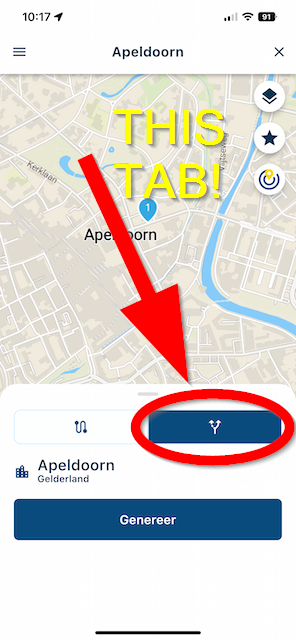
in a matter of seconds. I use it a lot for making manuals, guides, AND clear-up things on fora like this one

I am just an enthusiastic MRA user, and hope you will be one too!
Most motorcycle problems are caused by the nut that connects the handlebar to the saddle.
Check out RideSleepRepeat.eu, a biker community for sharing stays across Europe
-
@Corjan-Meijerink, If I my suggest: take a quick look at Greenshot. It's a screengrabber app with a lot of handy tools. That turns your screenshot into something like this:
in a matter of seconds. I use it a lot for making manuals, guides, AND clear-up things on fora like this one
@Con-Hennekens Thanks

-
 MyRoute-app community moved this topic from [Beta] The MyRoute-app on
Hello! It looks like you're interested in this conversation, but you don't have an account yet.
Getting fed up of having to scroll through the same posts each visit? When you register for an account, you'll always come back to exactly where you were before, and choose to be notified of new replies (either via email, or push notification). You'll also be able to save bookmarks and upvote posts to show your appreciation to other community members.
With your input, this post could be even better 💗
Register Login-
 01331
01331
-
 08148
08148
-
09251
-
 0531
0531
-
 038
038
-
0318
-
 0331
0331
-
029