Skip to content

[App-Beta] Suggestions and Discussions

852 Topics 5.5k Posts
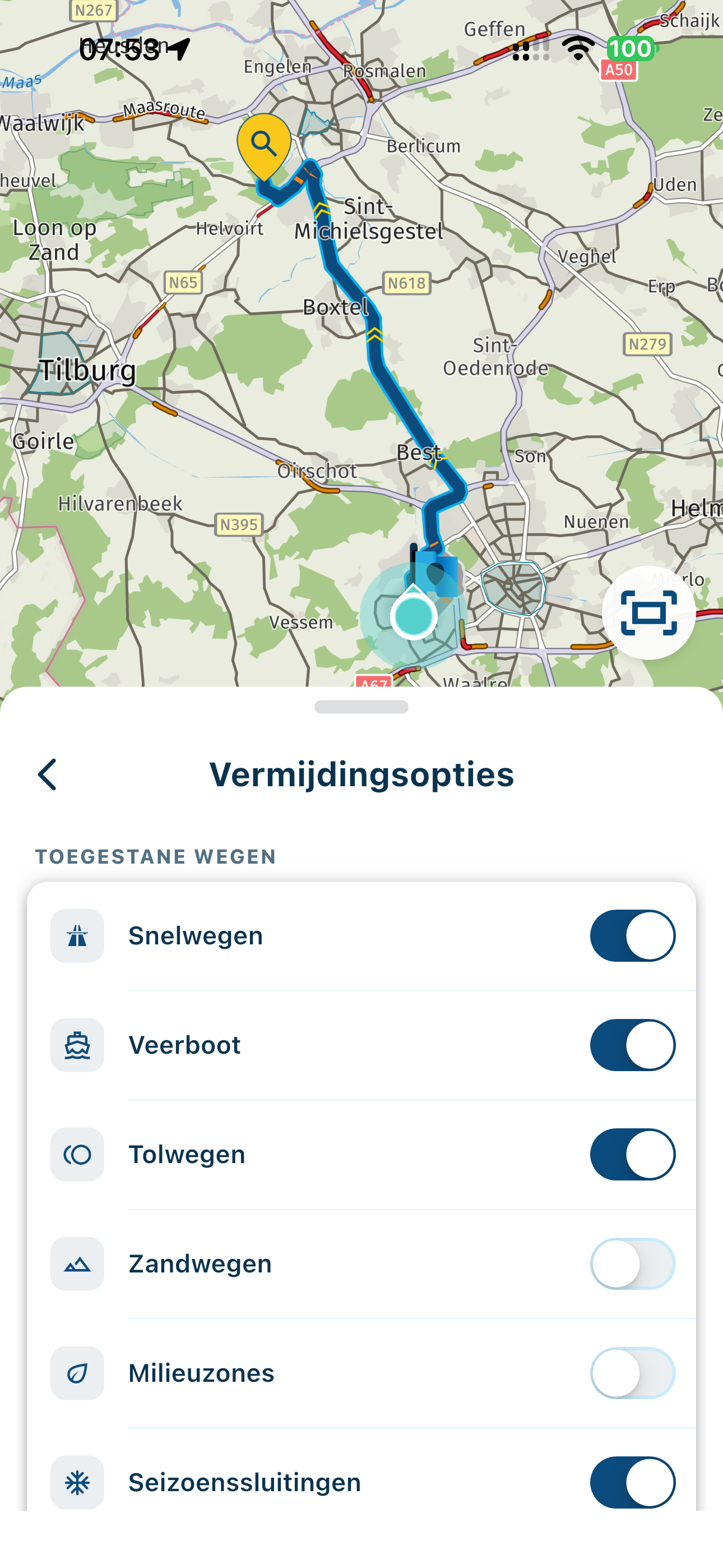
  • Vermijdingsopties is wat verwarrend

    5
    1
    0 Votes
    5 Posts
    8 Views
    Eric Bovelander
    @Marinus-van-Deudekom een "probleem" is het nooit geweest, het viel me gewoon op, en het kwam bij mij verwarrend over, niks meer dan dat. Voordat ik iets vastleg kijk ik toch eerst even over de wegen heen, want er is niets zo saai als jezelf over een snelweg verplaatsen
  • Mooi nieuw uiterlijk van MRA Routeplanner Next.

    1
    0 Votes
    1 Posts
    4 Views
    No one has replied
  • Route line color

    4
    1
    1 Votes
    4 Posts
    63 Views
    a white mouse on the motorbike
    Dat zou inderdaad mooi zijn! Helaas kan ik het zelf nog niet bekijken.
  • MRA V6.0.0 (531) Download offline maps ?

    4
    2
    0 Votes
    4 Posts
    58 Views
    Hubert Thoring
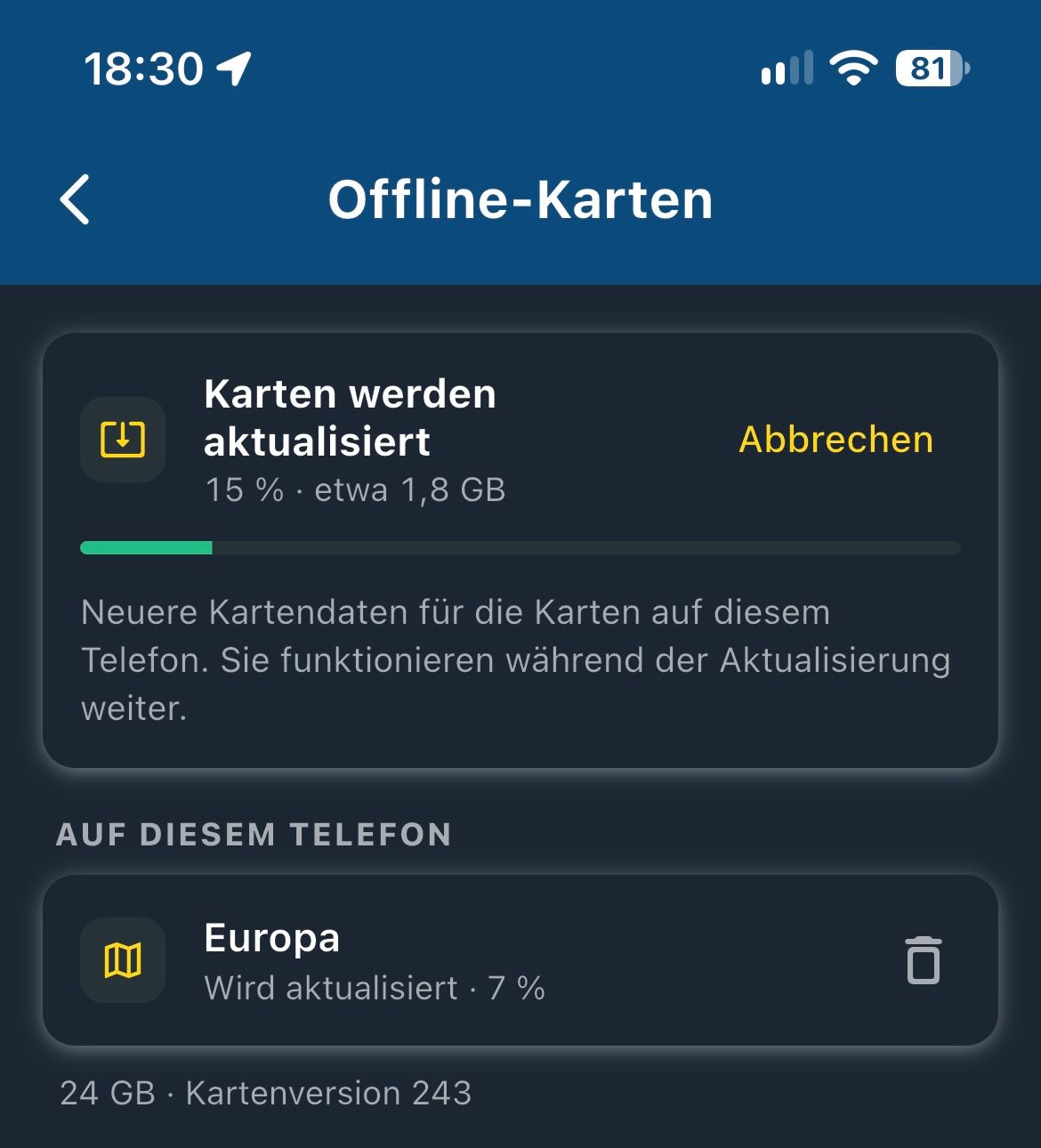
    A suggestion: It would be good to have some visual indication that something is happening after pressing the "Update maps" button. There is a delay before anything visible occurs. [image: IMG_0876.png]
  • WayPoint message

    4
    1
    0 Votes
    4 Posts
    40 Views
    Corjan Meijerink
    Should be fixed in a newer release version
  • Change route color

    7
    1
    0 Votes
    7 Posts
    83 Views
    Jörg - VMS e.V.
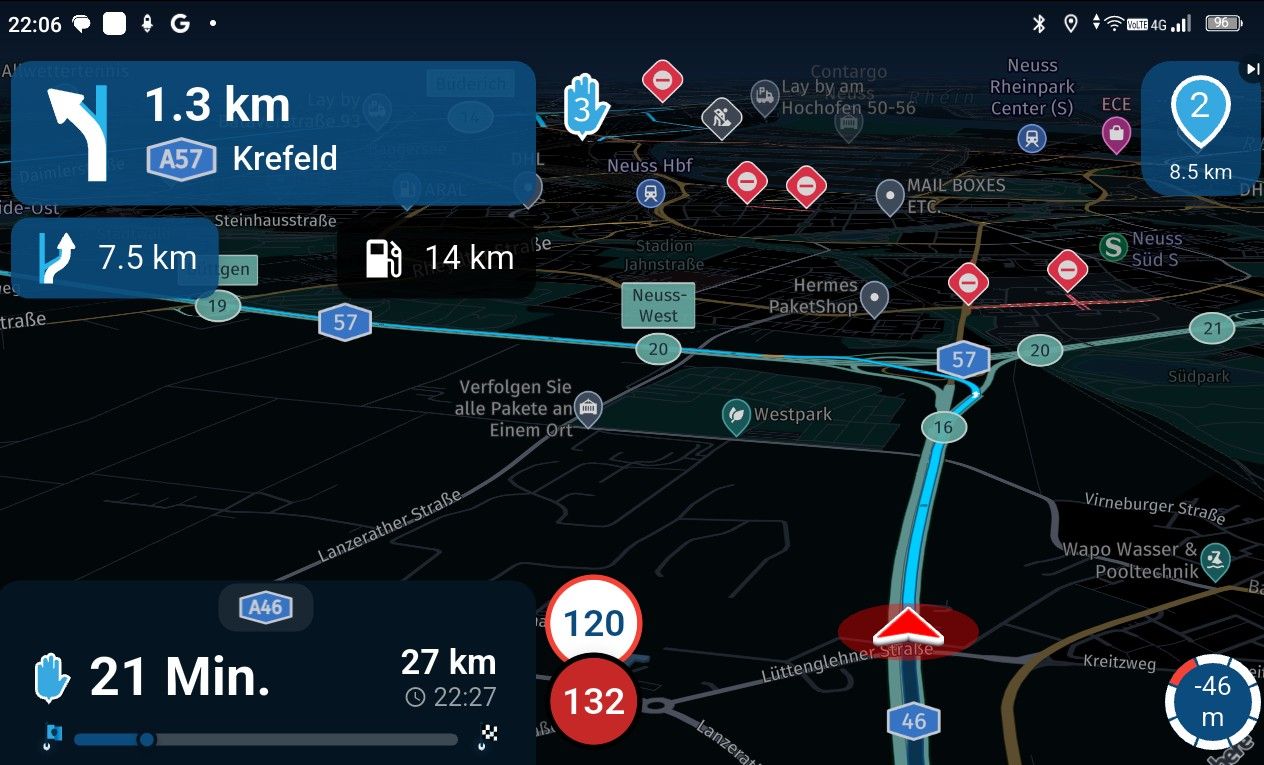
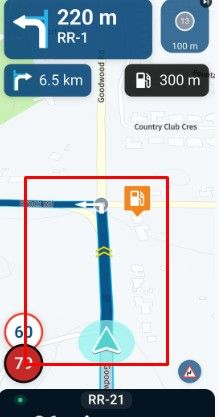
    Display in day colors the blue line is fine, but with night color setting the linie needs more contrast. So perhaps no choice for the user, but in night setting always another color for the route line ‍️
  • Vermelding tankstations echt OP de route

    1
    0 Votes
    1 Posts
    36 Views
    No one has replied
  • Map colours and side roads

    10
    1 Votes
    10 Posts
    147 Views
    MotoCon
    @Nick-Carthew said: @MotoCon The next turn instruction in the top left has a clear distance visible so this should be enough information to determine if it is the left turn in front of you or the next one. For me the routeline itself is the best and most valuable information to go on. I don't measure distances when I am driving A map simply needs to resemble reality (in a schematic way of course).
  • 6.0.0 - 515 graphics appear much clearer.

    2
    1 Votes
    2 Posts
    63 Views
    RetiredWingMan
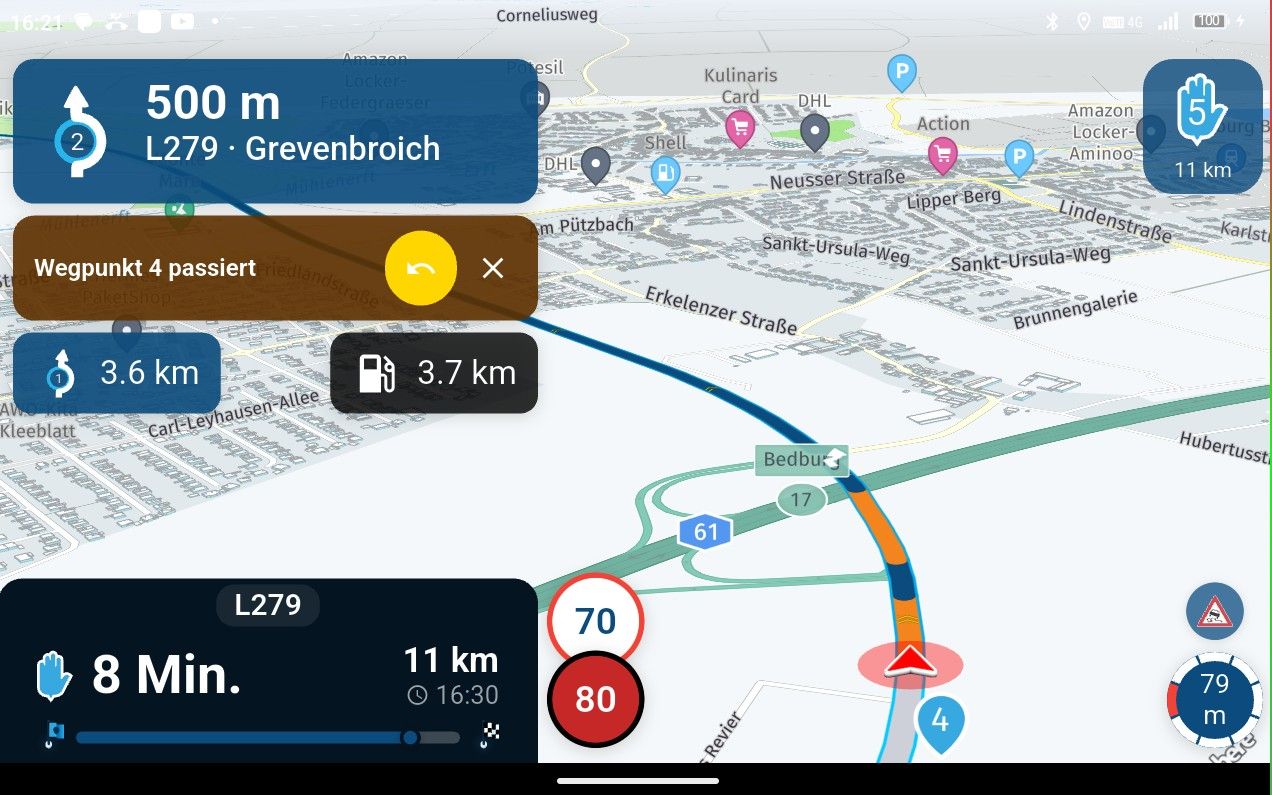
    Every now and then I get an announcement about passing a waypoint. It does not happen all the time. I have the option set to via points only. Have not been able to reliably reproduce the error yet.
  • Change Travel Mode for a Route that you have started in CarPlay

    1
    0 Votes
    1 Posts
    25 Views
    No one has replied
  • Verbetertip: Een route starten vanaf een bepaald routepunt

    3
    1
    0 Votes
    3 Posts
    32 Views
    PeterKerkhof
    Dank je wel!
  • Verbetertip: melding bij het starten van een andere route

    3
    1 Votes
    3 Posts
    28 Views
    PeterKerkhof
    Dank je wel!
  • Suggestie voor notitie teksten tijdens rijden

    6
    0 Votes
    6 Posts
    83 Views
    Corjan Meijerink
    Gewoon voor de verwachtingen. Ik ga hier niet iets mee doen binnenkort.
  • Save locations/positions

    4
    0 Votes
    4 Posts
    35 Views
    Lluis Arasanz
    @jörgen That,s v.515 On v 526 is easiest to go “save position as POI” [image: image.jpeg] (See “Guardar ubicación como punto de interés”)
  • MRA 6.0.0 (526) - CarPlay Map Options Select Like iPhone

    4
    0 Votes
    4 Posts
    41 Views
    Dave J 0
    Ignore my last. I just noticed the ‘small print’ in the Map Layer area . Sorry.
  • Documentation?

    2
    1
    0 Votes
    2 Posts
    45 Views
    Stefan Hummelink
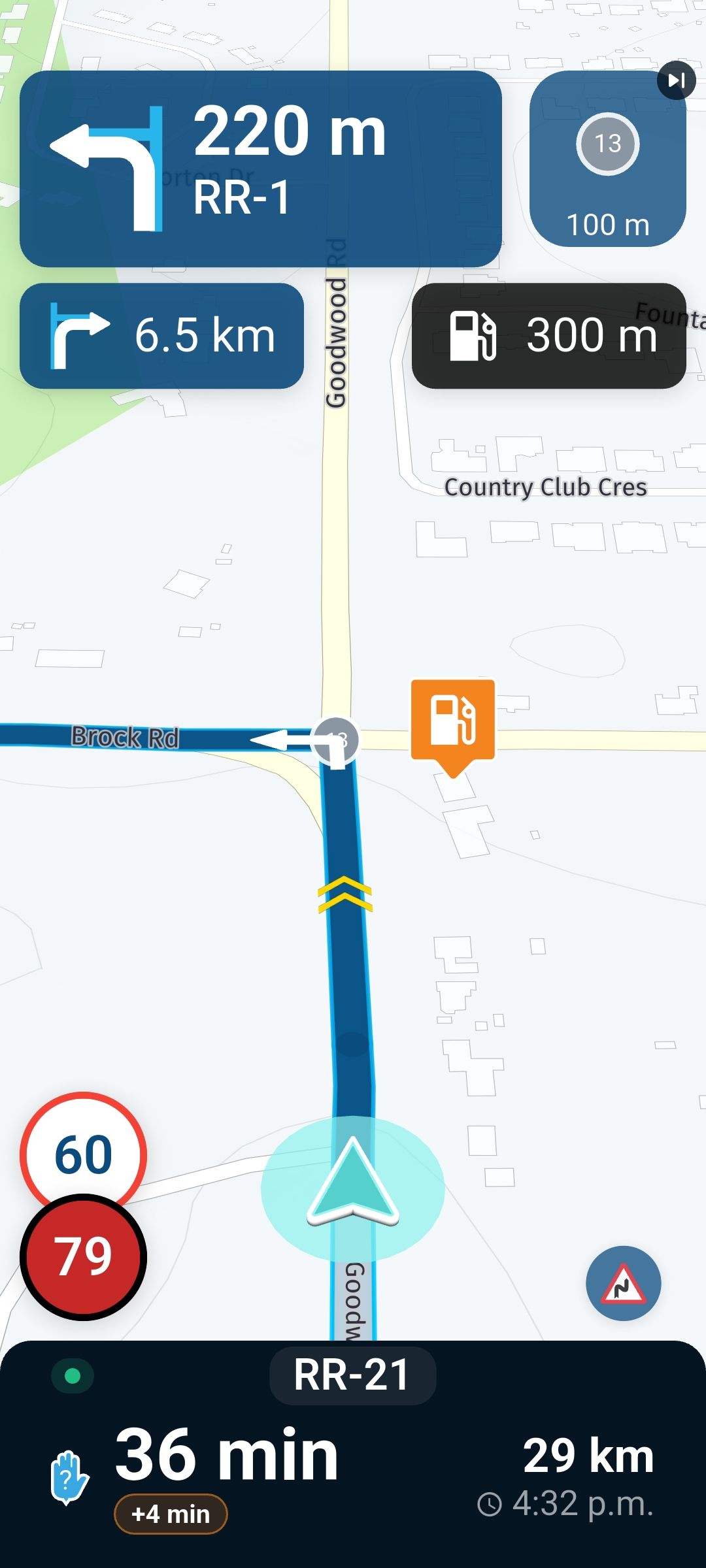
    @RetiredWingMan said: Bottom right different icons appear at different tines. Is there a list and description? Bottom box under the time to next waypoint shows +5 mins. What is this? In the bottom box upper left corner shows a little blue dot. What is this? When you pull up the bottom box a line appears that looks like a progress bar but it does appear to do anything. What is it? Those are warnings for upcoming road signs. The warning increases in size when approaching the sign, and decreases in size when not applicable anymore. (E.g. when you've passed the sign...) Estimated increase in ETA time due to traffic intel about your current route. This greenish dot is showing you that you are recording a TrackLog. Just tap your screen once to verify that this dot in the box is identical to the TrackLog button on screen next to the zoom buttons. Note that the screen is now set up so they these buttons cannot stay on screen permanently in contrast to earlier versions of the app. One may also encounter a tiny "red broadcasting tower icon" over there which means you will be Live sharing your location through MRA... See announcement from Corjan regarding live tracking. This is indeed the progress bar on far along your route you are. It surely does something!
  • still no (Beta) Update 6.0.0 -514

    13
    0 Votes
    13 Posts
    223 Views
    Marinus van Deudekom
    They must be looking cause just found out that version 6 Android is in the Google Play Store
  • MRA 6.0.0 (515) Menu color black // blue // white

    2
    4
    0 Votes
    2 Posts
    58 Views
    Jörgen
    I like the idea.
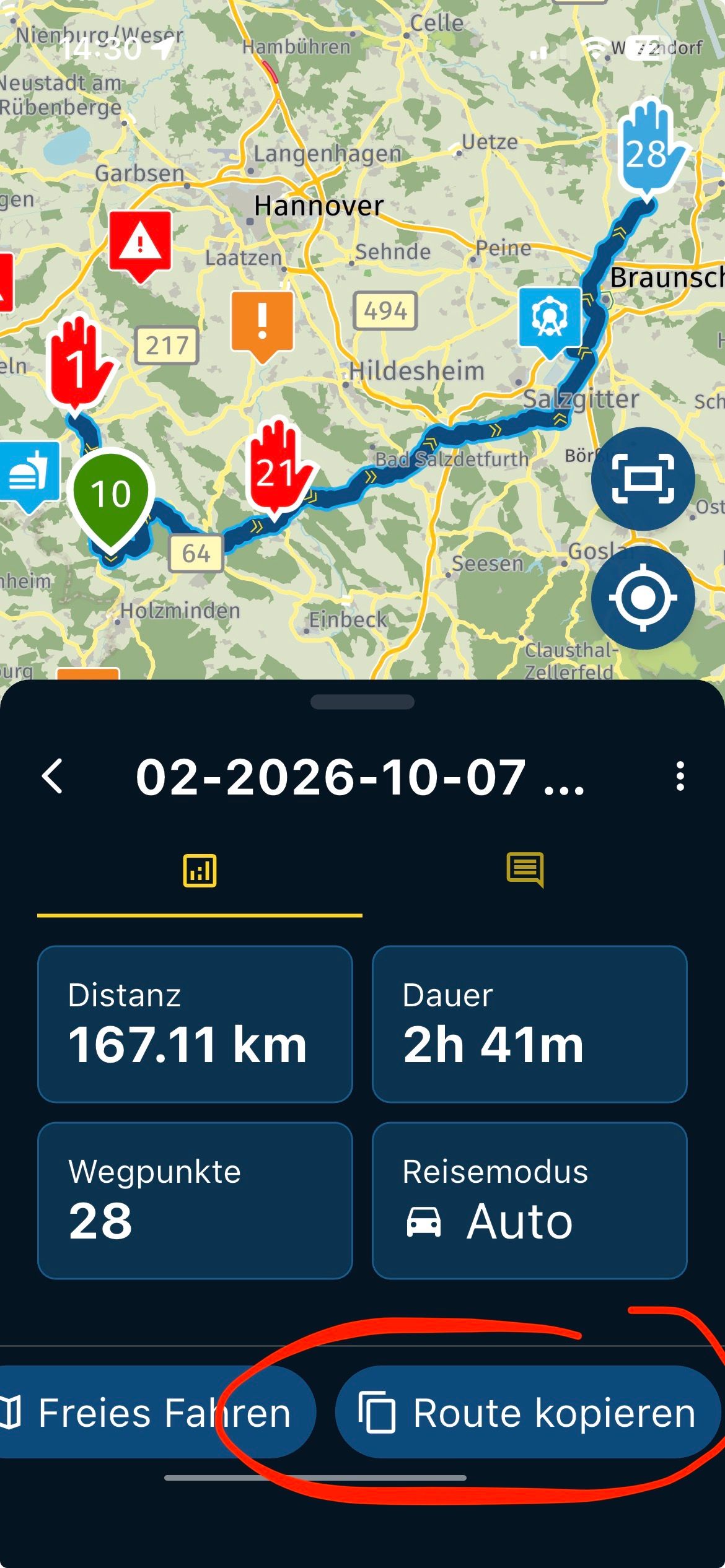
  • MRA 6.0.0 (515) New function- copy route - top

    1
    1
    0 Votes
    1 Posts
    43 Views
    No one has replied
  • 0 Votes
    7 Posts
    64 Views
    Hubert Thoring
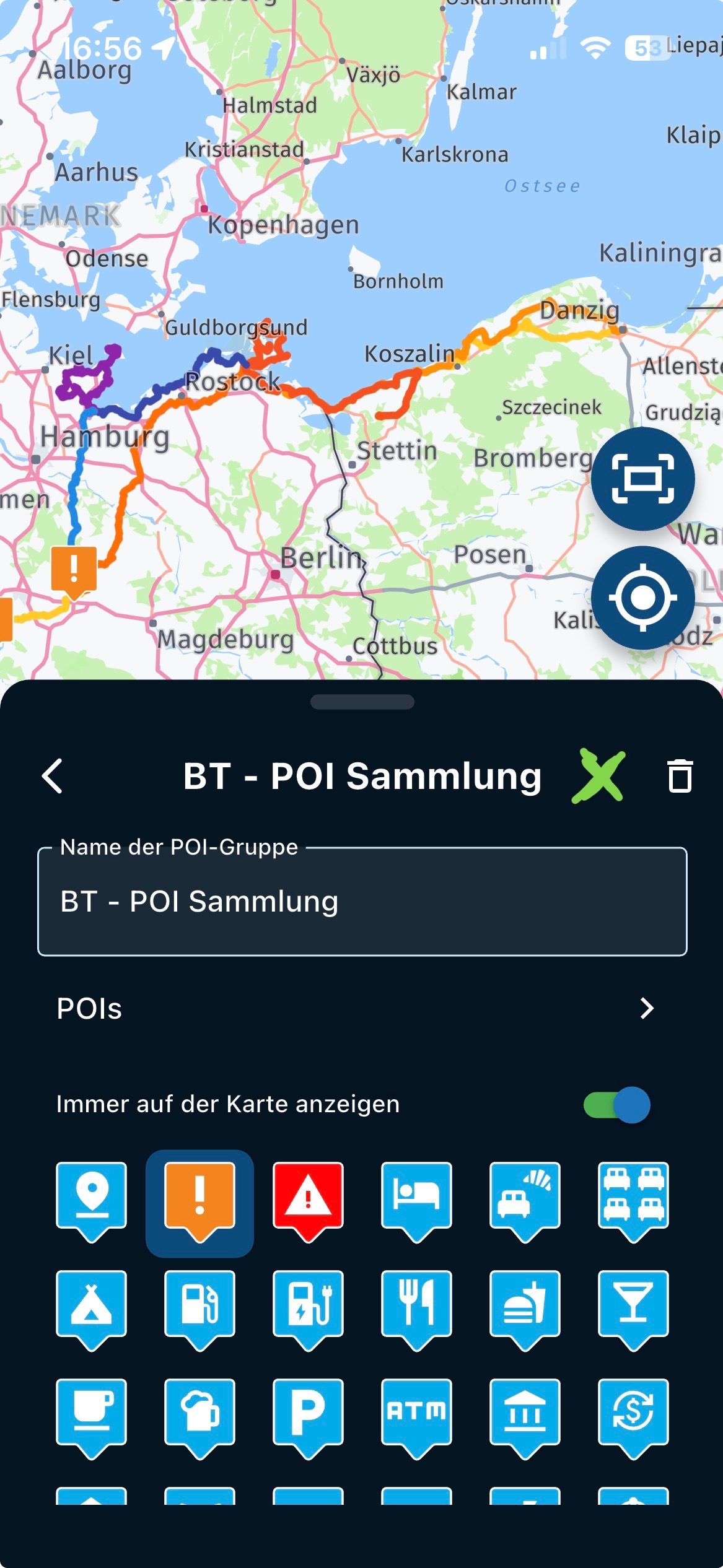
    Hubert-Thoring sagte: @con-hennekens , @marinus-van-deudekom : Explained again. It's about exporting POIs or POI folders that you can now create and manage so wonderfully in the MRA app and then also from the app. Currently you can only import POIs. Currently you can not export POIs But what I lack would be the export of the self-created POIs or even entire POI folders with the POIs stored there then with a simple click, the so-called share. It would be desirable: Share with MRA friends Share then by mail, by WhatsApp etc.... Share and save somewhere on a PC or a hard disk or own cloud. Would be nice if this could become a function in the POI group of the app. Thank you for the great app, I love this app, and recommend MRA to everyone. VG ——- Noch einmal erklärt. Es geht darum POIs oder POI Ordner die man jetzt so wunderbar in der MRA App erstellen kann sowie verwalten kann dann auch aus der App zu exportieren. Aktuell kann man POIs nur importieren. Aktuell kann man POIs nicht exportieren Aber was mir fehlt wäre das exportieren der selbst erstellen POIs oder auch ganze POI Ordner mit den dort gespeicherten POIs dann per einfachen Klick, dem sogenannten teilen. Wünschenswert wäre: Teilen an MRA Freunde Teilen dann per Mail, per WhatsApp usw…. Teilen und damit speichern irgendwo auf einem PC oder einer Festplatte oder eigenen Cloud. Wäre schön wenn dieses einer Funktion in der POI Gruppe der App werden könnte. Vielen Dank für die tolle App, ich liebe diese App, und empfehle MRA gerne jedem. VG Would be nice if it would come too... —-###—- Wäre schön wenn es auch kommen würde…

ACTIVE USERS POPULAR TOPICS MY GROUPS