Skip to content

[Web-Beta] Suggestions and Discussions

536 Topics 1.8k Posts
  • Library: Folders at the Top of the Menu

    1
    2
    0 Votes
    1 Posts
    6 Views
    No one has replied
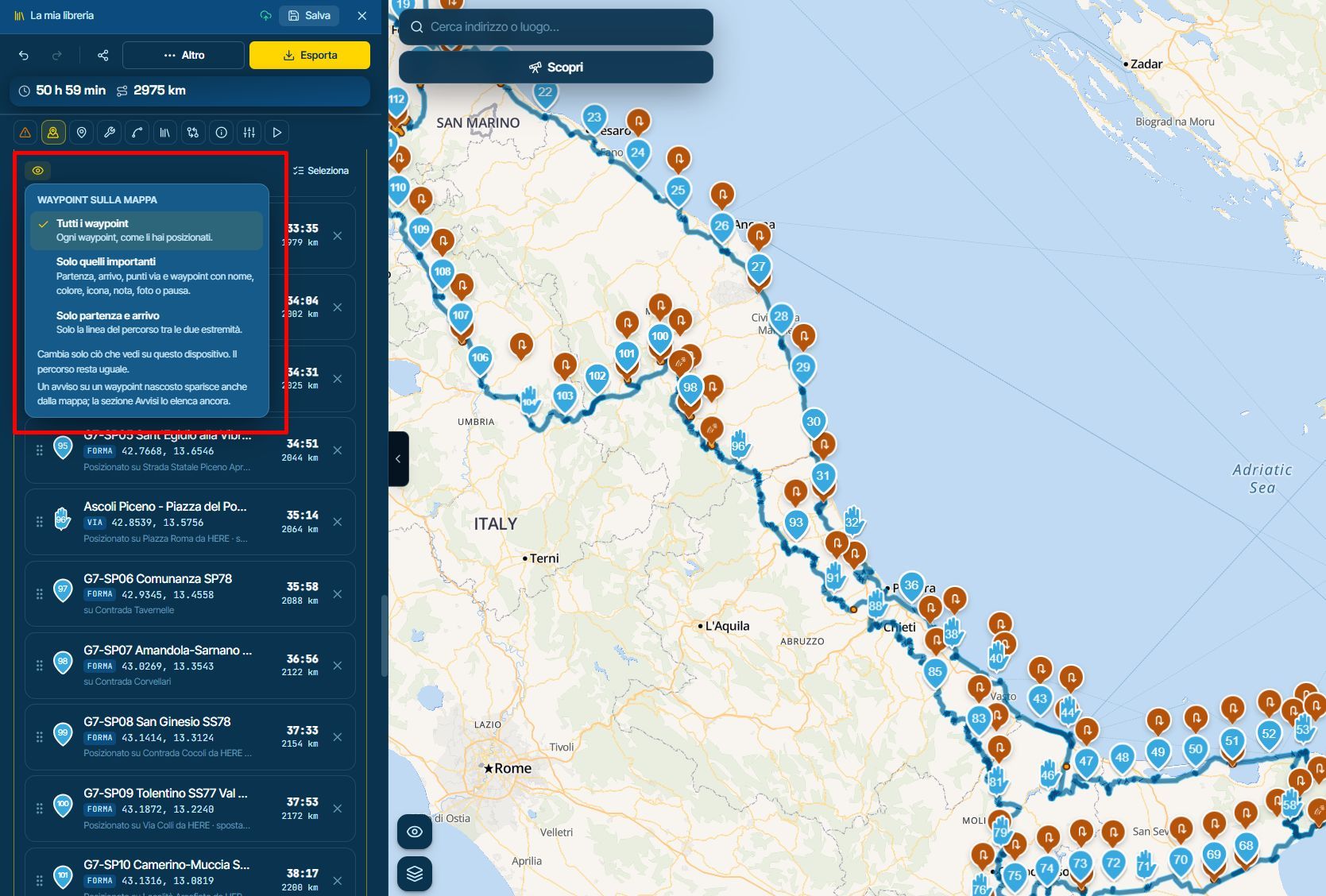
  • Hide warnings on the map

    1
    1
    0 Votes
    1 Posts
    15 Views
    No one has replied
  • Wijzigen startpunt in route

    1
    0 Votes
    1 Posts
    10 Views
    No one has replied
  • Map movement

    Locked
    2
    4
    0 Votes
    2 Posts
    34 Views
    Corjan Meijerink
    Will fix
  • routes gemaakt in beta opslaan in oude MRA routes

    5
    2
    0 Votes
    5 Posts
    49 Views
    Hubert Thoring
    Exporting from Beta to GPX 1.1: First save the file from the beta in GPX 1.1 format on the PC and then upload it to the Old Planner. That should work.
  • Suggestion: Repository for planning notes

    4
    0 Votes
    4 Posts
    66 Views
    richtea999
    What could be a clincher is to be able to feed those random notes into the AI side to get suggested improvements to the route. In particular, if you're someone who has random butterfly thoughts that you scribble down before you've actually planned any more than the first 50 miles (visit Avebury for an hour, then ride to Northumberland!) it would be very nice to get some suggestions. You might not take it, but at least you've got some cool ideas.
  • bitmaps for poi groups

    1
    0 Votes
    1 Posts
    15 Views
    No one has replied
  • Suggestion: Club folder permission attributes

    3
    0 Votes
    3 Posts
    48 Views
    Anonymouse
    Brilliant. Thank you.
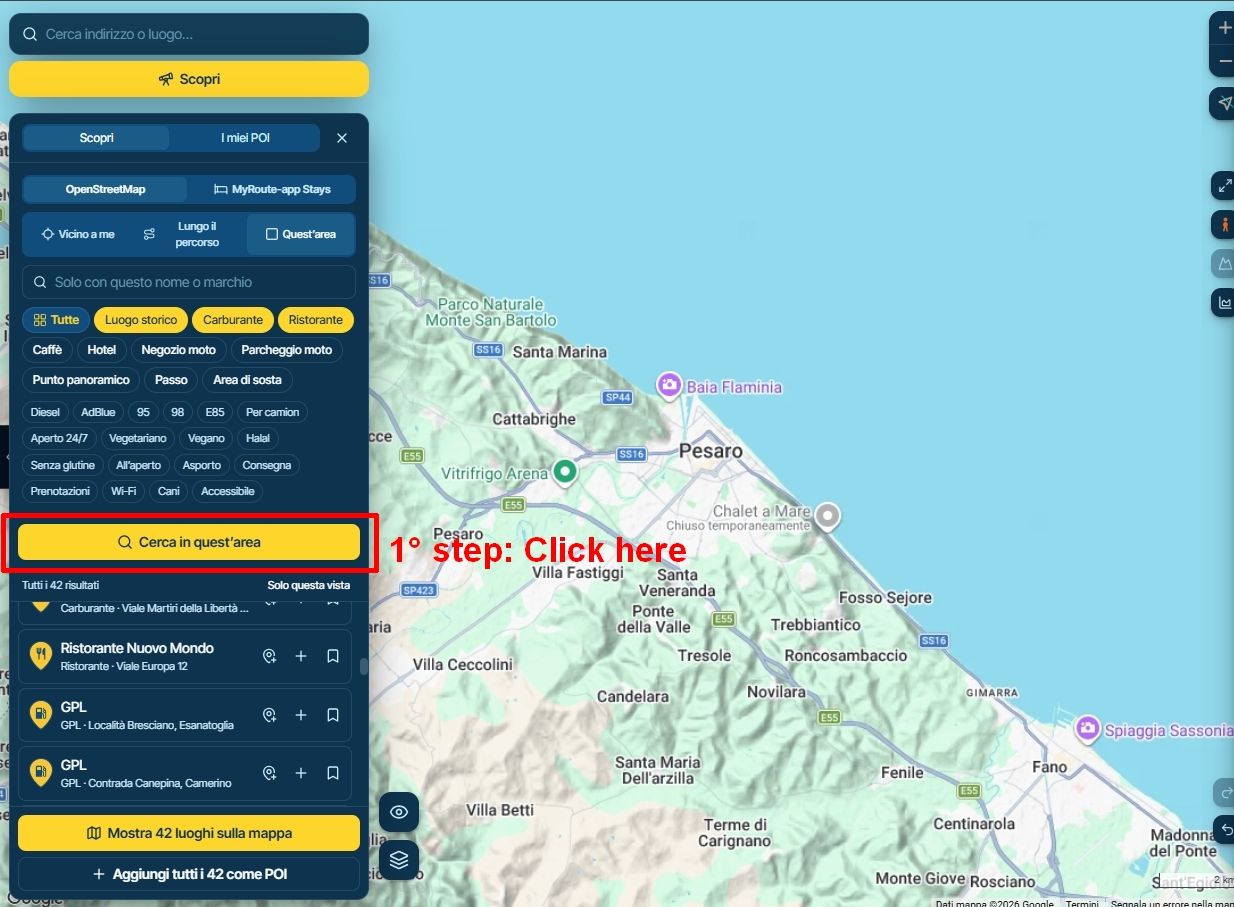
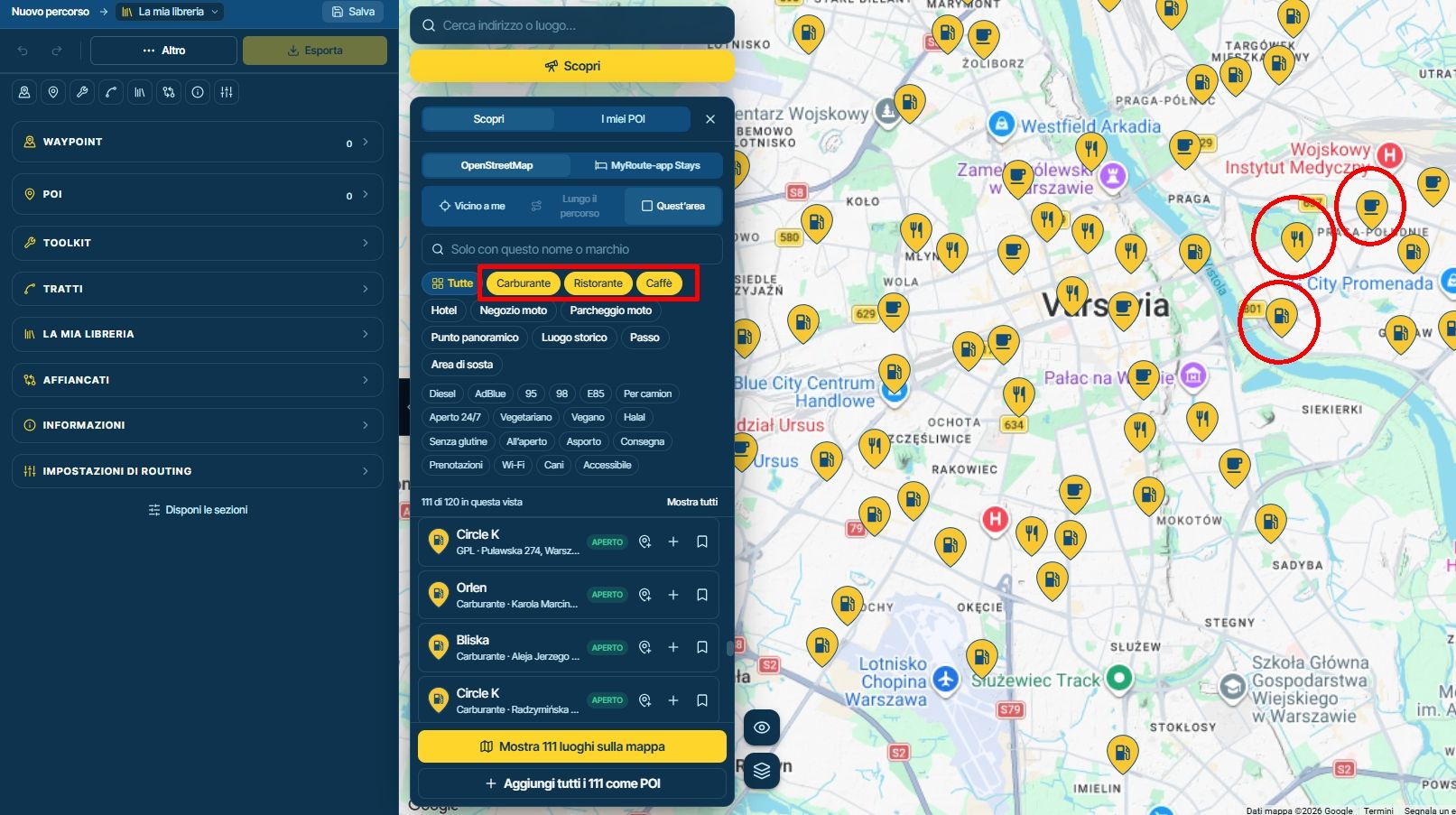
  • "Discover" menu

    1
    2
    0 Votes
    1 Posts
    19 Views
    No one has replied
  • This topic is deleted!

    1
    3
    0 Votes
    1 Posts
    1 Views
    No one has replied
  • This topic is deleted!

    1
    1
    0 Votes
    1 Posts
    2 Views
    No one has replied
  • Suggestion: hyperlink from club member list

    Locked
    2
    0 Votes
    2 Posts
    44 Views
    Corjan Meijerink
    Will do!
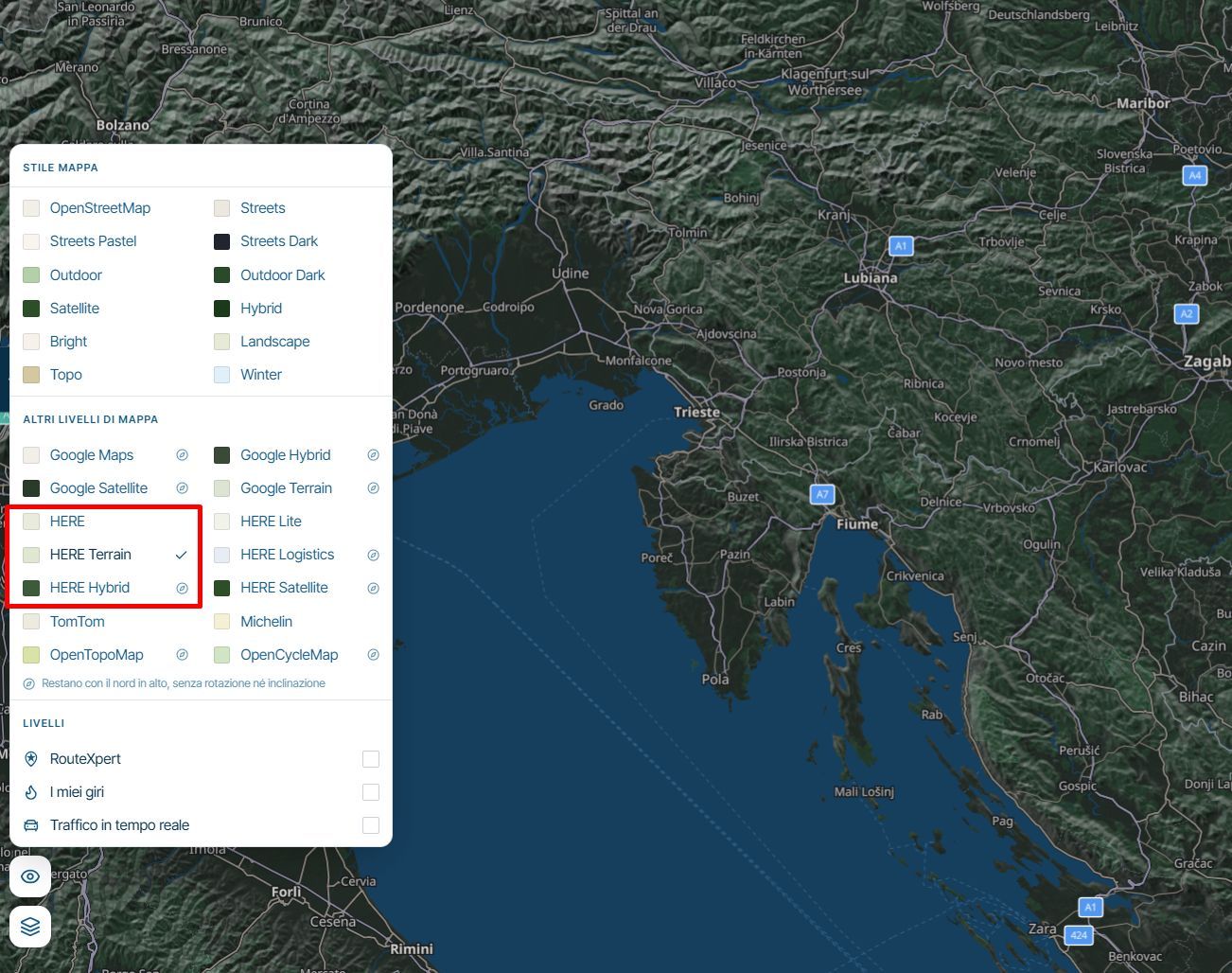
  • Are all HERE maps dark-themed?

    Locked
    3
    2
    0 Votes
    3 Posts
    66 Views
    Corjan Meijerink
    Thanks, will make some improvements
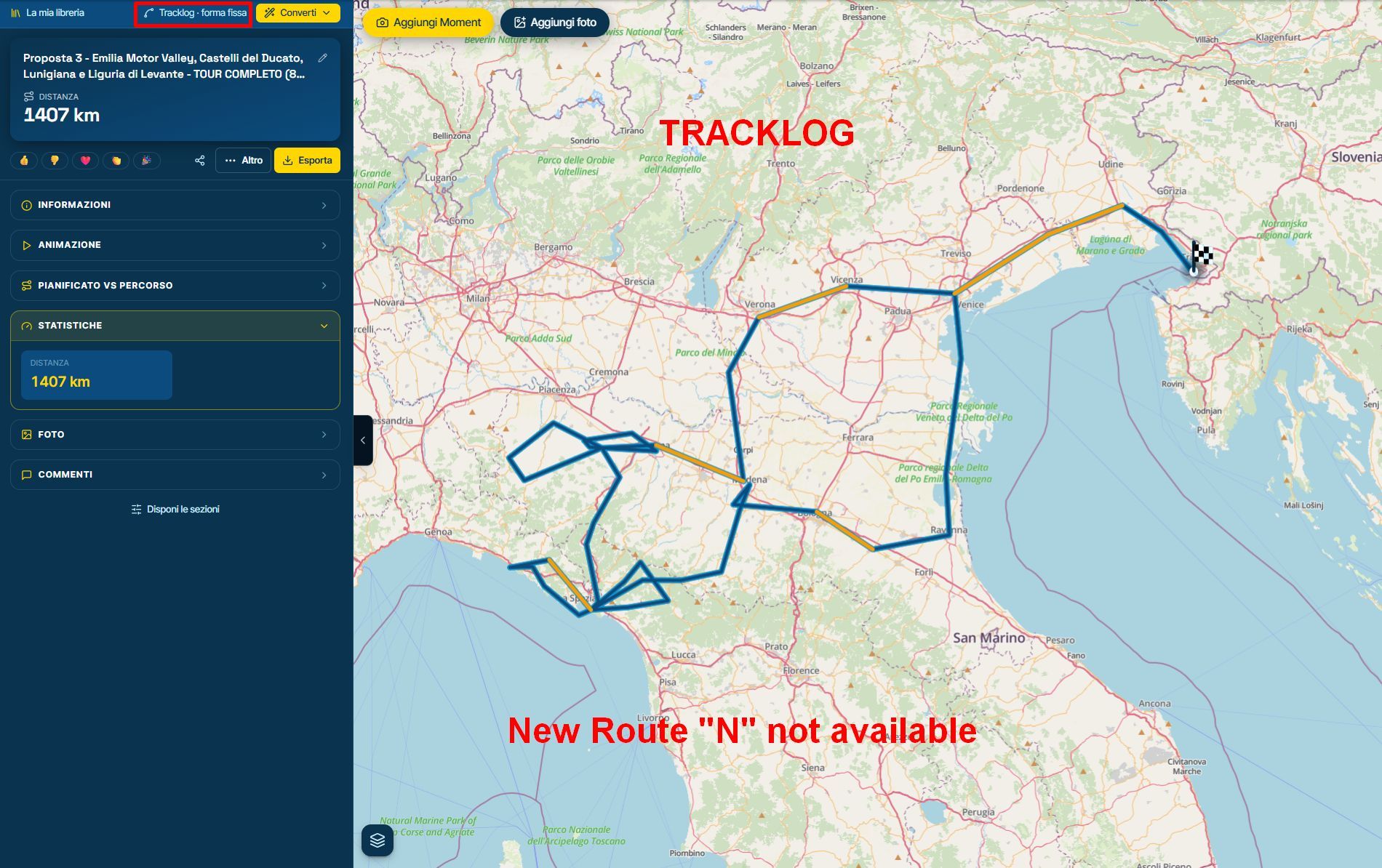
  • New Route "N" not available with tracklog

    Locked
    2
    1
    0 Votes
    2 Posts
    30 Views
    Corjan Meijerink
    No. You are looking at a tracklog. Not planning a route.
  • Club routes public/private

    2
    0 Votes
    2 Posts
    43 Views
    Corjan Meijerink
    Short answer: you can leave your route on Private. Once a route is in a club's library, every member of that club can open it, whatever privacy the route itself has. Nobody outside the club sees it because of that. There are three ways to put a route in a club ("Add route" on the club's Routes tab): Link (the default): the route stays in your own library and the club shows the latest version. If you edit it, members see the change. It stays Private for everyone else. Copy: the club gets its own copy, and your original stays as it was. Move: the route goes to the club and leaves your library. To see what you have shared: in your own library a linked route shows a small link icon with a number, which is how many clubs or events it is linked into. When you open the route in the planner, the Information section lists them under "Linked into". Those are the routes to be careful with, because members see every change you make. The manual page is a good idea. We'll add a section on contributing routes to a club, with the tips you mention (fill in the information, tidy up waypoint colours, and so on).

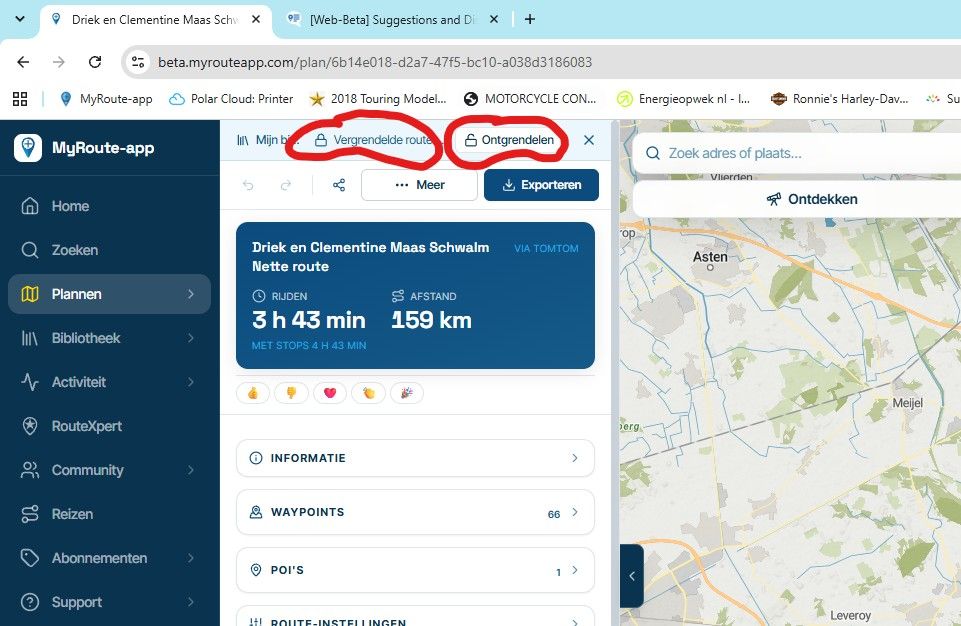
  • Suggestie: Toggle vergrendelen/ontgrendelen met één knop

    2
    2
    0 Votes
    2 Posts
    38 Views
    Corjan Meijerink
    Die ene knop bestaat eigenlijk al: rechts op de kaart, in het rijtje kaartknoppen, staat een hangslotje. Eén klik vergrendelt de route, nog een klik ontgrendelt hem weer, en je ziet aan het slotje meteen hoe hij staat. Het menu onder "Meer" werkt ook al zo: daar staat "Route vergrendelen" als hij open is en "Ontgrendelen" als hij op slot zit. De knop "Ontgrendelen" bovenaan zie je alleen bij een vergrendelde route. Op die plek staat normaal de Opslaan-knop, en die kan dan niet gebruikt worden. Daarom staat daar wat er aan de hand is en hoe je eruit komt. Een vaste "Vergrendelen"-knop naast Opslaan houden we liever weg, zodat niemand per ongeluk een route op slot zet terwijl hij wil opslaan. Probeer het slotje op de kaart eens en laat gerust weten of dat voor je werkt!
  • zoom level folder previews

    1
    0 Votes
    1 Posts
    22 Views
    No one has replied
  • Voorstel ivm gesloten routes vermijden

    1
    1 Votes
    1 Posts
    23 Views
    No one has replied
  • Organiseren van Reizen

    1
    0 Votes
    1 Posts
    17 Views
    No one has replied
  • MRA AI Routeplanner - Improvement

    4
    0 Votes
    4 Posts
    94 Views
    richtea999
    Good work, Corjan. Summarised nicely. Thanks as ever.
ACTIVE USERS POPULAR TOPICS MY GROUPS